
2.6.7 Auto-Repeat Insert Type and Size
2.6.7 auto
These two auto-suggestions are simply to speed up the data-entry process.
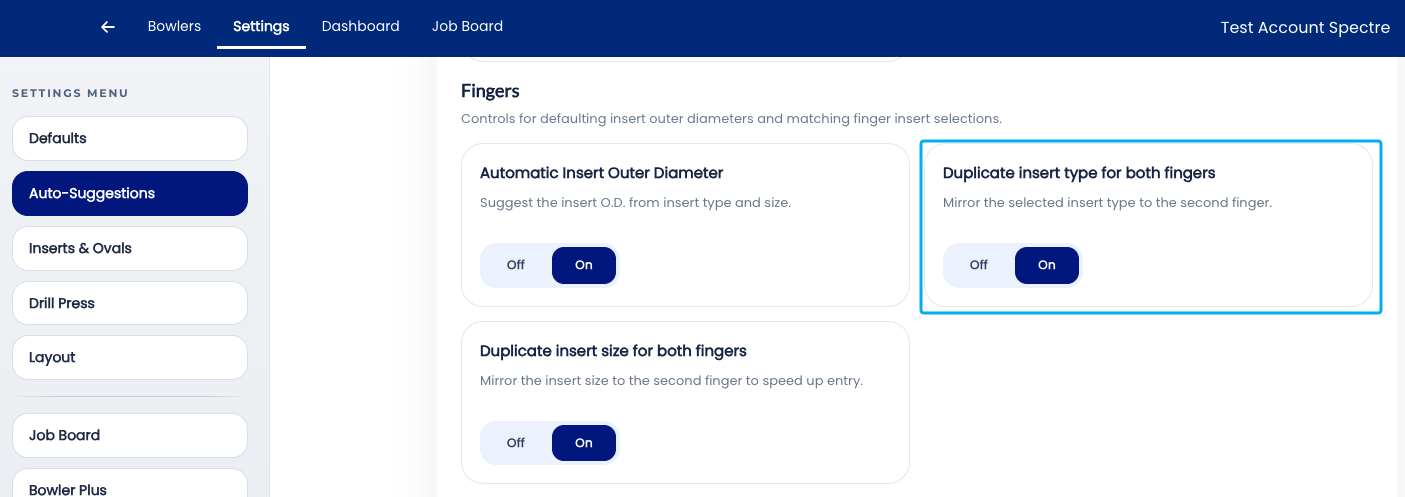
Typically, bowlers will use the same insert type on both fingers, therefore the "Auto-Repeart Insert Type" will populate both fingers with the selected insert type from the middle finger.
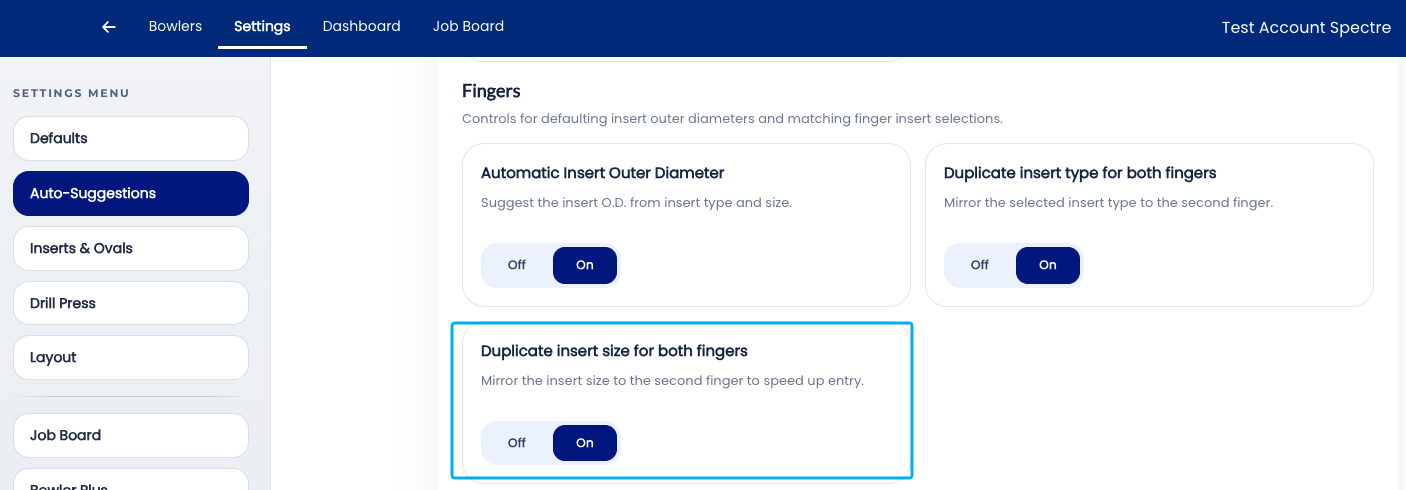
Second, by turning on the "Auto-Repeart Insert Size", once you select the middle finger insert size, it will duplicate it on the ring finger. This is nice since most ring fingers are only a size or two smaller than the middle finger. Ex: Middle finger = 11/16, Ring might be 21/32, which is right below the list in the dropdown. This removes unnecessary scrolling and helps save you some time.
🛠️ Enabling or Disabling Auto-Repeat Insert Type
🛠️ Enabling or Disabling Auto-Repeat Insert Size
Related Sections
- 2.6.6 — Autofill Insert OD: auto drill bit size per insert type and grip
- 2.6.5 — Autofill Bridge: auto standard bridge (1/4" fingertip, 3/8" conventional)
- 2.6.1 — Overview: why leaving all auto-suggestions on saves time
- 2.6.8 — Next auto-suggestion setting (if applicable)
- 3.x — Bowlers: recording finger measurements in a bowler profile
- 4.x — Spec Sheet: entering insert sizes and OD
Tip: Auto-Repeat Insert Size is one of those settings that is invisible when it is working correctly — the middle finger field is simply already filled in when the fitter gets to it. Its value becomes obvious the first time it is turned off and a fitter submits a spec sheet with the middle finger field blank. Leave it on.