
2.2.1 Bowler Hand — setting your default (RH / LH)
2.2.1 setting
The Bowler Hand default setting controls whether new bowler profiles and new spec sheets are pre-filled as right-handed or left-handed. It is a time-saving convenience — nothing more. You can always change the handedness on any individual bowler or spec sheet after the fact.
🎳 What This Setting Does
When you create a new bowler profile or a new spec sheet, Spectre Cloud pre-fills the Bowler Hand field with your default. That's all it affects. It does not change anything on existing profiles or existing spec sheets — only on records you create after changing the default.
🛠️ Changing the Default
- Select Settings
- Under the System Defaults tab, locate the Bowler Hand field.
- Select
Right HandorLeft Hand. - Changes will save automatically.
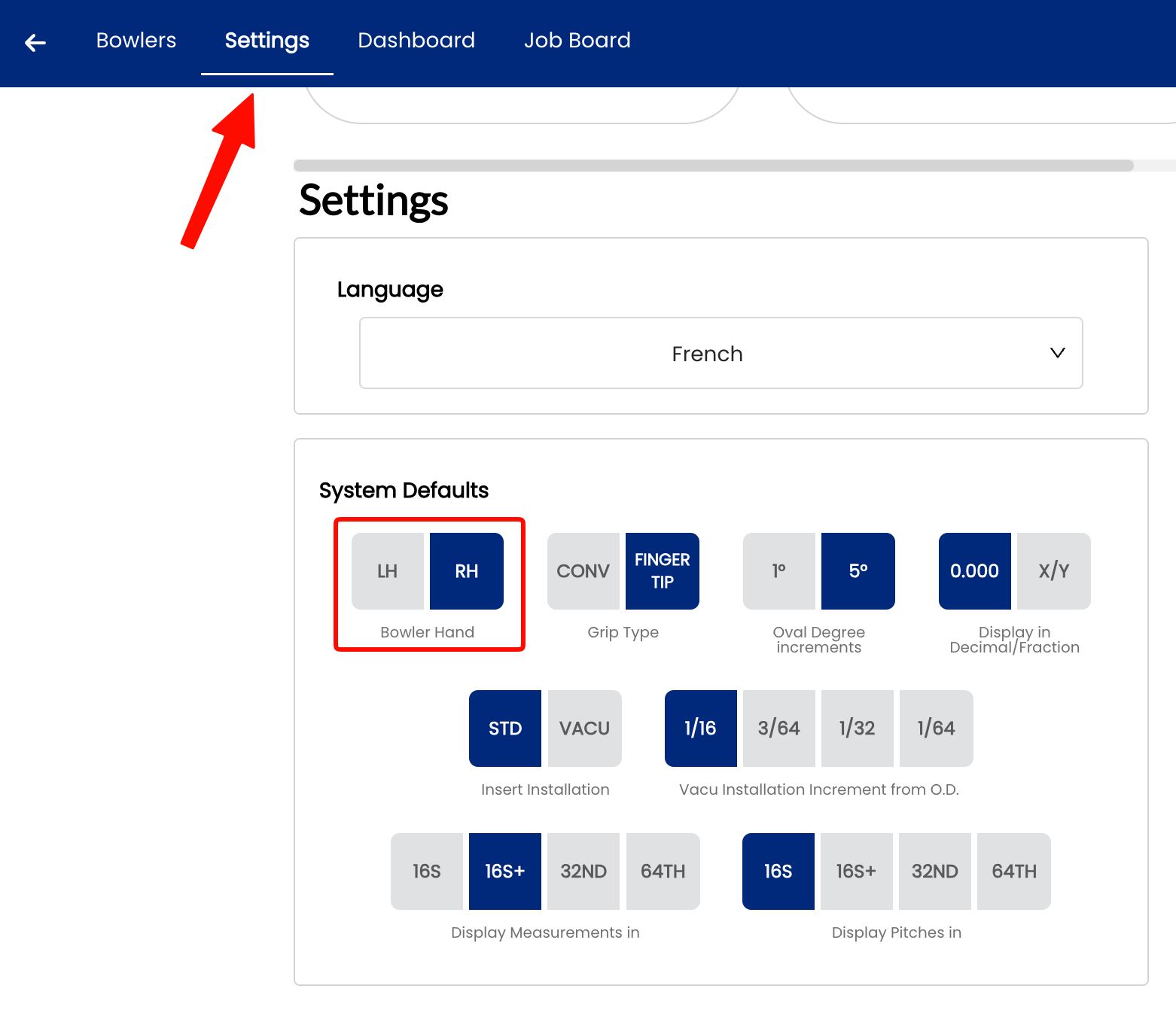
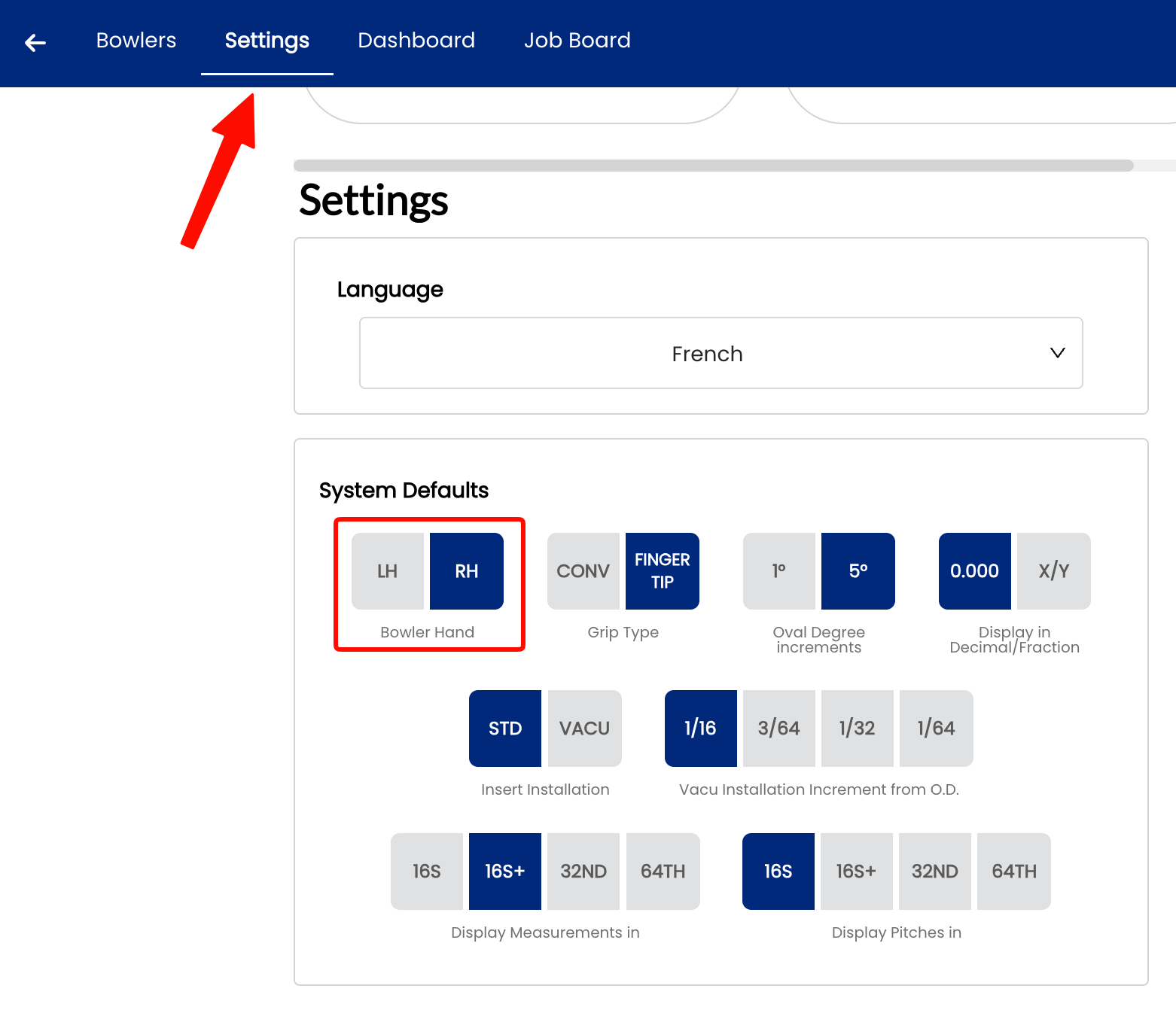
📌 Important: Handedness Exists in Two Separate Places
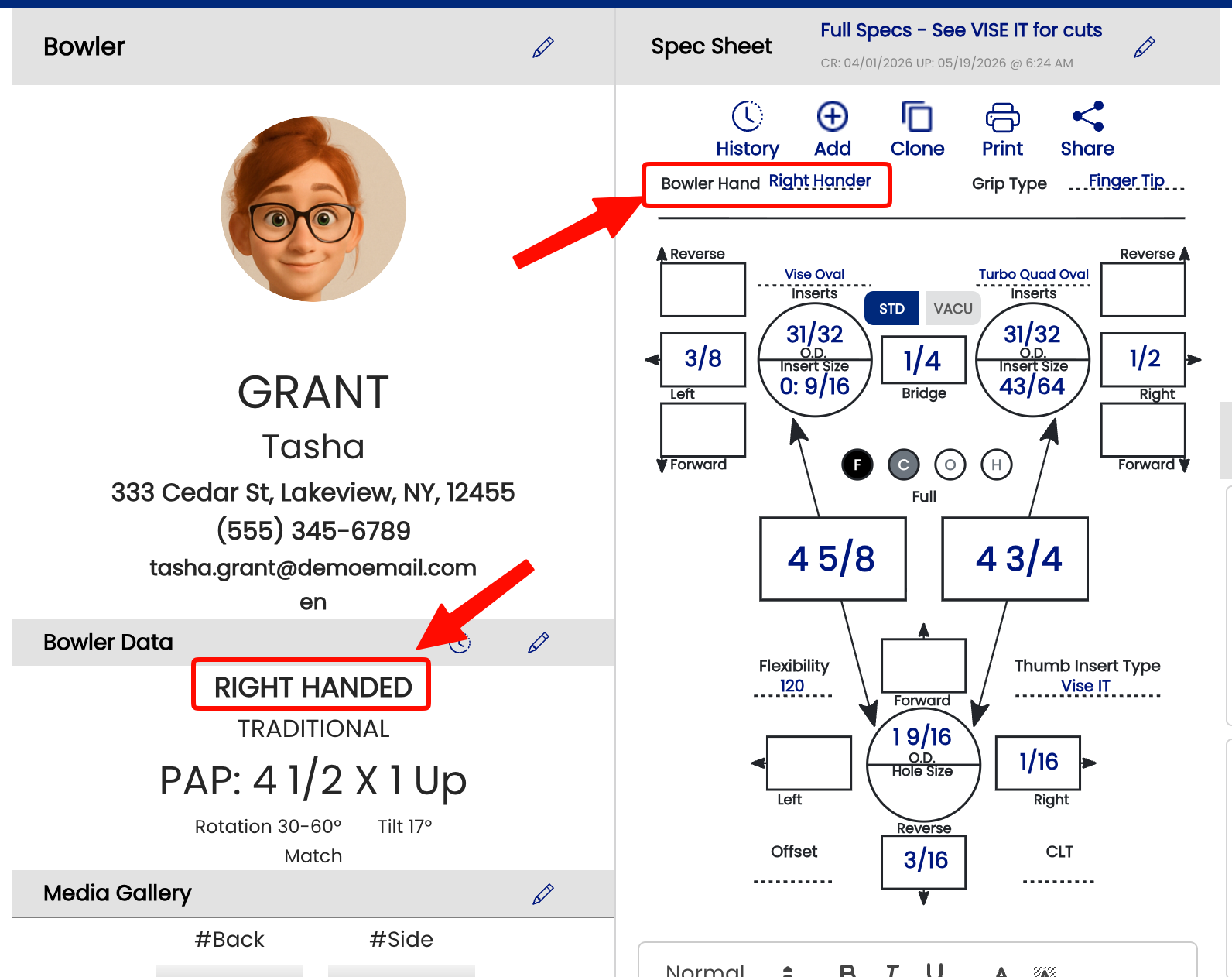
This is one of the most common points of confusion in Spectre Cloud. Handedness is stored independently in two places:
- ✅ The bowler profile — the hand setting for that client.
- ✅ The spec sheet — the hand setting for that specific drilling record.
These two values are not linked. Changing a bowler's hand in their profile will not update any spec sheets that already exist for that bowler.
⚠️ Why This Matters — The Oval Calculator
The oval calculator uses the handedness stored on the spec sheet itself, not the bowler profile. This is a frequent source of confusion.
A common scenario:
- You create a bowler profile as Right Hand.
- You create a new spec sheet — it inherits Right Hand at the time of creation.
- You later correct the bowler profile to Left Hand.
- The existing spec sheet still reads Right Hand — and the oval calculator will calculate accordingly.
If you notice the oval calculator producing unexpected results, check the handedness field directly on the spec sheet, not just on the bowler profile. Update the spec sheet itself if needed.
Related Sections
- 2.2.2 — Setting Your Default Span Type
- 2.2.3 — Setting Your Default Ball Weight
- 5.x — Oval Calculator Overview
Tip: If you switch a bowler from right-handed to left-handed in their profile, take a moment to open any existing spec sheets and update the hand field there too — especially if you plan to use the oval calculator on those sheets.