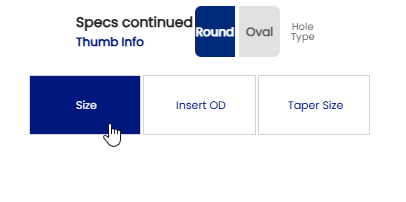
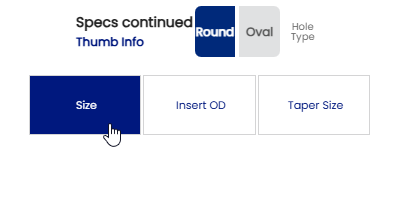
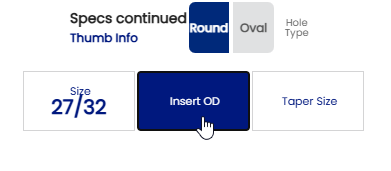
For pre-drilled or pre-molded thumb inserts, select "Round" for Hole Type.
If installing a Contour or Turbo pre-sized insert, find the right size insert to fit the sides of the thumb comfortably.
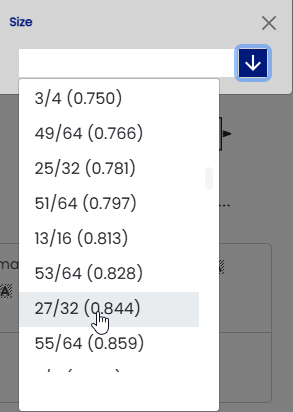
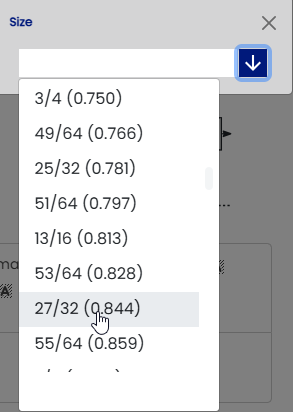
Click "Size" to open the Drop-down list:
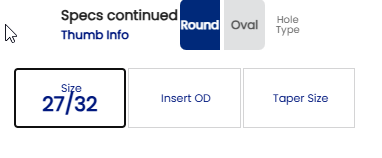
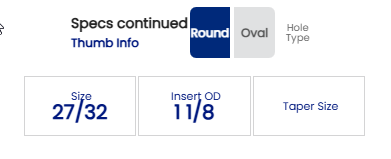
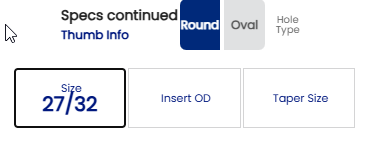
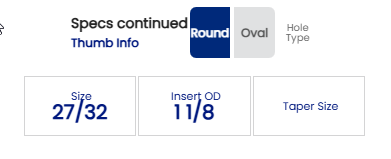
When you select the correct size, it will appear in the "Size" box
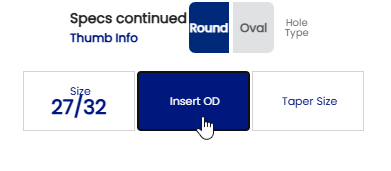
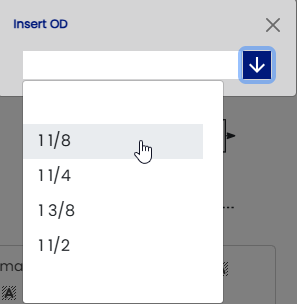
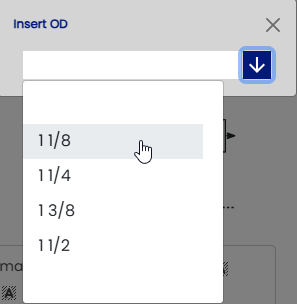
Then click on the "Insert OD" button to open the Drop-down list for the bit size.
Select the drill bit size for the correct OD of the insert:
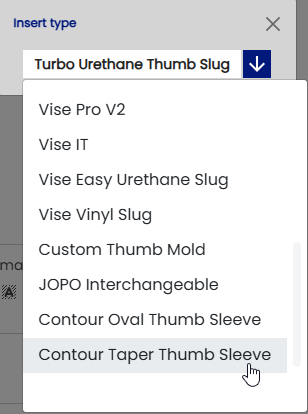
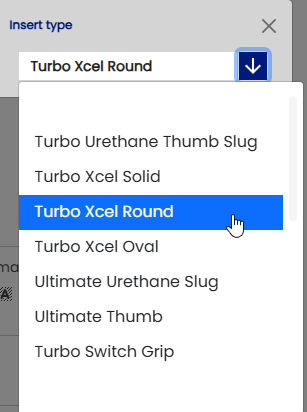
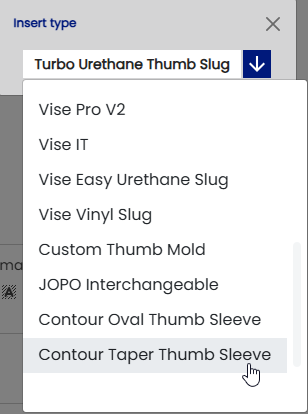
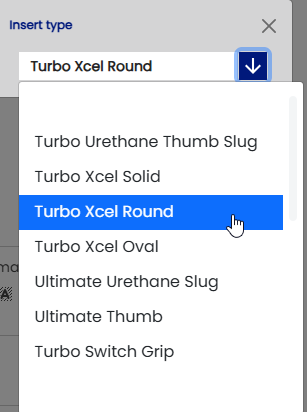
You can then select the Brand/type of insert by clicking in "Insert type"
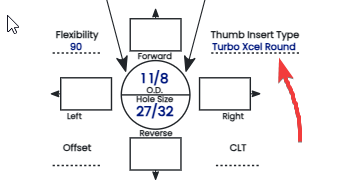
Turbo Xcel Round / Oval
Contour Round Taper / Oval Thumb Sleeve
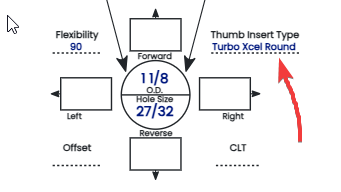
Example:
You are all set to drill the thumb !!!!
The process is the same with the pre-sized oval sleeve thumb as the round thumb.
Note: If you are using either a Turbo Xcel Oval or a Contour Oval thumb insert, you must align the oval to the proper angle for the bowler before you glue it in permanently.