4.3.1 Entering finger hole size (ring and middle fingers)
Entering finger hole size (ring and middle fingers)
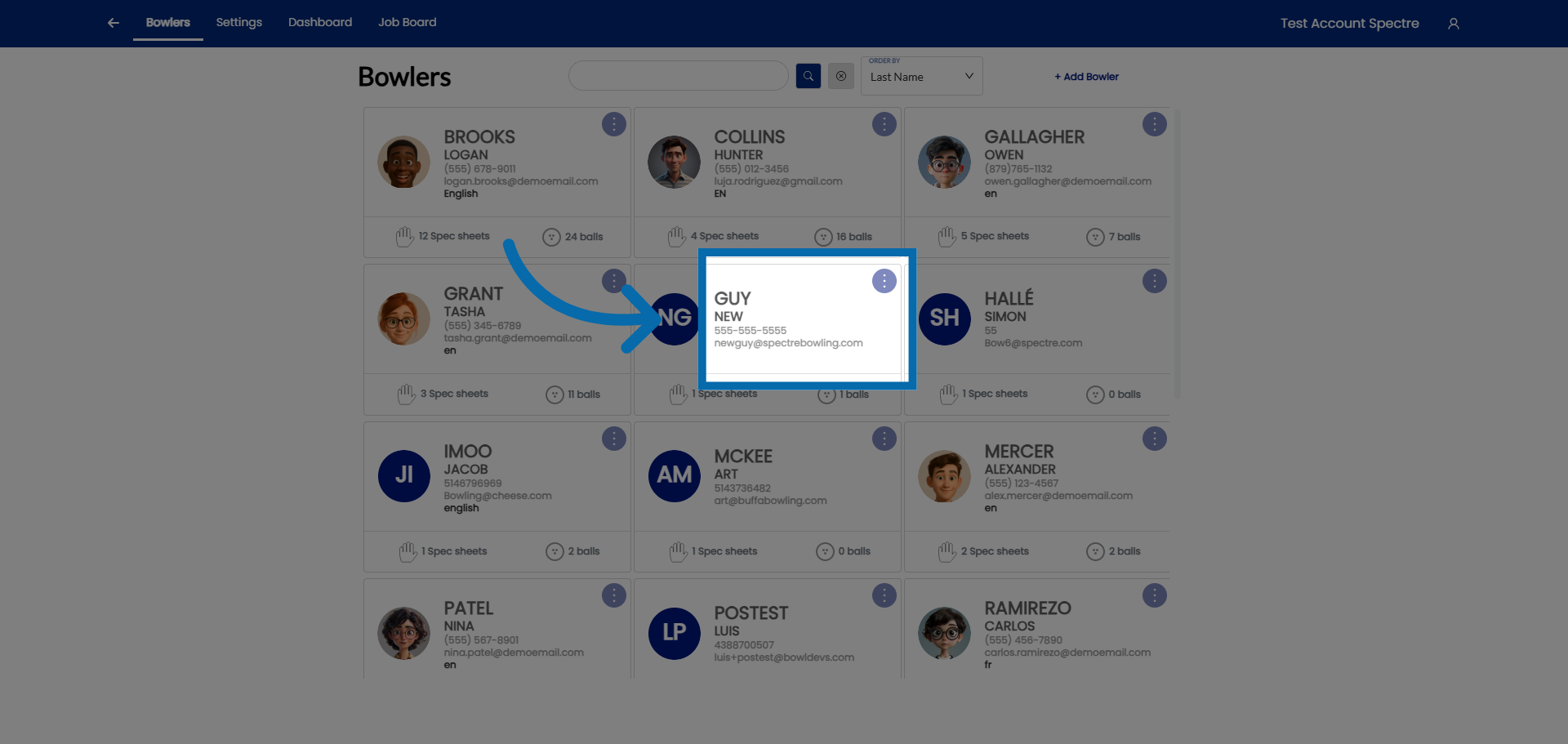
1. Select Customer Account
Click and select the bowler
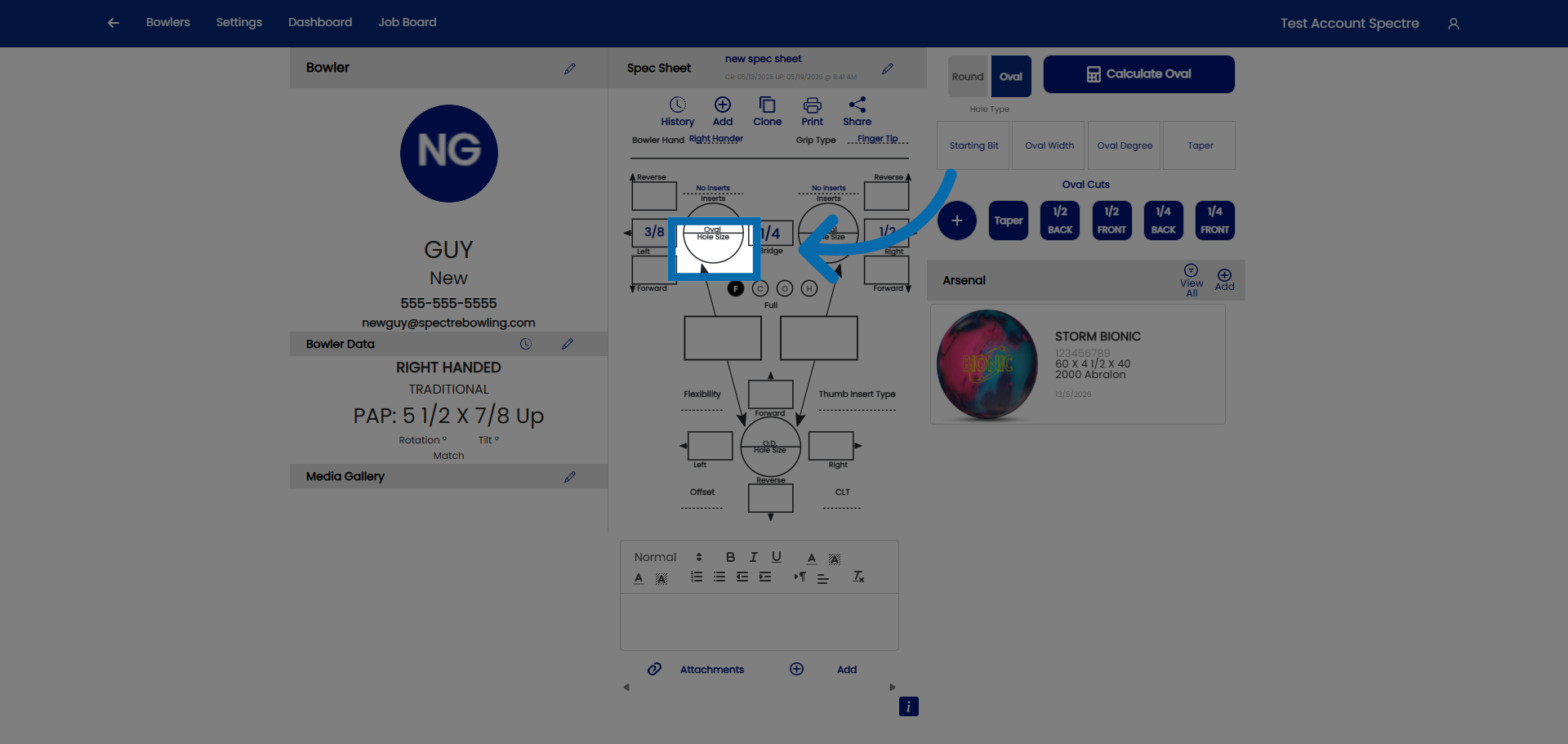
2. Hole size
Click on hole size
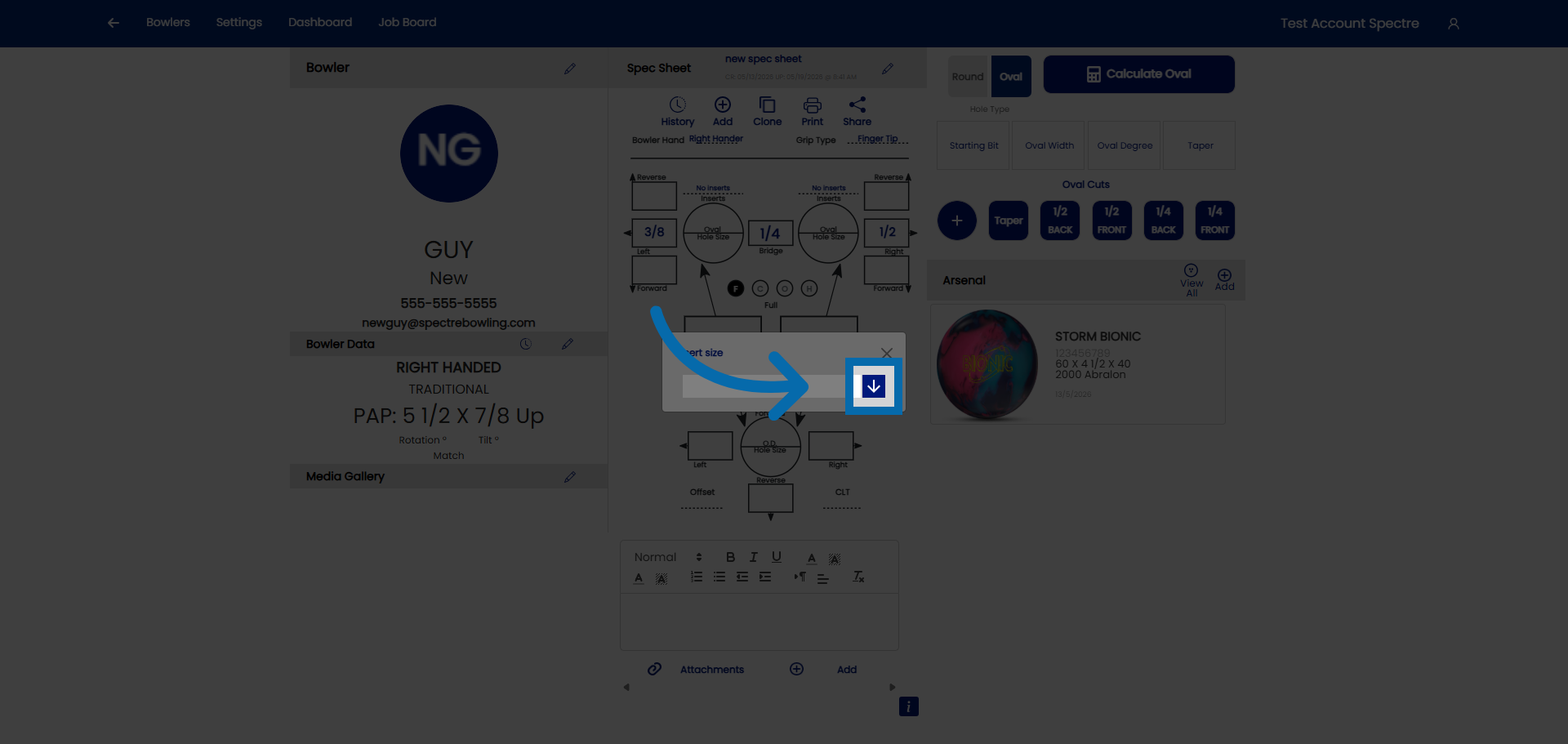
3. Open drop down
Click here to open the drop down.
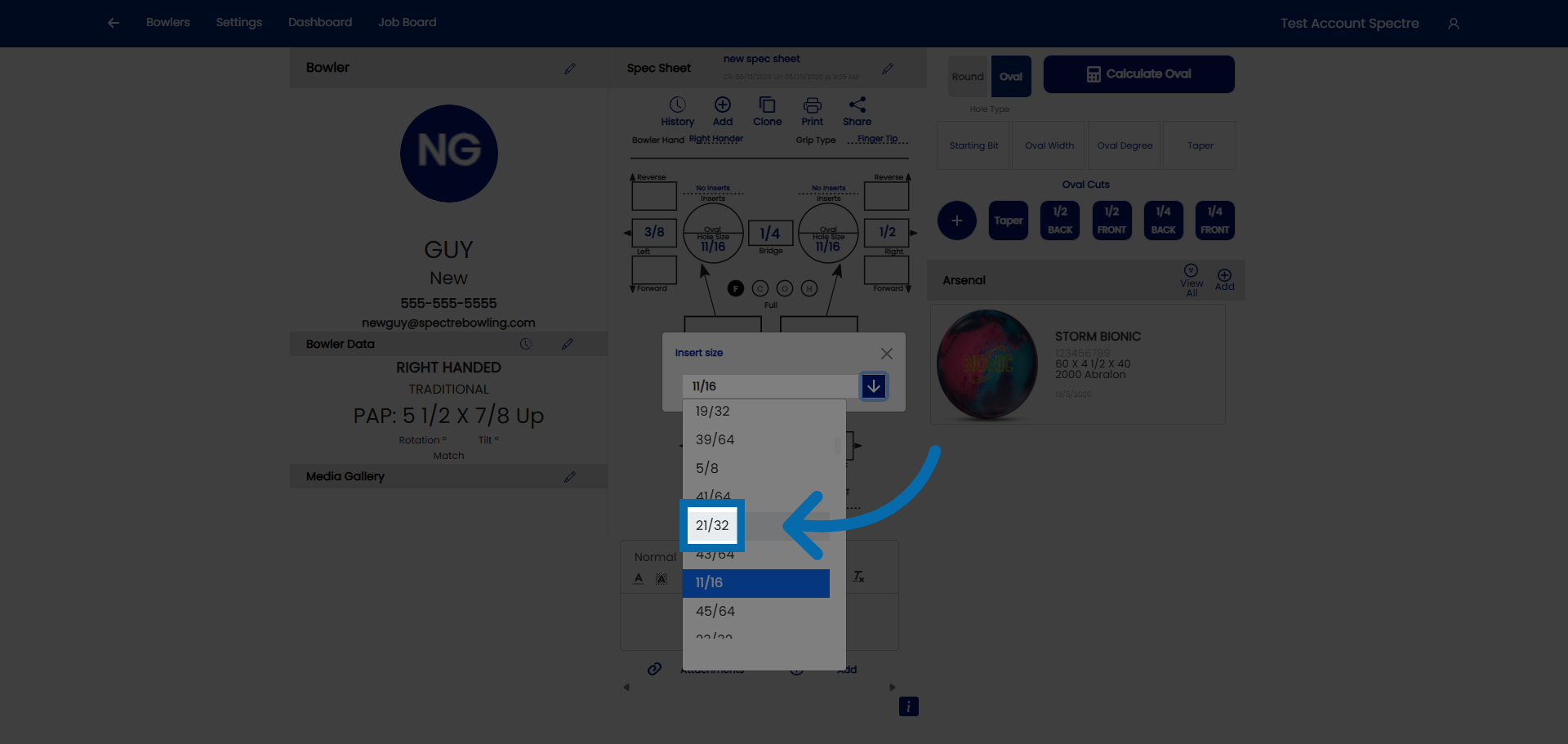
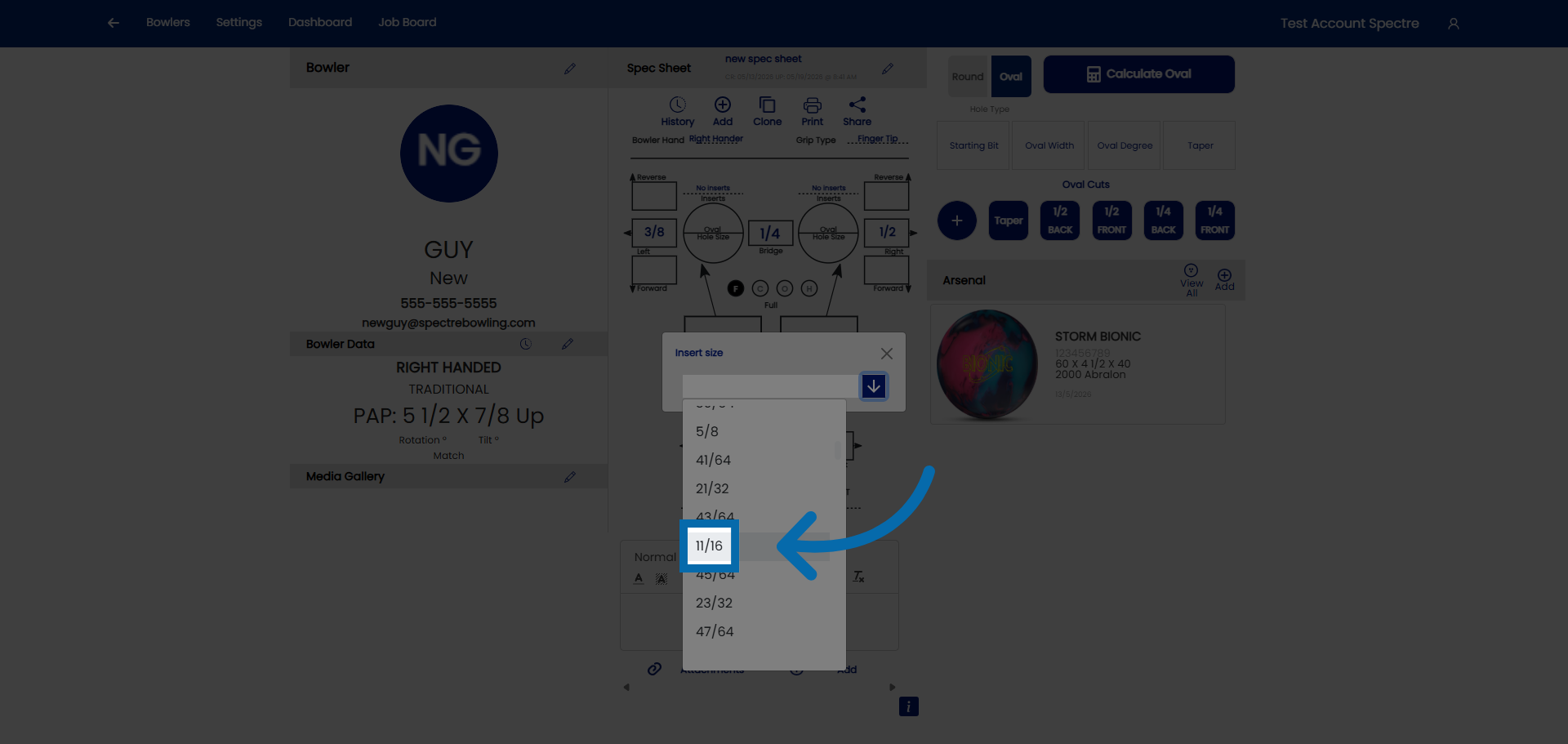
4. Select the size
Click and select the size of the hole
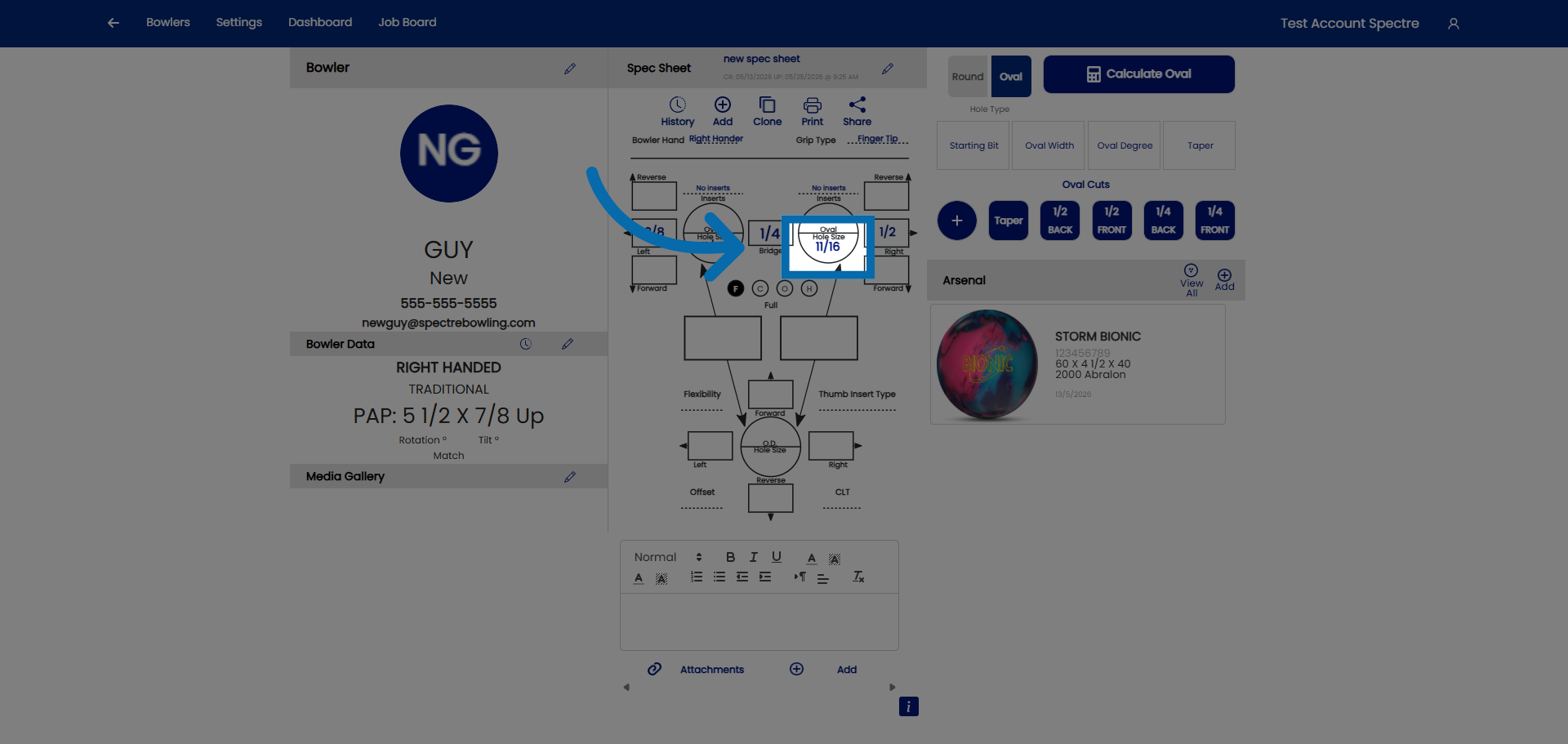
5. Hole size
Repeat the same process for the other finger.
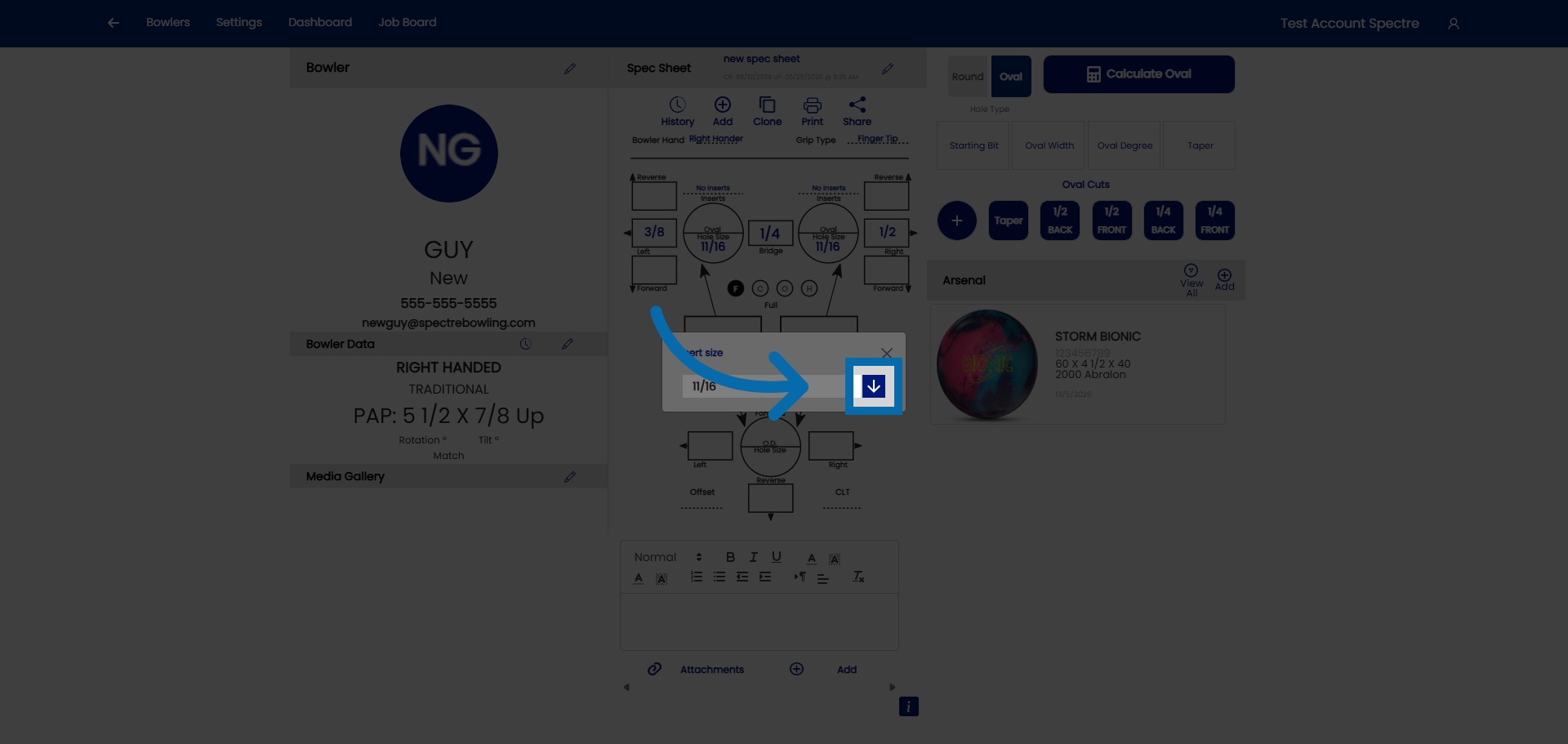
6. Open drop down
Open the drop down
7. Select the size
Select the size