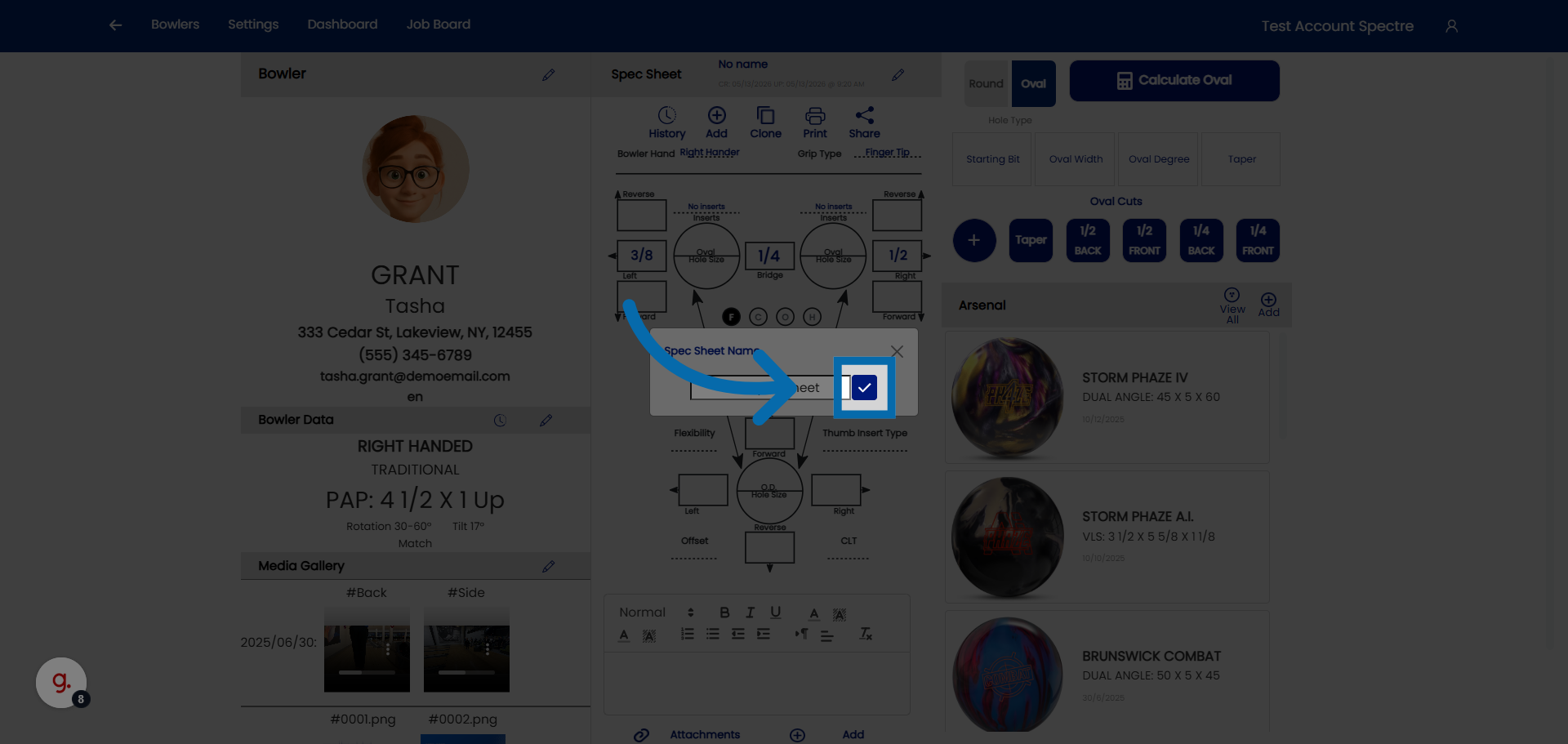
4.2.1 Creating a blank spec sheet for a bowler
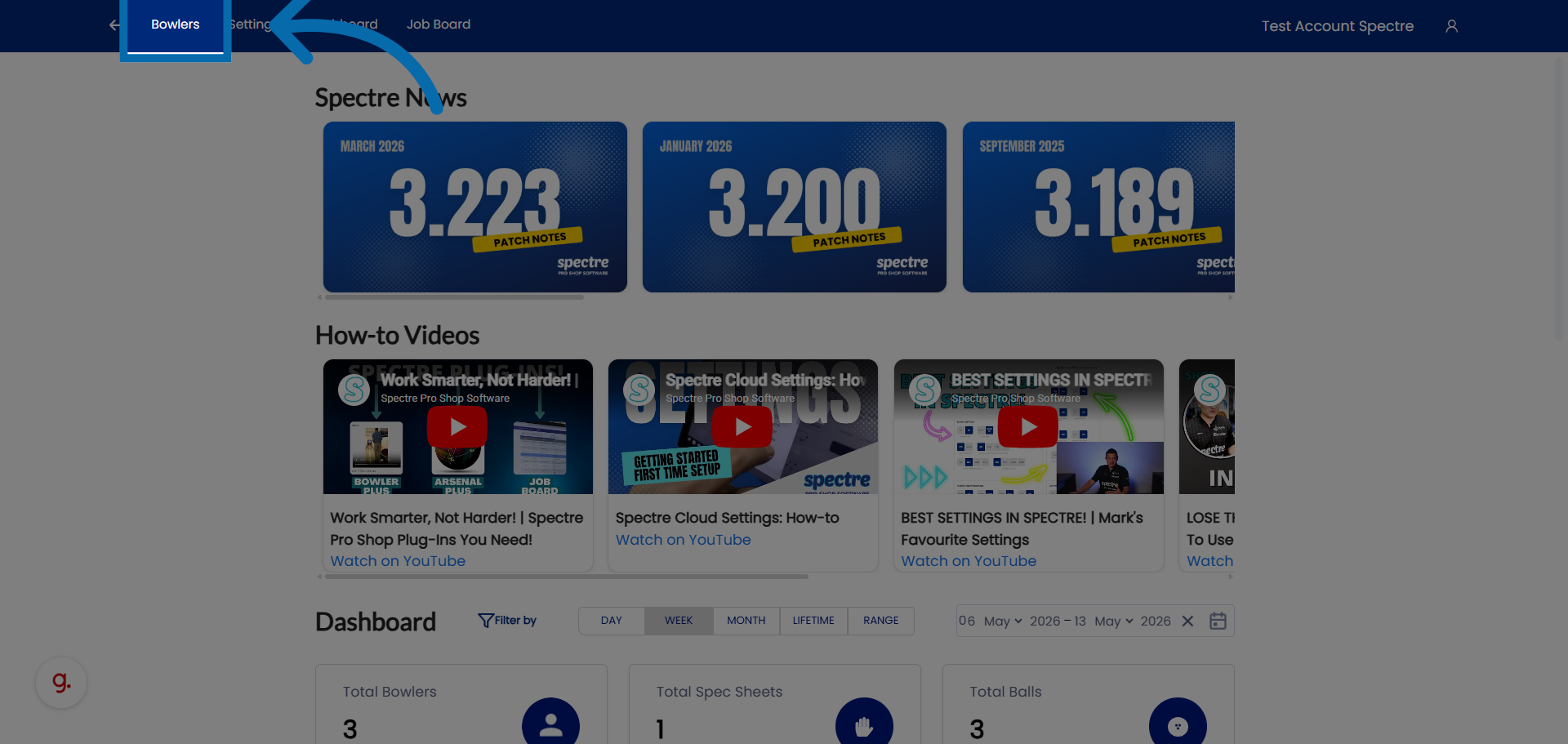
1. Access Bowler Profiles
Click "Bowlers" to open the list of bowler profiles in Spectre Proshop .
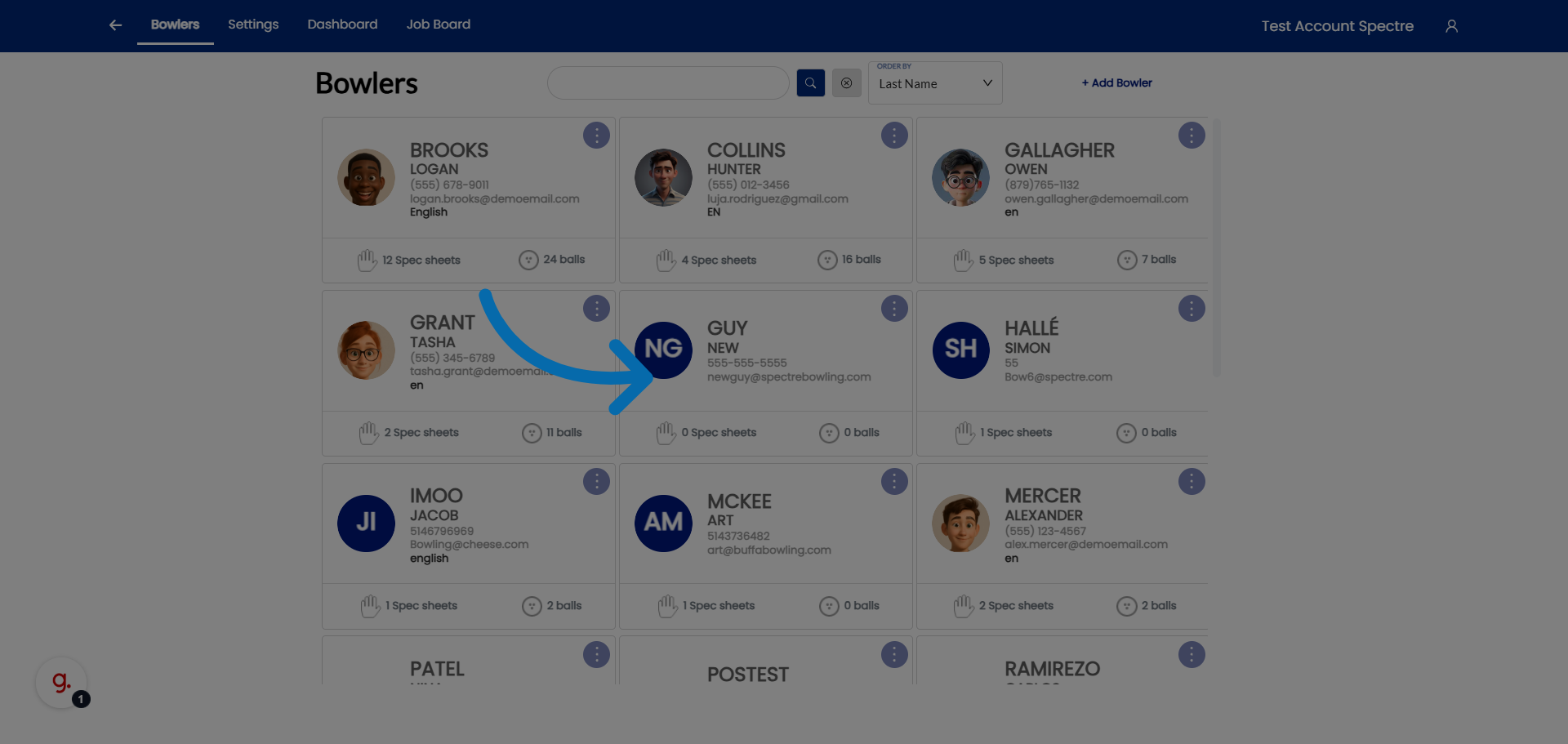
2. Select Bowler
Select the bowler to view the specific bowler's profile details.
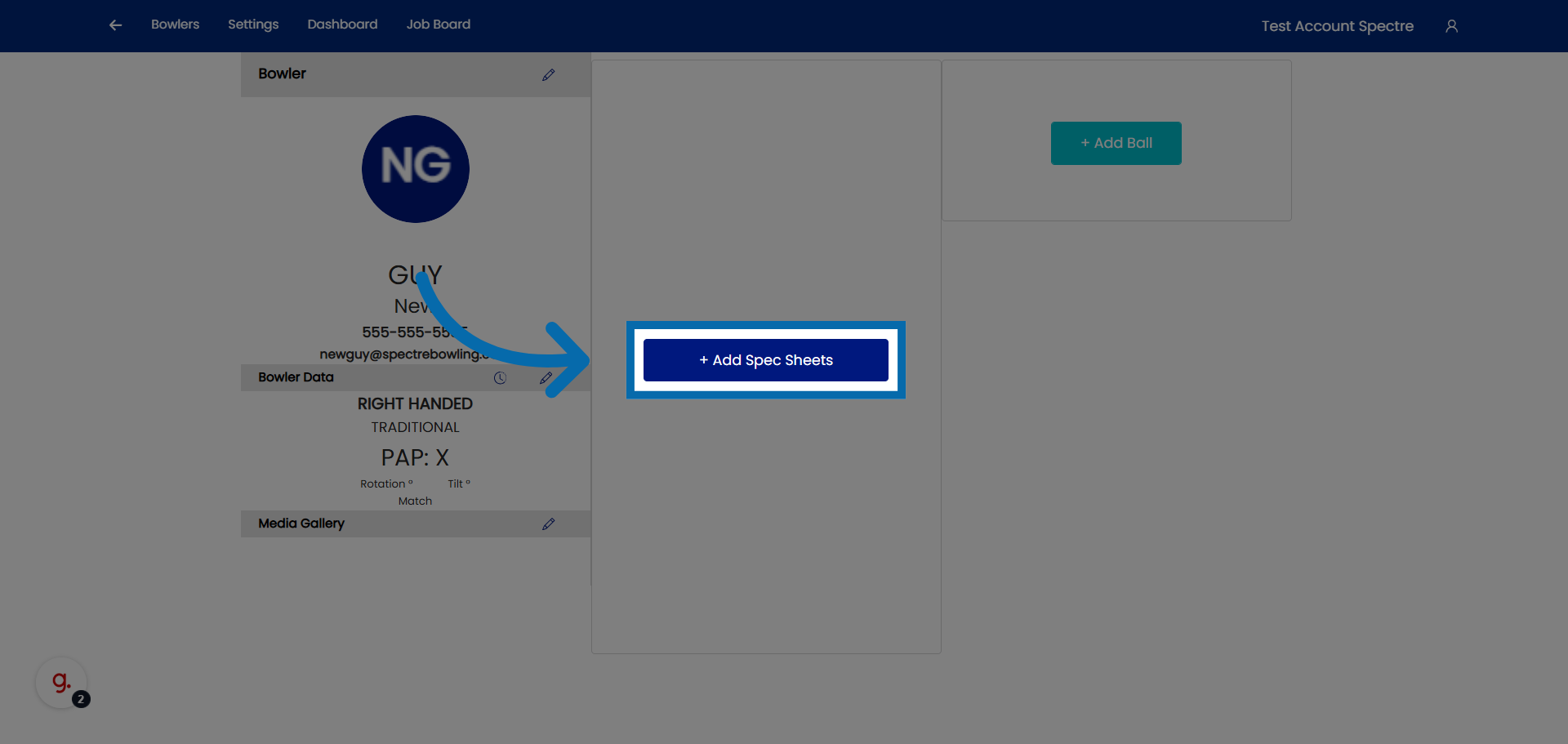
3. Open Spec Sheets Addition
Click "Add Spec Sheets" to begin adding a new spec sheets for the selected bowler.
4. Lets create a new spec sheet for an already existing profile.
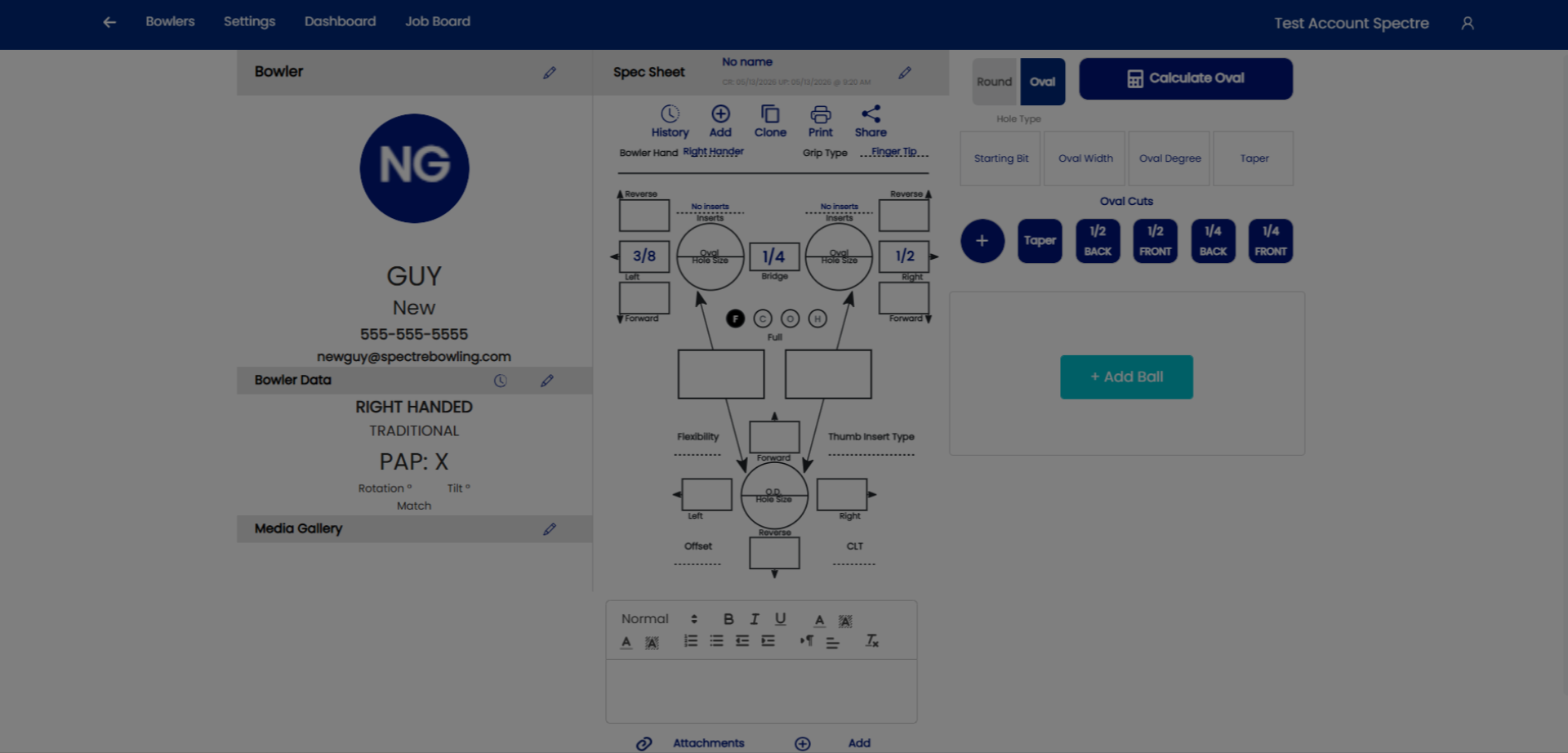
5. Select a bowler
Select your already existing bowlers profile.
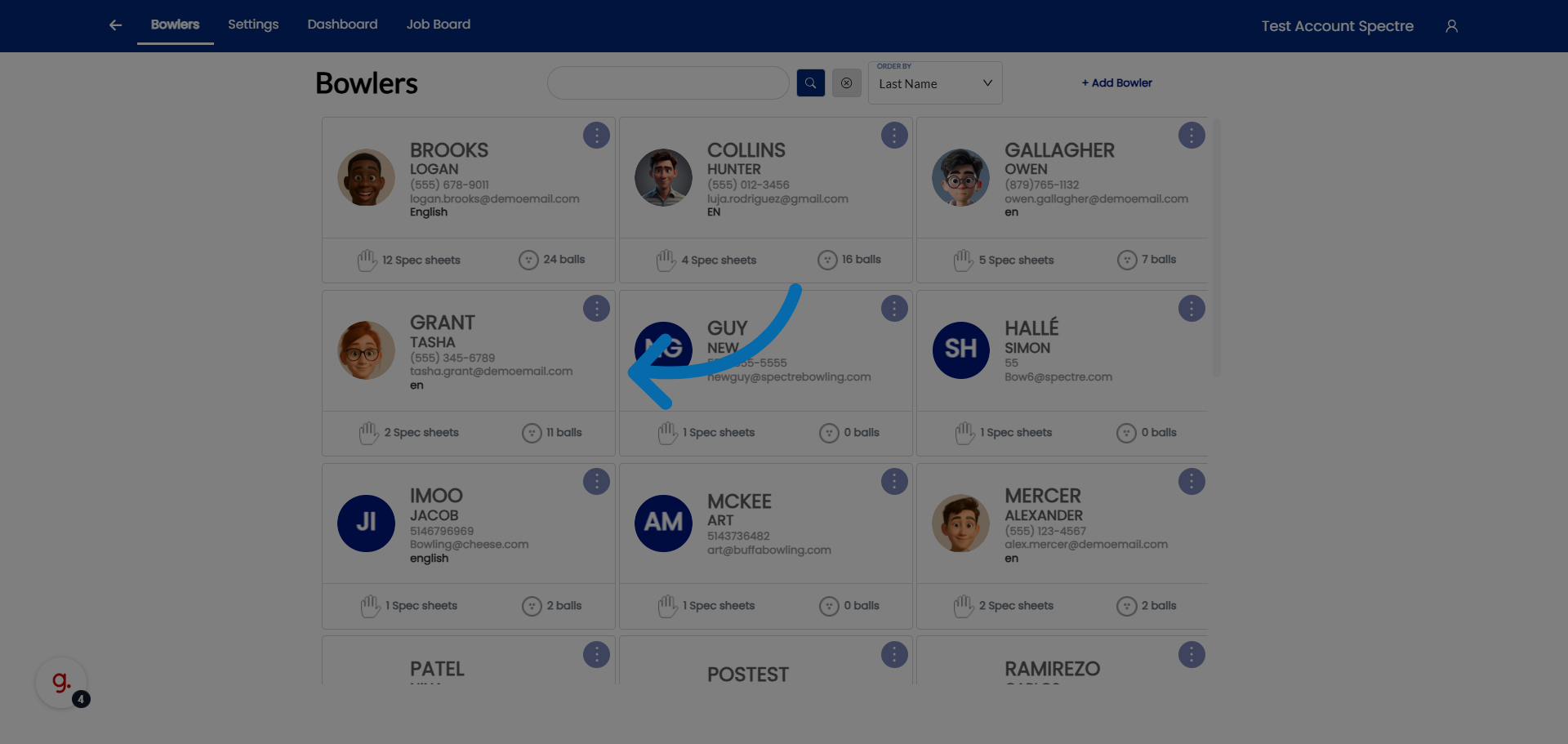
6. Open Additional Options
Click here to add a new spec sheet to the bowler.
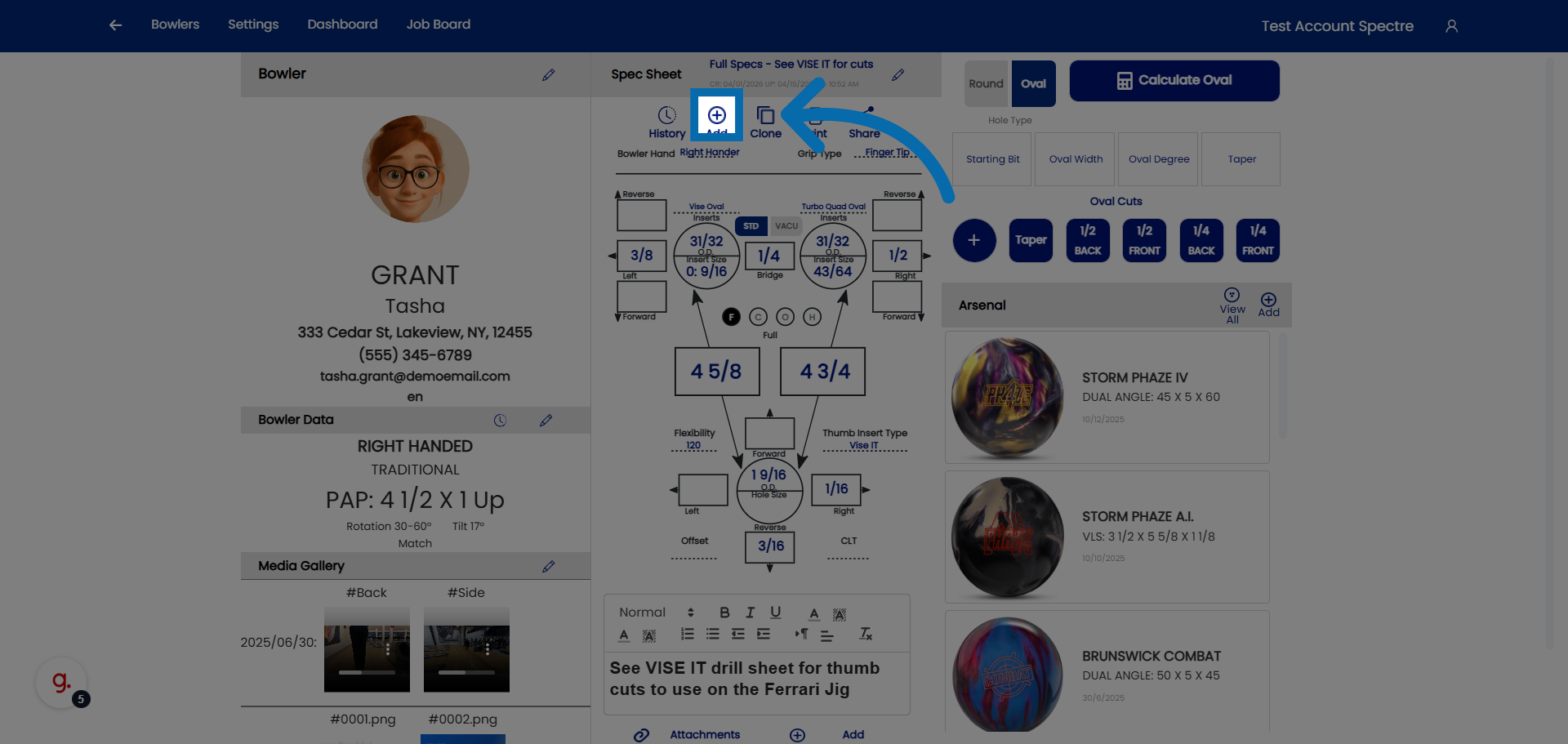
7. Access Further Spec Sheet Settings
Click here to modify the name of the spec sheet
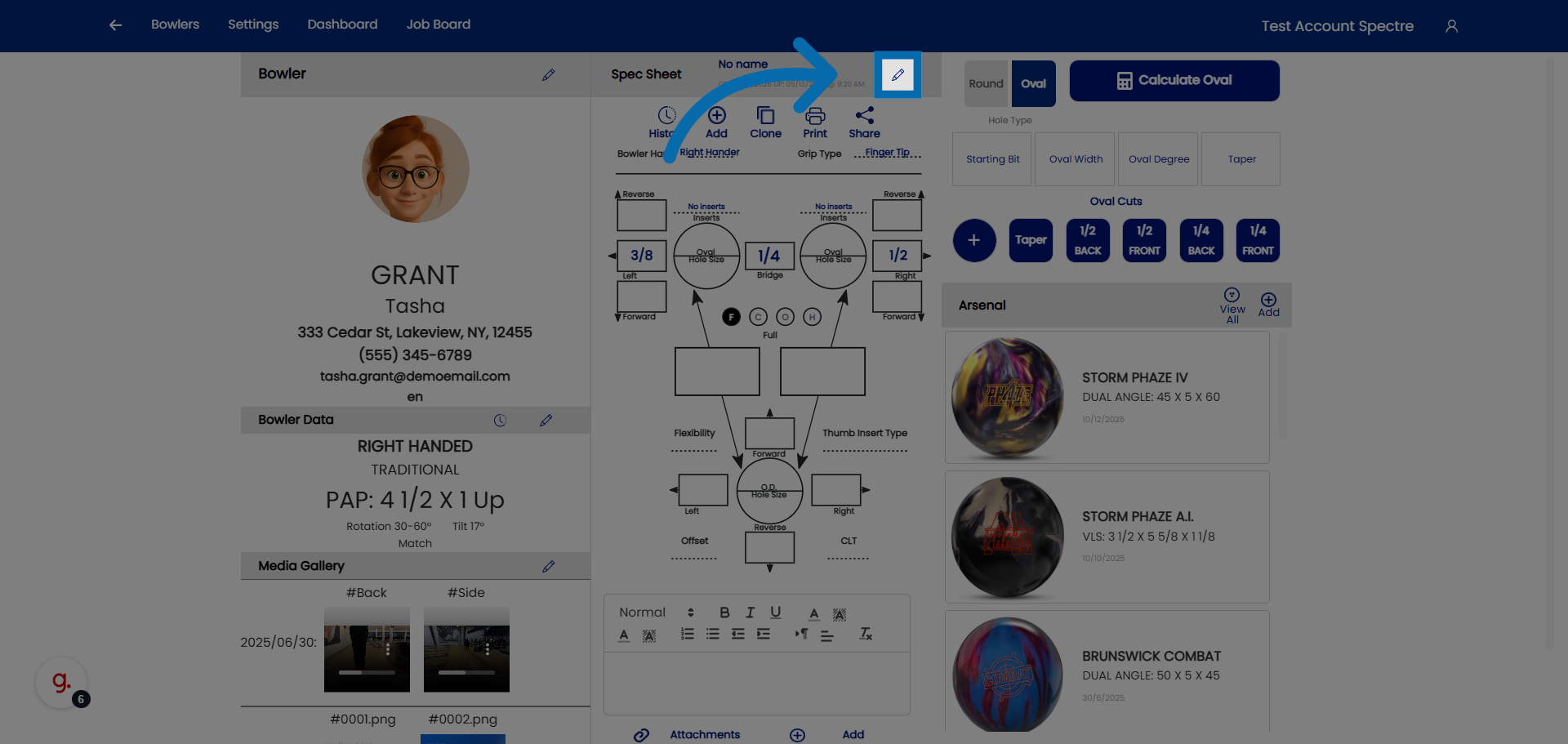
8. Select Spec Sheet Name Field
Click "Spec Sheet Name" to edit the name of the spec sheet.
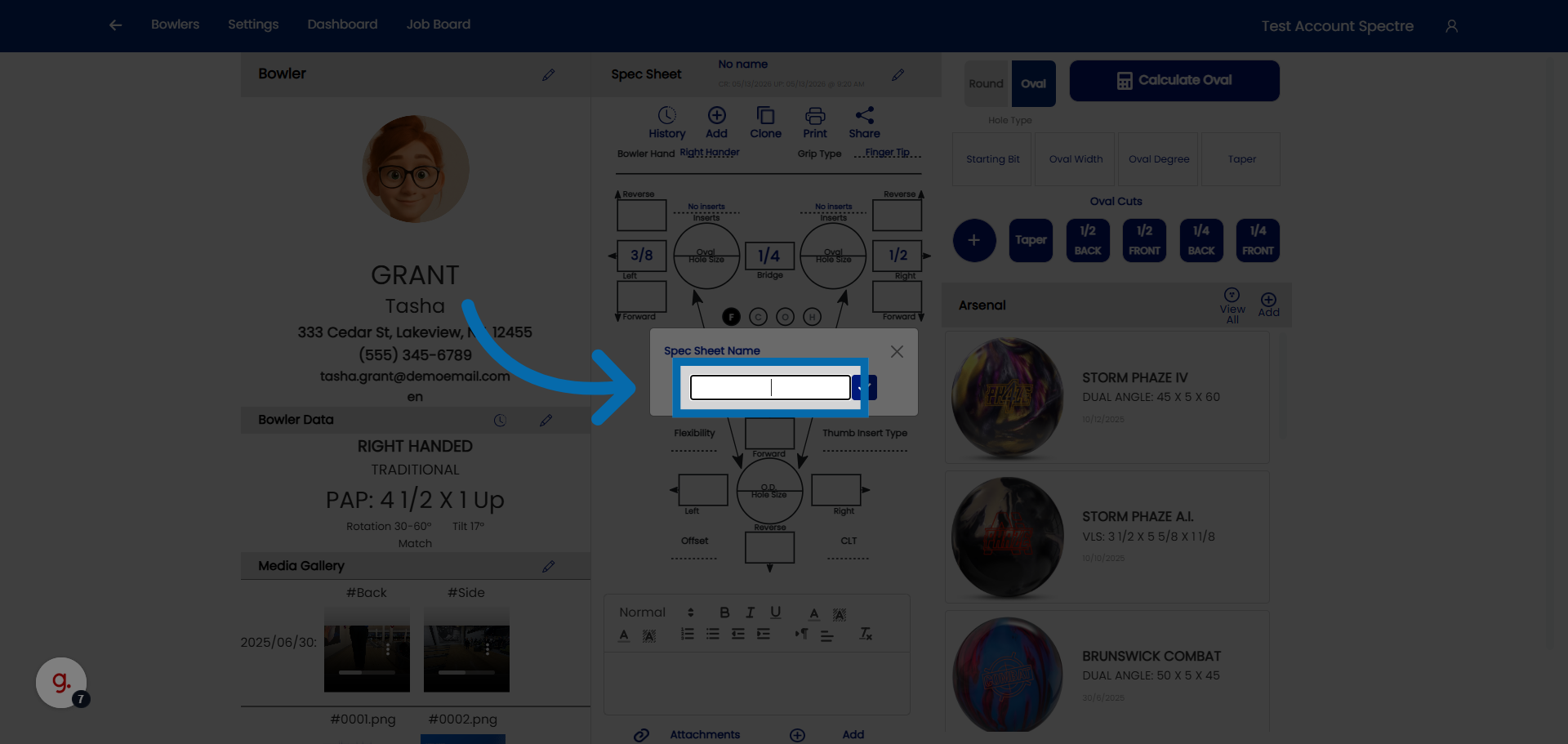
9. Confirm Spec Sheet Addition
Click here to finalize and save the new spec sheet.