4.2.3 Selecting grip type on the spec sheet
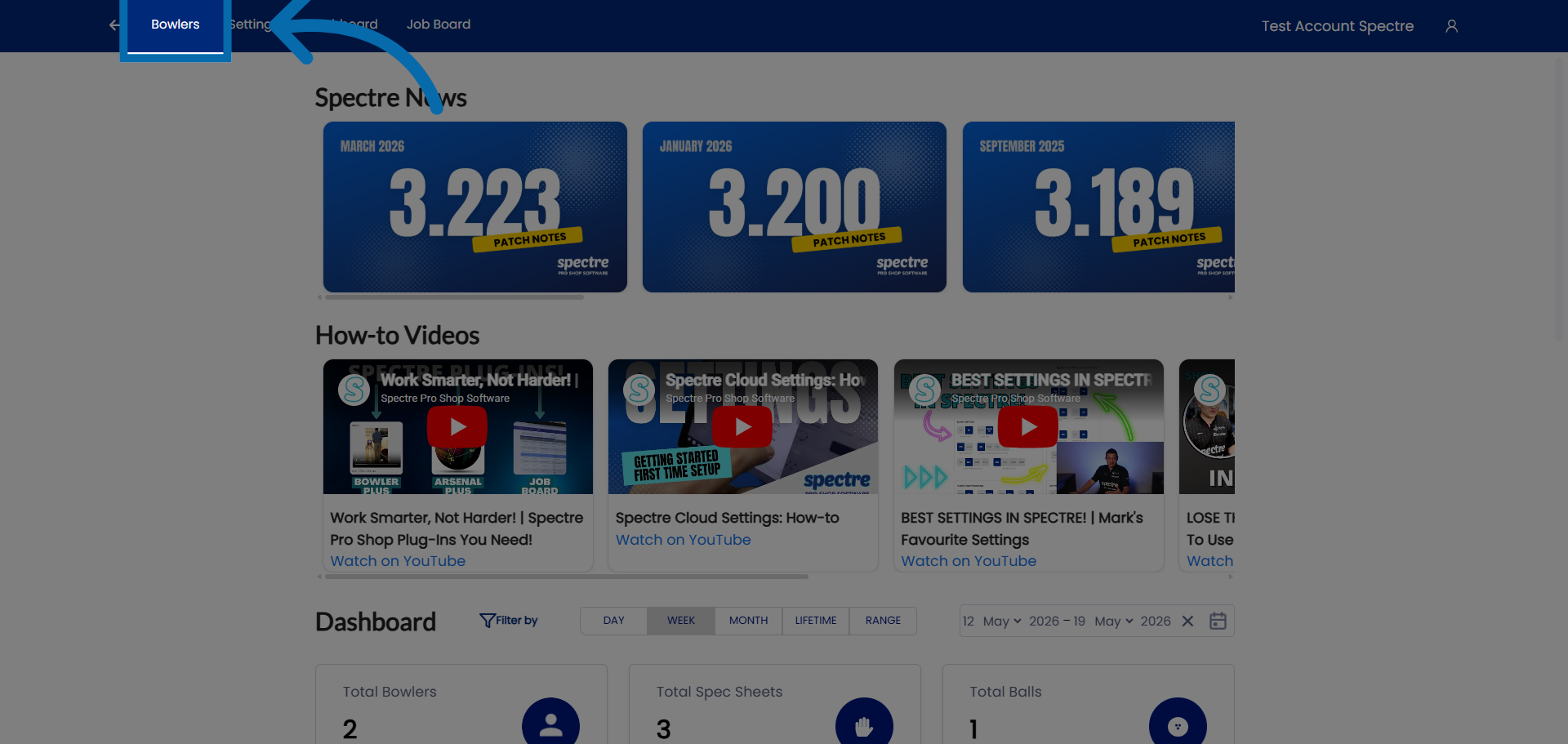
1. Access Bowler Section
Click "Bowlers" to open the bowler management section in Spectre Proshop Management.
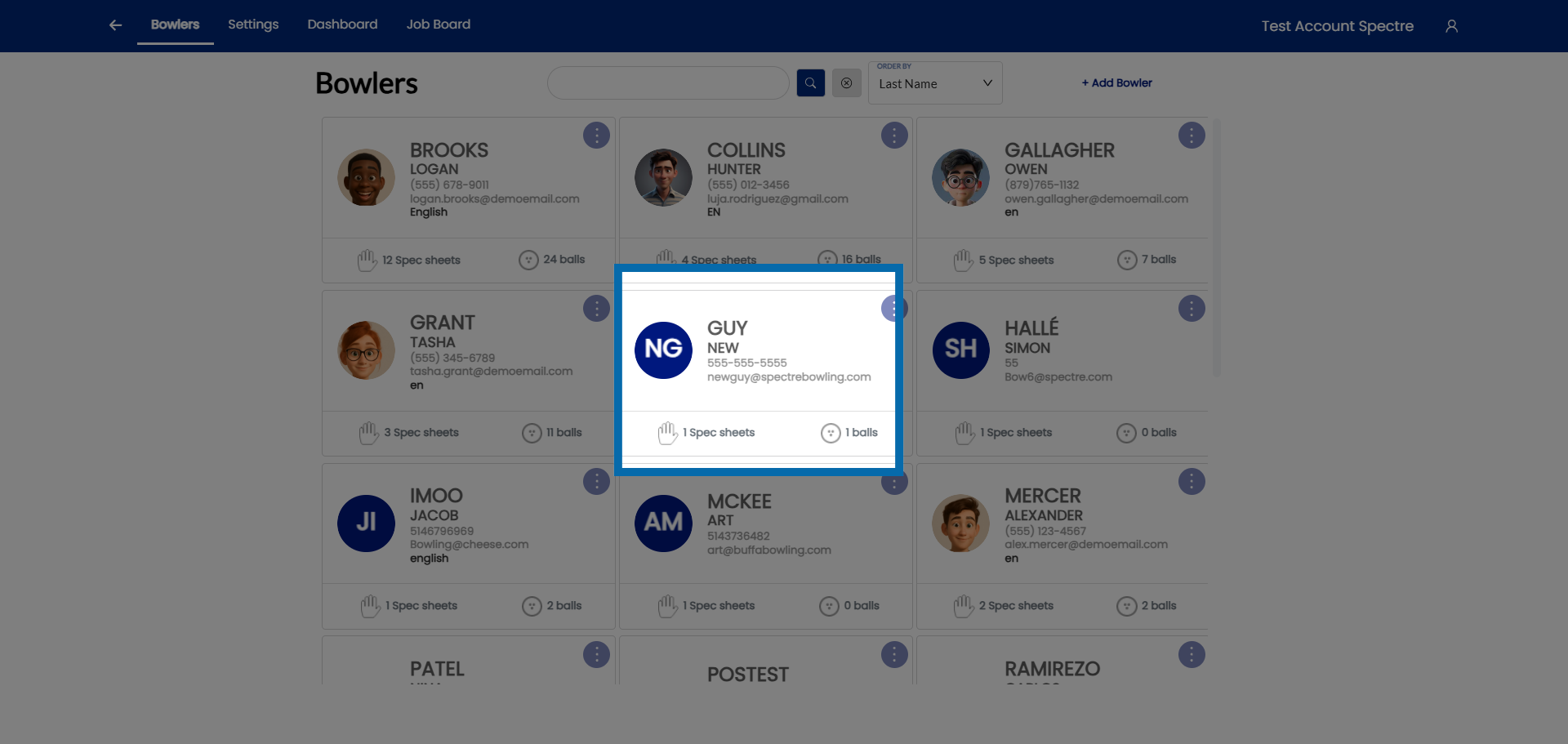
2. Select Bowler
Select the bowler.
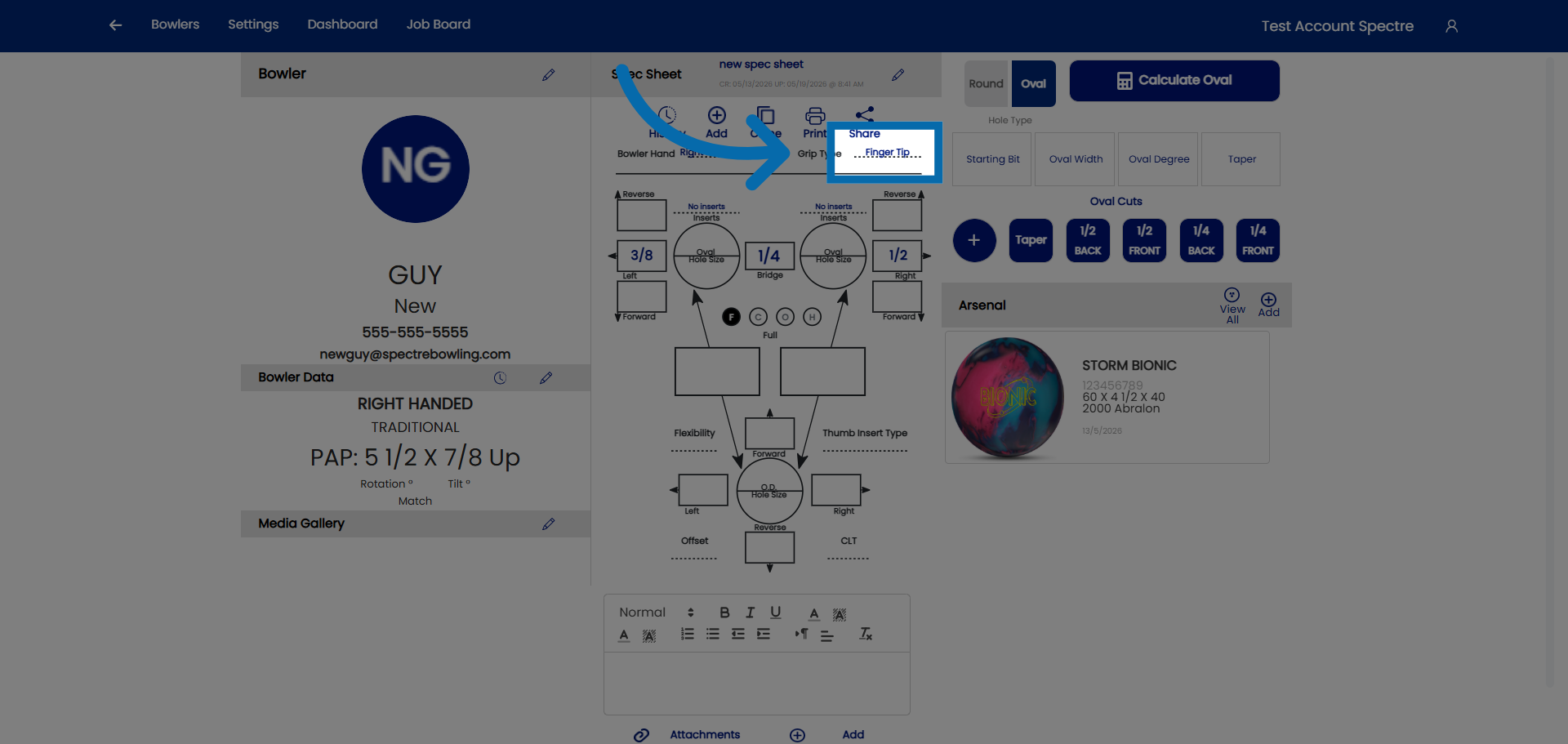
3. Click on grip type
Click here to access the grip type.
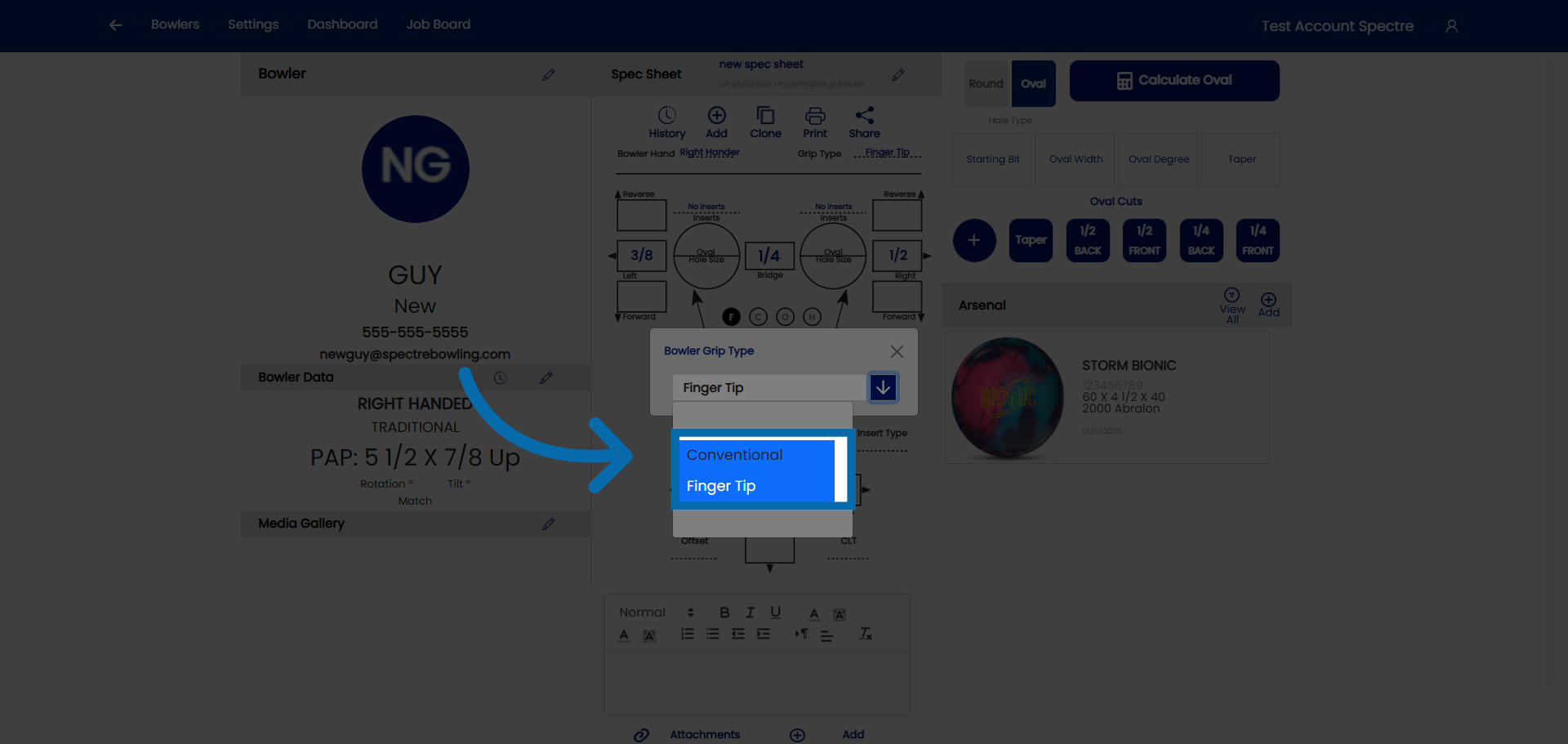
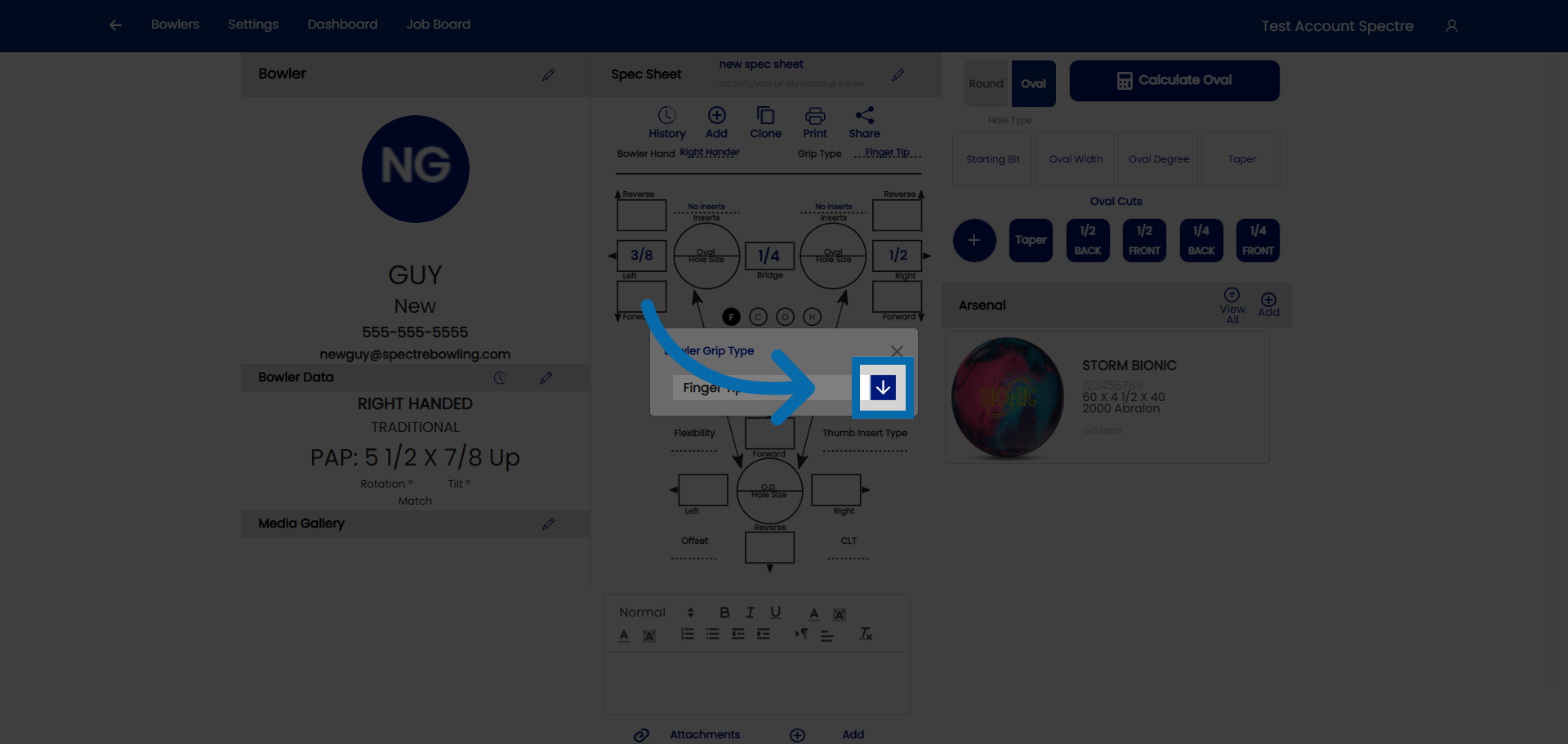
4. Click on the drop down
Click here to access the drop down.
5. Select grip type
Select the grip type you would like.