# 4.2.3 Selecting grip type on the spec sheet

# Selecting grip type on the bowler's spec sheet

 <iframe allow="accelerometer; autoplay; clipboard-write; encrypted-media; gyroscope; picture-in-picture; web-share" allowfullscreen="allowfullscreen" frameborder="0" height="315" src="https://www.youtube.com/embed/I_KN5y9Vudc?si=G2mmAaRgChle_Fo8" title="YouTube video player" width="560"></iframe>

### 1. Access Bowler Section

<div id="bkmrk-click-%22bowlers%22-to-o">Click "Bowlers" to open the bowler management section in Spectre Proshop Management.</div>![Access Bowler Section](https://static.guidde.com/v0/qg%2FYeZnBWH9tKbno3NrPKy3va5tdl52%2FxzVSeaDm5qW5FC5mmx6nCH%2F1j2D6xoUgwohRTMgz3ZY9r_doc.png?alt=media&token=176cc020-60c5-40f3-81d5-067e0f675fb9)

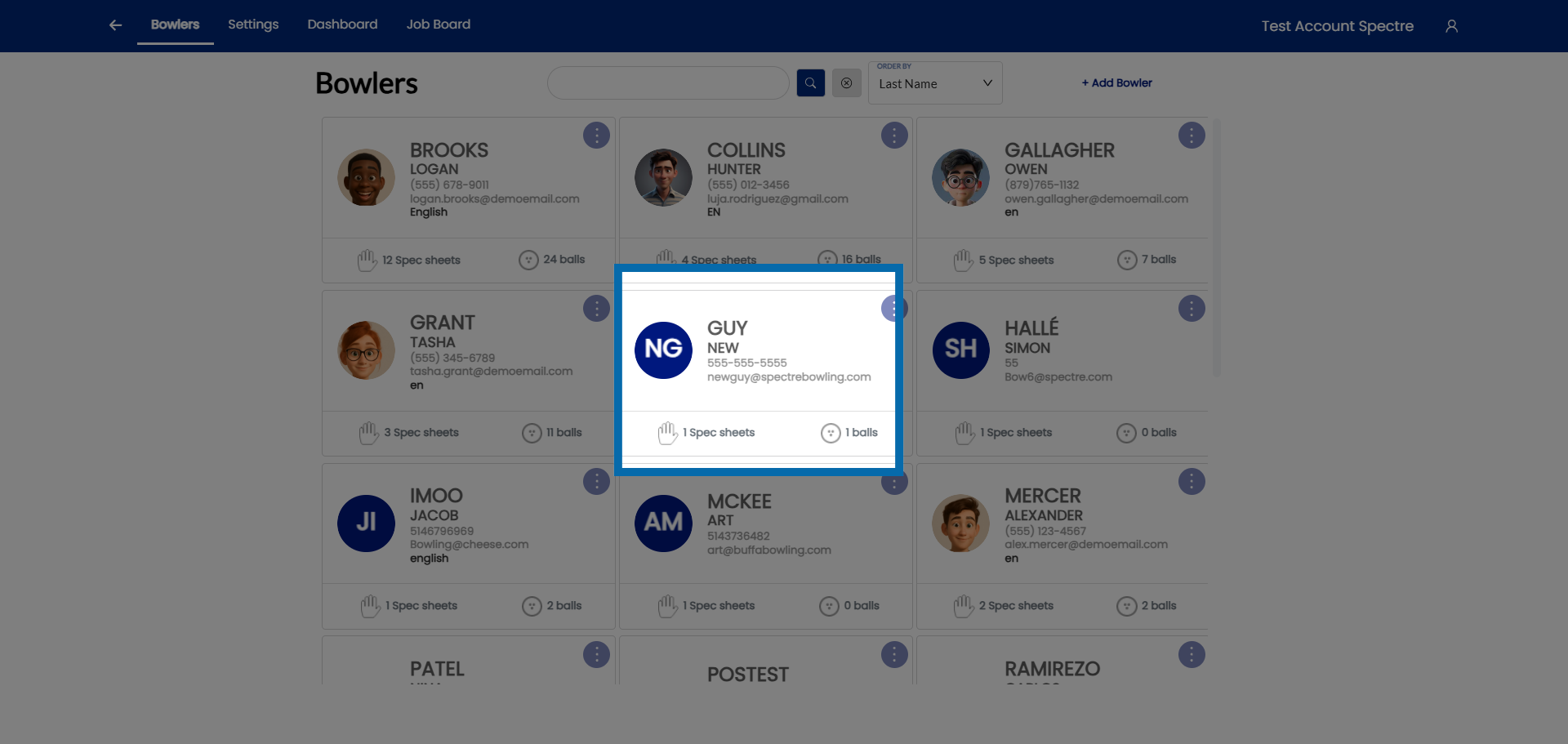
### 2. Select Bowler

<div id="bkmrk-select-the-bowler.">Select the bowler.</div>![Select Bowler](https://static.guidde.com/v0/qg%2FYeZnBWH9tKbno3NrPKy3va5tdl52%2FxzVSeaDm5qW5FC5mmx6nCH%2FsvcPnLrLATptgSBs4xhGp8_doc.png?alt=media&token=faf5881c-5581-4c40-89f2-bedc65a924cd)

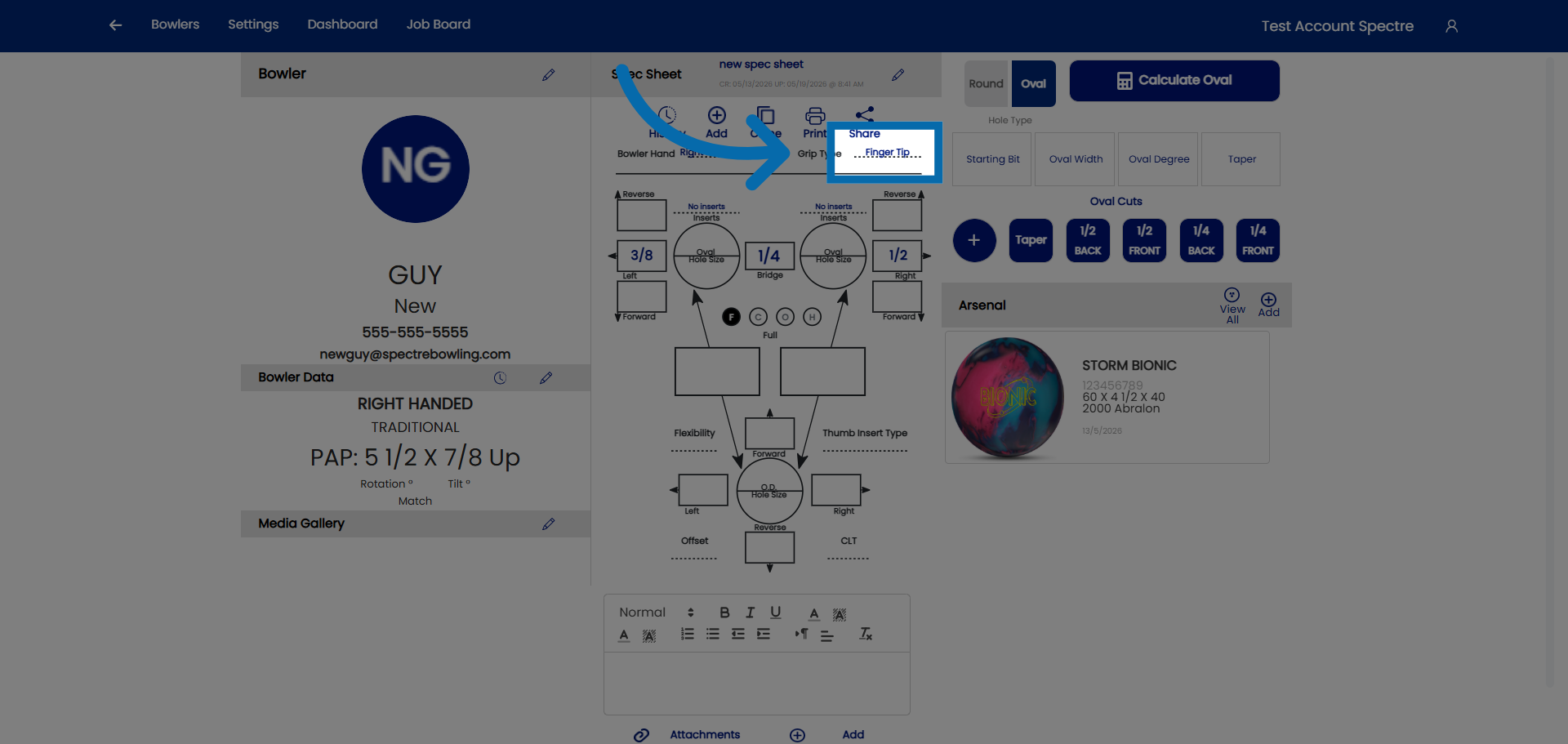
### 3. Click on grip type

<div id="bkmrk-click-here-to-access">Click here to access the grip type.</div>![Open First Profile Option](https://static.guidde.com/v0/qg%2FYeZnBWH9tKbno3NrPKy3va5tdl52%2FxzVSeaDm5qW5FC5mmx6nCH%2FnCmUQYBmNN7KR6JSrCSgBL_doc.png?alt=media&token=e6bbd84f-c6cb-42de-b995-c46a2dfd0613)

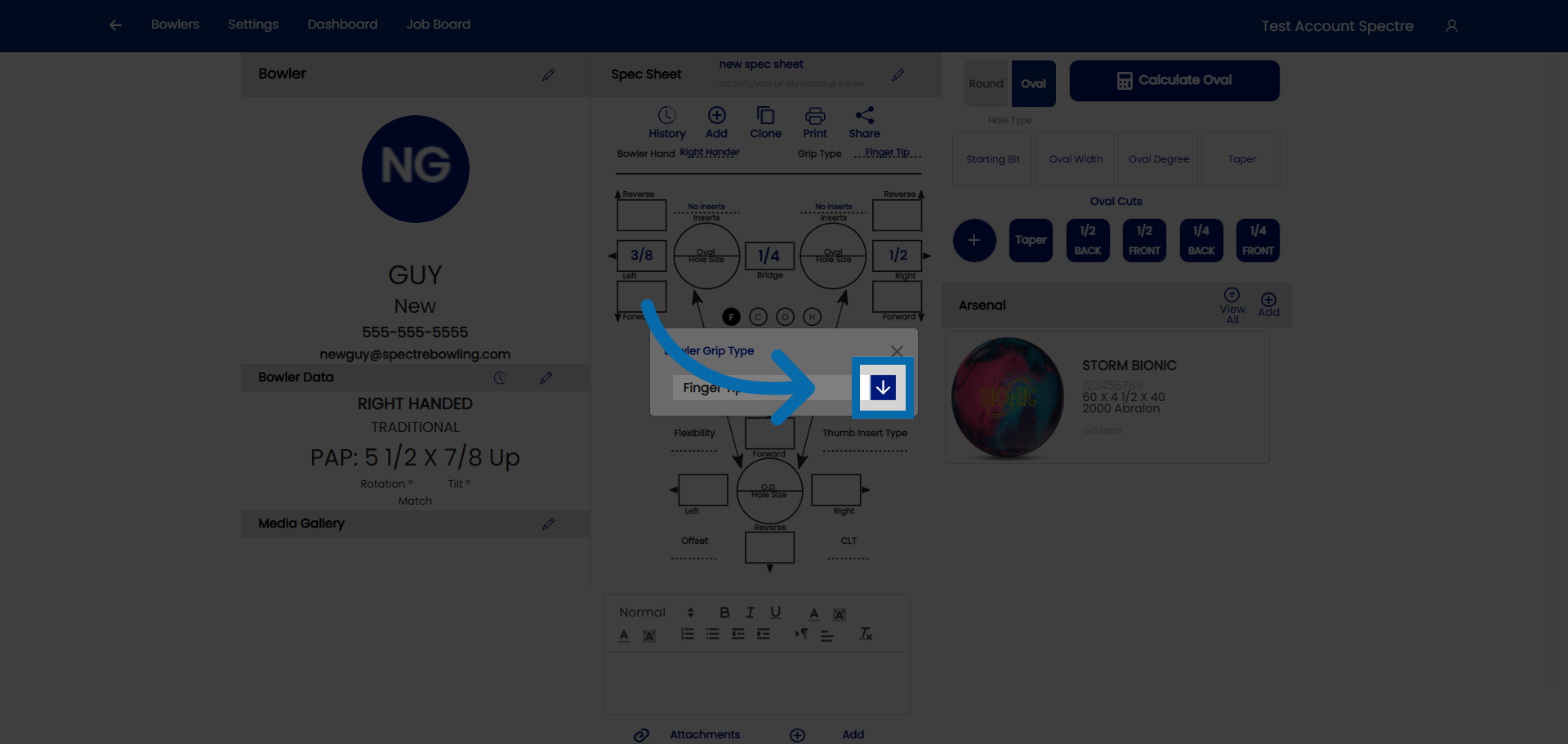
### 4. Click on the drop down

<div id="bkmrk-click-here-to-access-1">Click here to access the drop down.</div>![Open Second Profile Option](https://static.guidde.com/v0/qg%2FYeZnBWH9tKbno3NrPKy3va5tdl52%2FxzVSeaDm5qW5FC5mmx6nCH%2FasQUFmLn8fC5KGiM1M8Vqy_doc.png?alt=media&token=5b899cbc-7443-477b-8dfe-8a463c616ccc)

### 5. Select grip type

<div id="bkmrk-select-the-grip-type">Select the grip type you would like.</div>![Choose Conventional Style](https://static.guidde.com/v0/qg%2FYeZnBWH9tKbno3NrPKy3va5tdl52%2FxzVSeaDm5qW5FC5mmx6nCH%2F3VkhPwkF2gbFQxEWhugLX6_doc.png?alt=media&token=a0283869-592c-47c2-a69a-a96079cafa22)

<div id="bkmrk--6"></div>