# 4.2.1 Creating a blank spec sheet for a bowler

# Creating a blank spec sheet for a bowler

 <iframe allow="accelerometer; autoplay; clipboard-write; encrypted-media; gyroscope; picture-in-picture; web-share" allowfullscreen="allowfullscreen" frameborder="0" height="315" src="https://www.youtube.com/embed/M5h9ZUvjZag?si=wsWGHsmpoCpXZEQw" title="YouTube video player" width="560"></iframe>

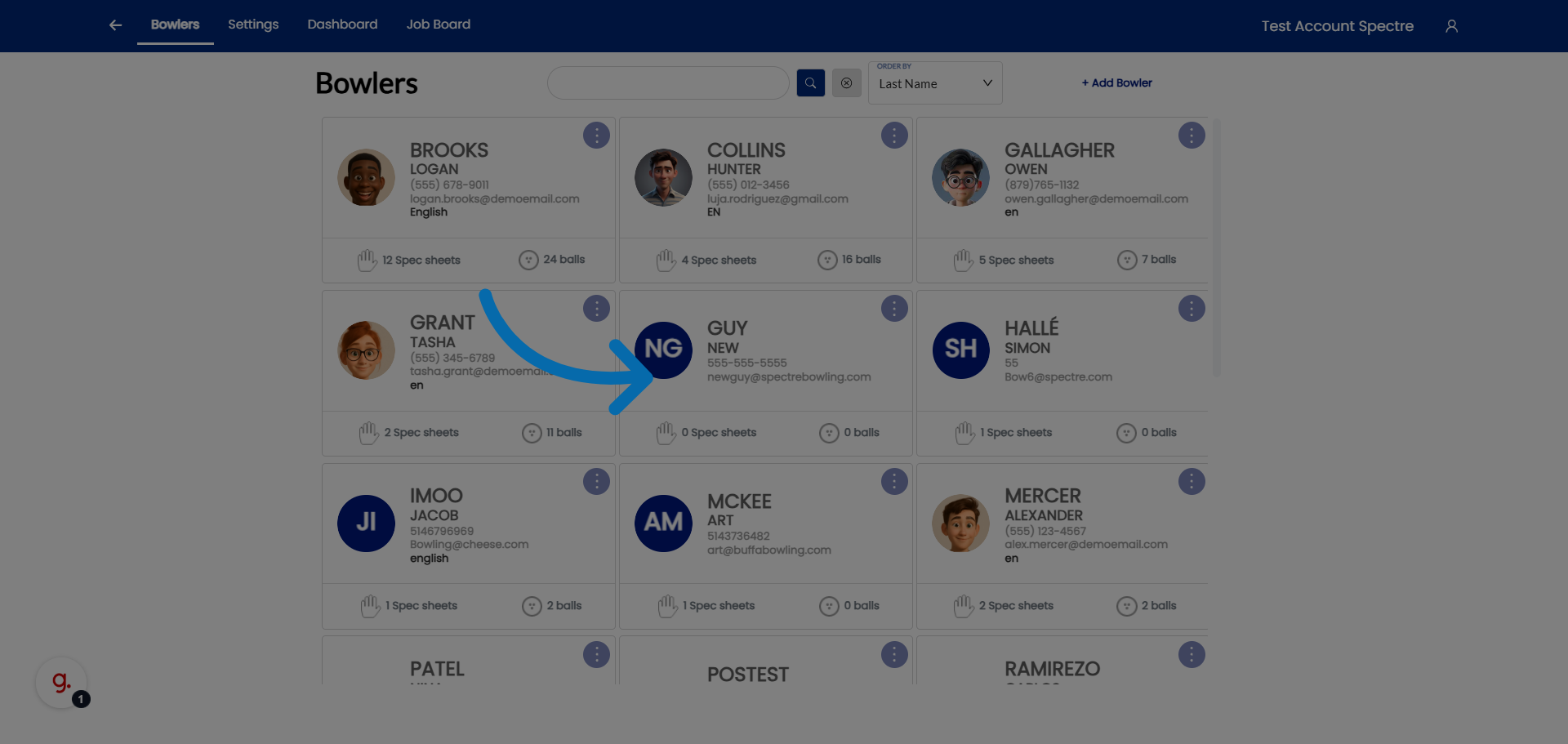
### 1. Access Bowler Profiles

<div id="bkmrk-click-%22bowlers%22-to-o">Click "Bowlers" to open the list of bowler profiles in Spectre Proshop .</div>![Access Bowler Profiles](https://static.guidde.com/v0/qg%2FYeZnBWH9tKbno3NrPKy3va5tdl52%2Fhzx3CSZPYB6A744u7mVCiu%2Fv7oVFZ9nYBHcn27MDwC4pZ_doc.png?alt=media&token=f1430983-786e-45ff-9856-d3b2716df764)

### 2. Select Bowler

<div id="bkmrk-select-the-bowler-to">Select the bowler to view the specific bowler's profile details.</div>![Select Bowler Email](https://static.guidde.com/v0/qg%2FYeZnBWH9tKbno3NrPKy3va5tdl52%2Fhzx3CSZPYB6A744u7mVCiu%2FqgrQuVjX2t9ozs3wwBub45_doc.png?alt=media&token=4d1367e3-d9af-4d1e-9b55-7f1f6ef2b5be)

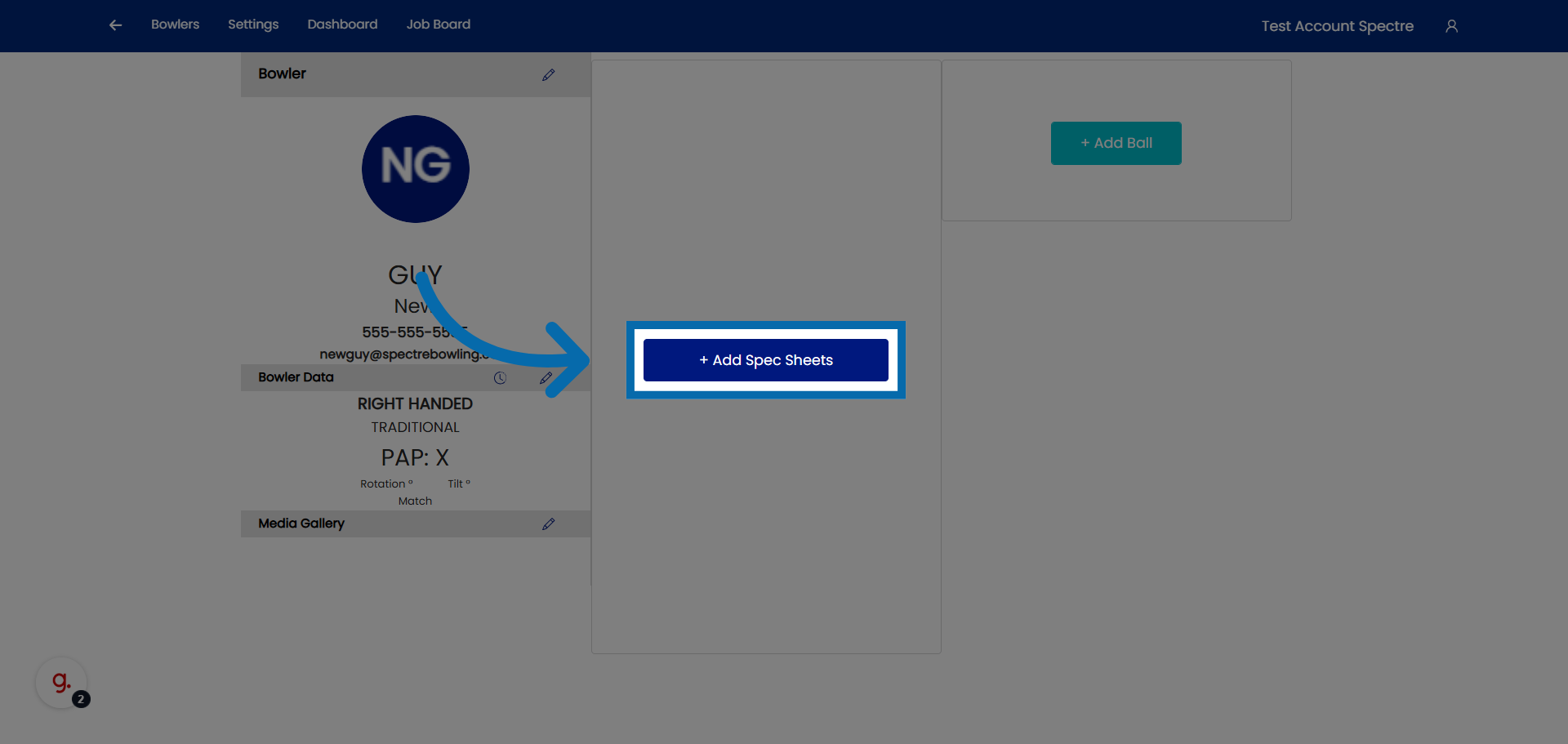
### 3. Open Spec Sheets Addition

<div id="bkmrk-click-%22add-spec-shee">Click "Add Spec Sheets" to begin adding a new spec sheets for the selected bowler.</div>![Open Spec Sheets Addition](https://static.guidde.com/v0/qg%2FYeZnBWH9tKbno3NrPKy3va5tdl52%2Fhzx3CSZPYB6A744u7mVCiu%2Ftpx8cmCPdRVNKV5hqVAFuT_doc.png?alt=media&token=72aa288e-bbbb-4bdd-82a6-691a838aad94)

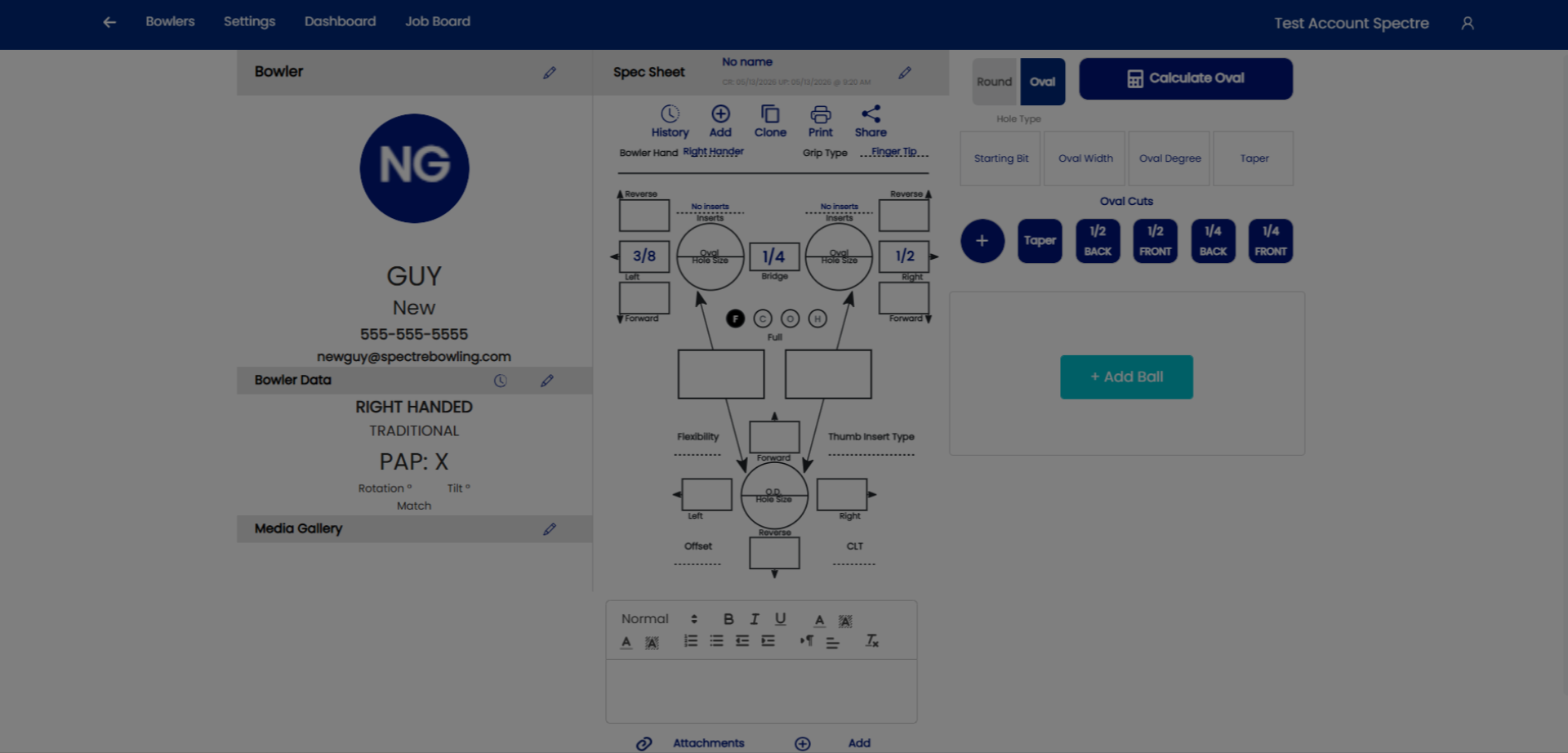
### 4. Lets create a new spec sheet for an already existing profile.
![](https://static.guidde.com/v0/qg%2FYeZnBWH9tKbno3NrPKy3va5tdl52%2Fhzx3CSZPYB6A744u7mVCiu%2Fxyof7zbHjMkmpNhAtWuN8s_doc.png?alt=media&token=c3d1bf76-ce5b-49bd-ad49-0acfe2dc1bc6)

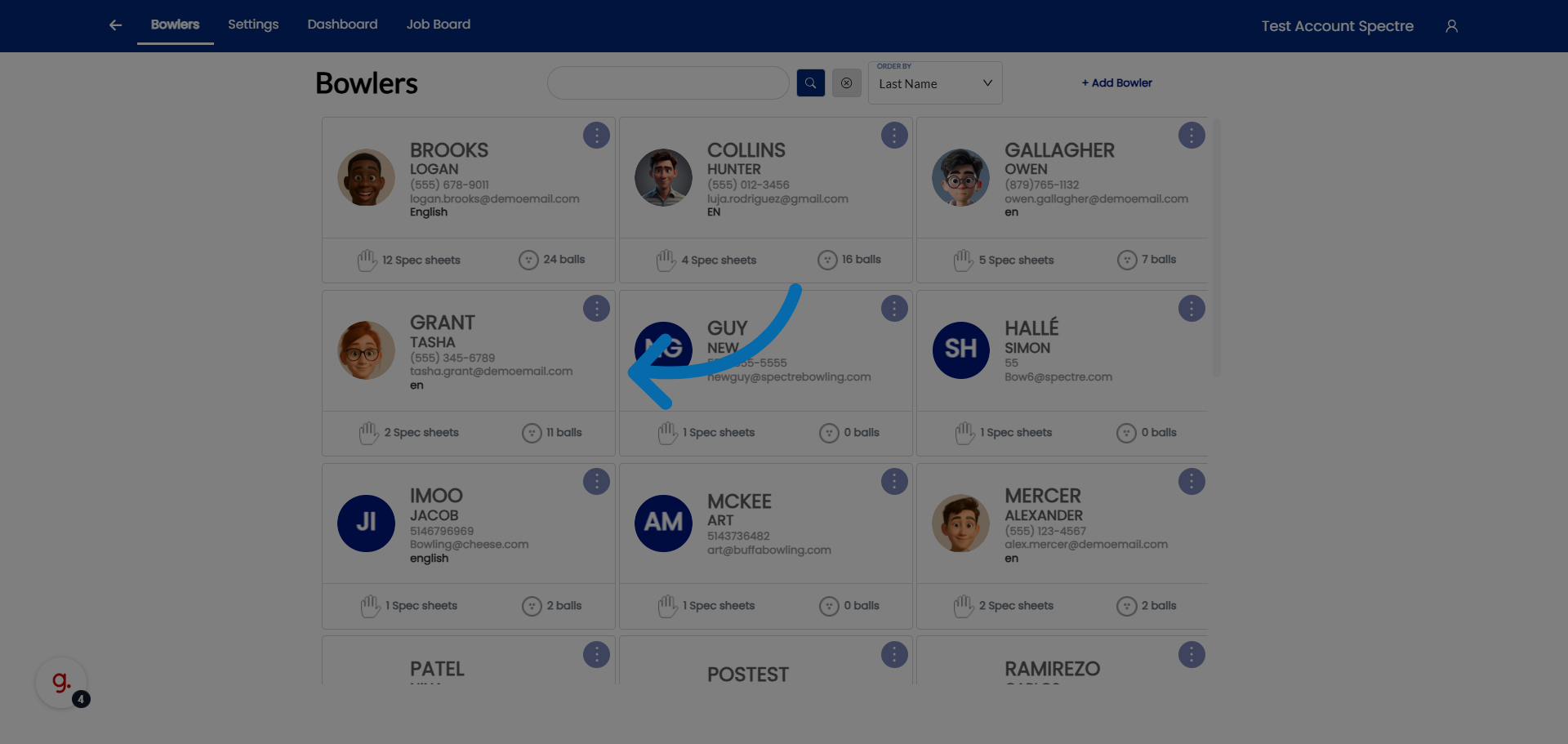
### 5. Select a bowler 

<div id="bkmrk-select-your-already-">Select your already existing bowlers profile.</div>![Choose Spec Sheet Email](https://static.guidde.com/v0/qg%2FYeZnBWH9tKbno3NrPKy3va5tdl52%2Fhzx3CSZPYB6A744u7mVCiu%2FsFXeqZf4MznLn2NX51aAZQ_doc.png?alt=media&token=4a37461f-b91b-4dbe-8bf5-8f62fa8cd1c8)

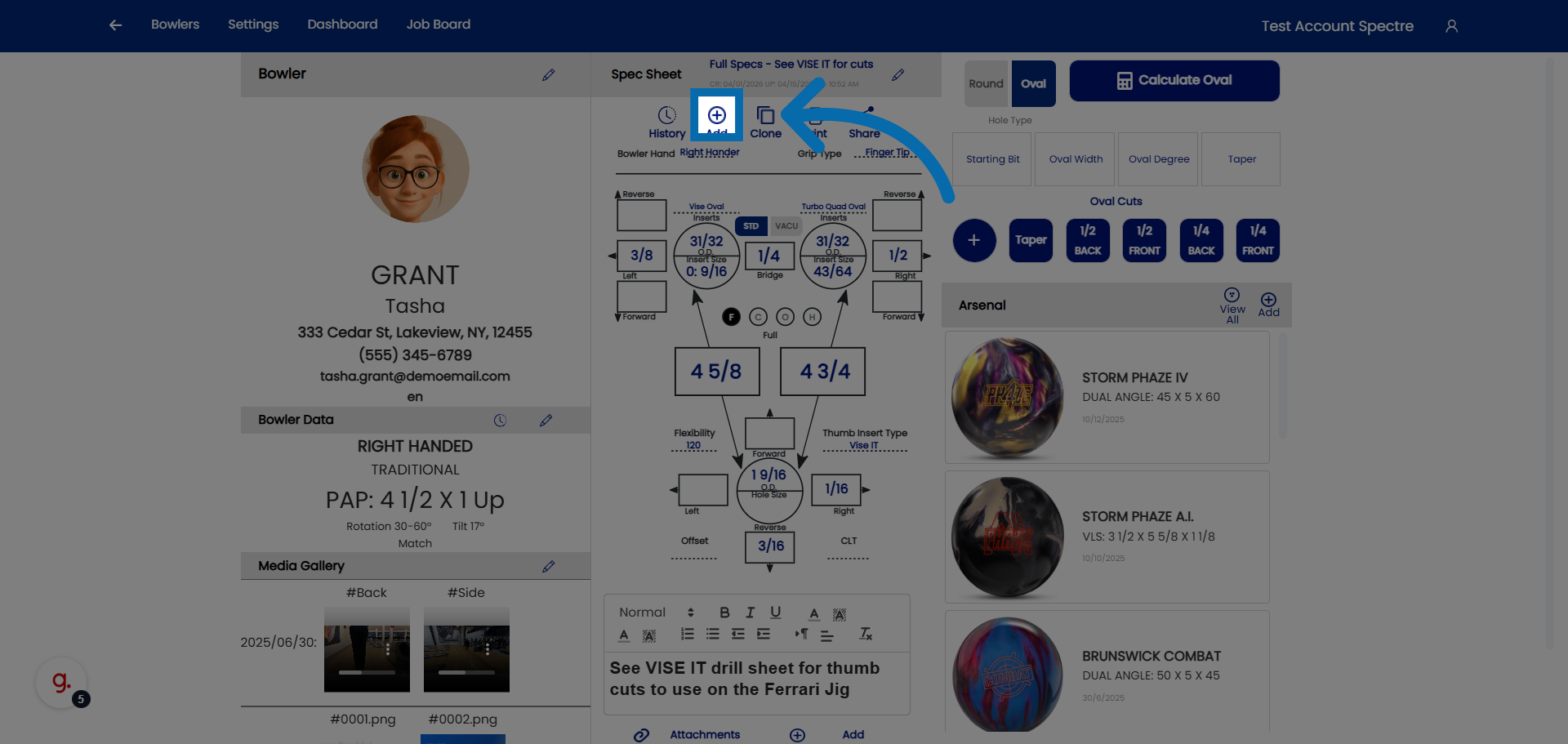
### 6. Open Additional Options

<div id="bkmrk-click-here-to-add-a-">Click here to add a new spec sheet to the bowler.</div>![Open Additional Options](https://static.guidde.com/v0/qg%2FYeZnBWH9tKbno3NrPKy3va5tdl52%2Fhzx3CSZPYB6A744u7mVCiu%2Fwg2jf6SAJSabVcFY6aaV6H_doc.png?alt=media&token=82fc835e-3bc9-411c-829d-355d8b0ea982)

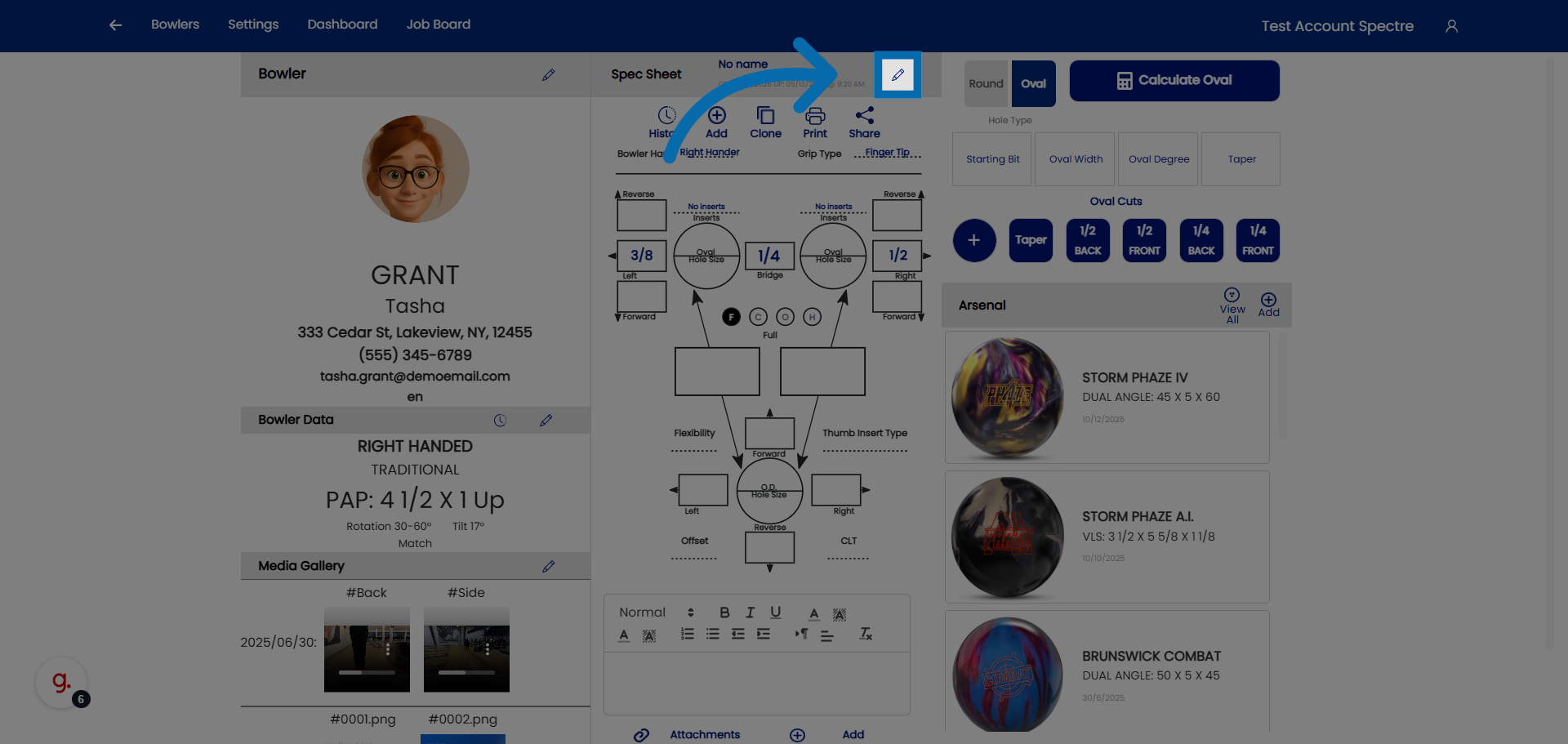
### 7. Access Further Spec Sheet Settings

<div id="bkmrk-click-here-to-modify">Click here to modify the name of the spec sheet</div>![Access Further Spec Sheet Settings](https://static.guidde.com/v0/qg%2FYeZnBWH9tKbno3NrPKy3va5tdl52%2Fhzx3CSZPYB6A744u7mVCiu%2Fw85fYFnosqT76aFRFQnRi4_doc.png?alt=media&token=96020f39-4875-4038-870d-9b0a4ffb9db4)

### 8. Select Spec Sheet Name Field

<div id="bkmrk-click-%22spec-sheet-na">Click "Spec Sheet Name" to edit the name of the spec sheet.</div>![Select Spec Sheet Name Field](https://static.guidde.com/v0/qg%2FYeZnBWH9tKbno3NrPKy3va5tdl52%2Fhzx3CSZPYB6A744u7mVCiu%2FdApUoE9GbWxpPmXHuBf3JZ_doc.png?alt=media&token=55b8939d-2a75-40ec-bf23-d907d807af60)

### 9. Confirm Spec Sheet Addition

<div id="bkmrk-click-here-to-finali">Click here to finalize and save the new spec sheet.</div>![Confirm Spec Sheet Addition](https://static.guidde.com/v0/qg%2FYeZnBWH9tKbno3NrPKy3va5tdl52%2Fhzx3CSZPYB6A744u7mVCiu%2F3cSiQ7mkqMqx6UMuL5SbHB_doc.png?alt=media&token=11ba4676-36ac-4f0b-9747-a586aea4c44d)