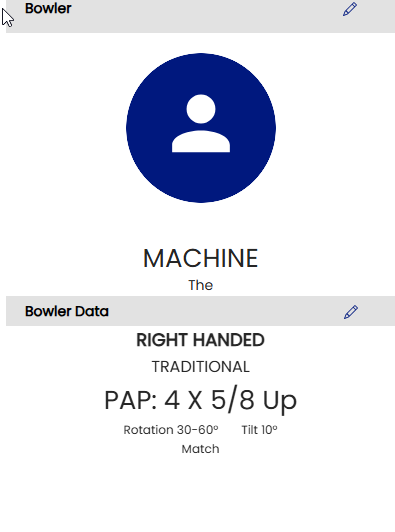
Creating a new bowler
Follow these steps to create a new bowler profile
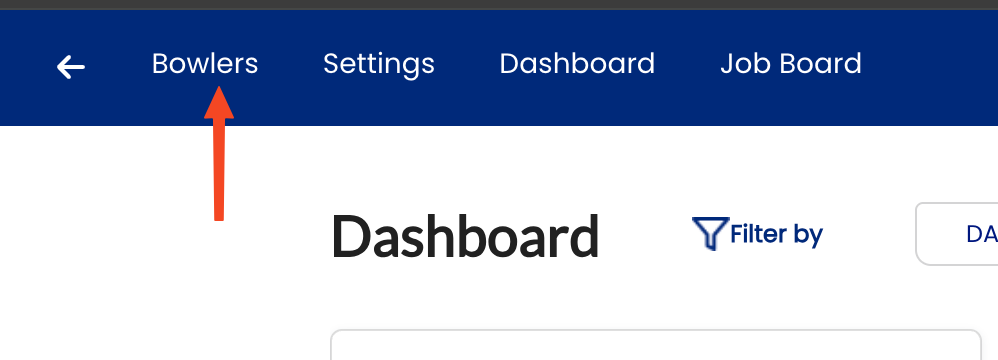
- On Desktop, click BOWLERS in the top menu
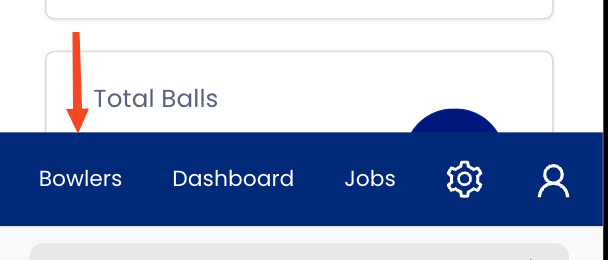
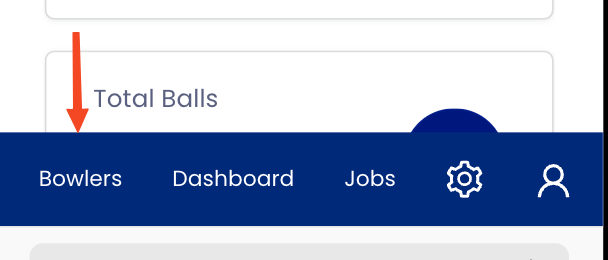
On Mobile, click the avatar icon on the bottom left of the menu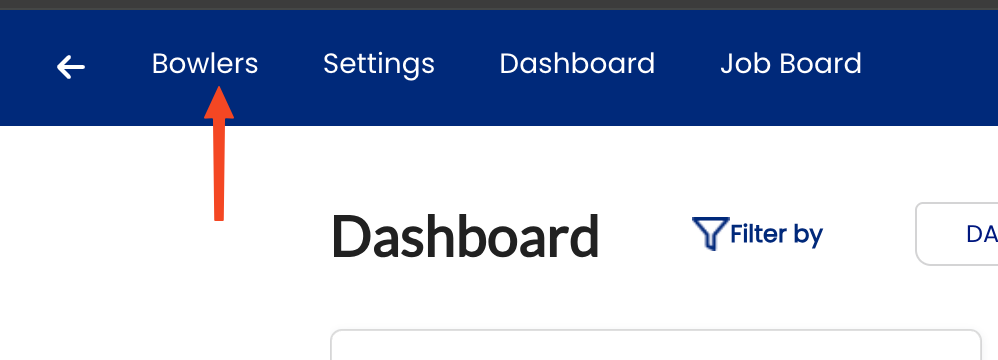
- On the top right of your screen, Click + Add Bowler

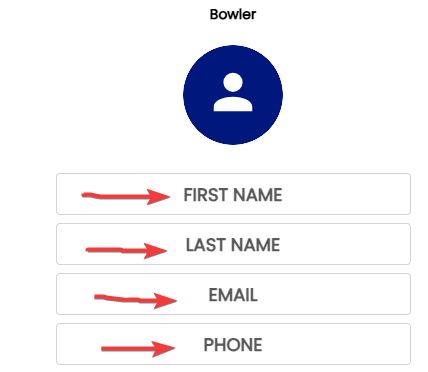
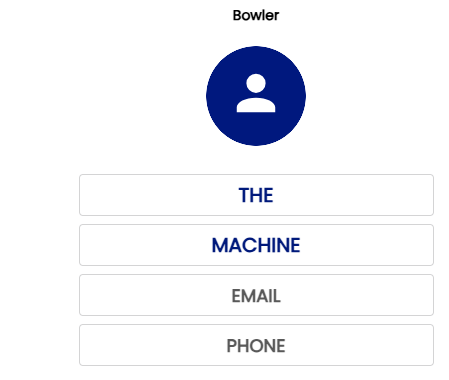
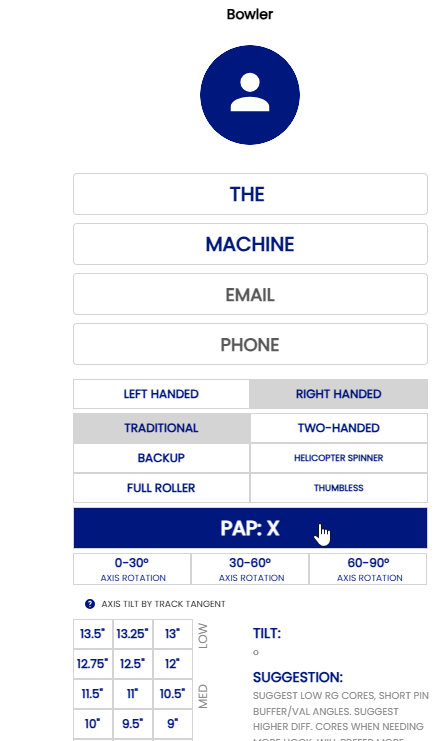
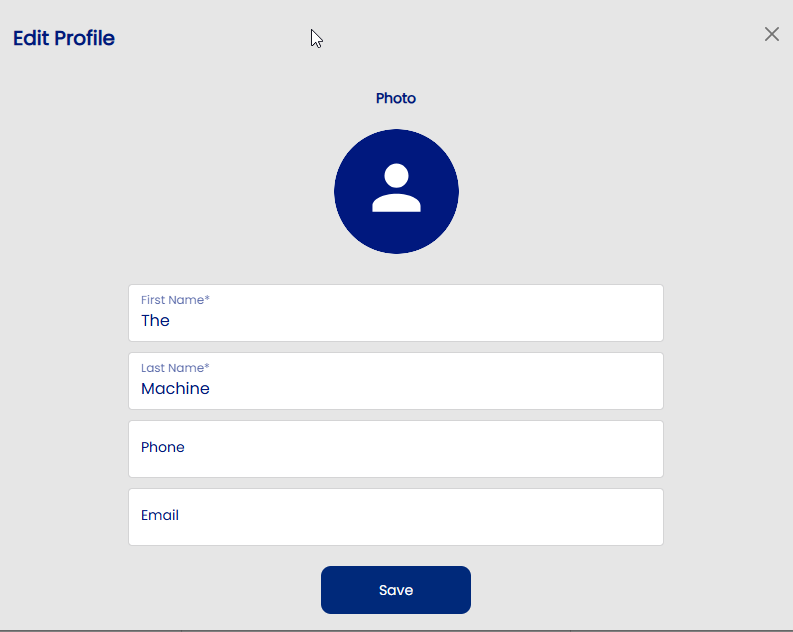
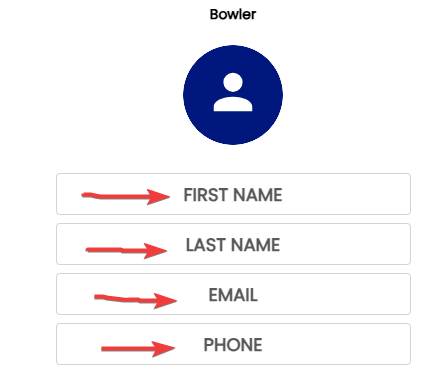
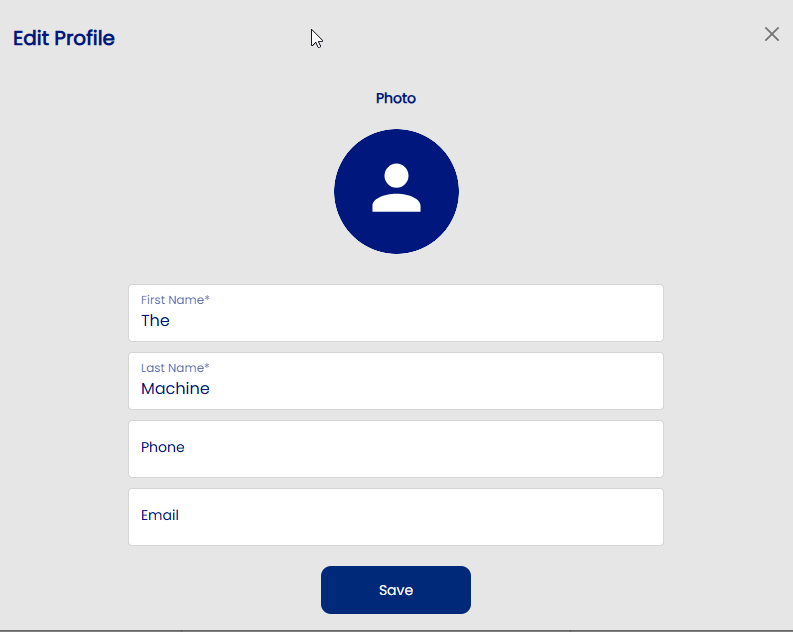
- Add the bowler's personal information. Keep in mind that many people have the same first and last names. Adding a phone number and email will help differentiate if bowlers have the same name. Phone number, Email and Picture are optional but strongly suggested.
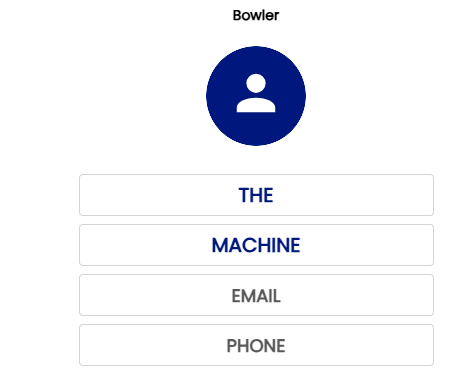
- Add a photo to the bowler profile
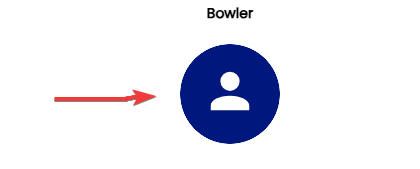
- Click the avatar logo
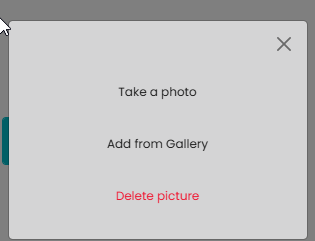
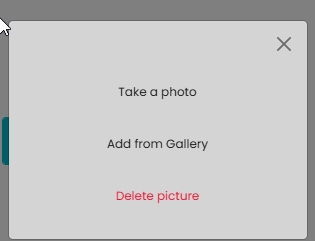
- Select either to open the camera with TAKE A PHOTO or open the file explorer to selected an existing file with ADD FROM GALLERY
- Click the avatar logo
-
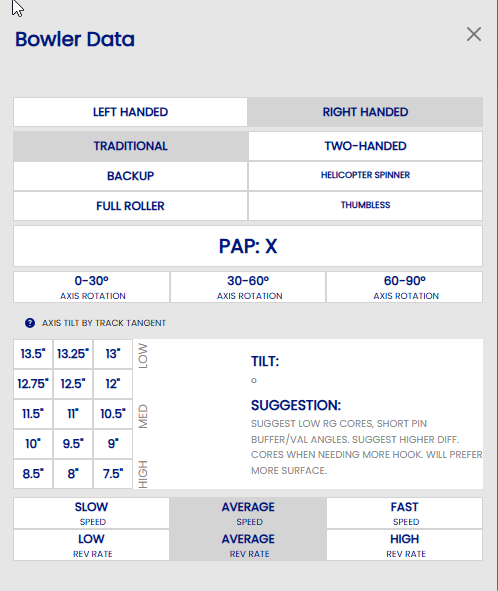
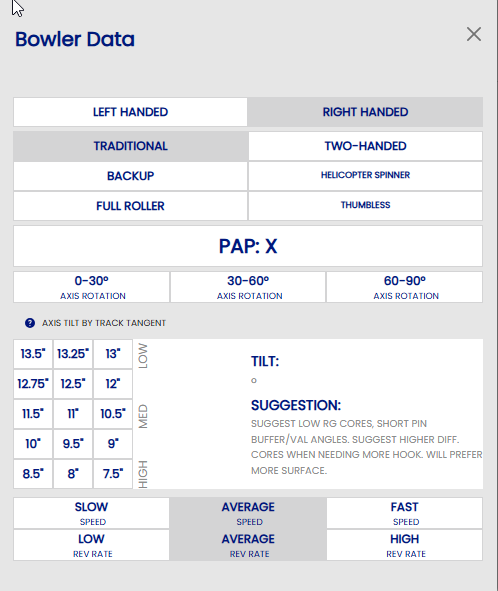
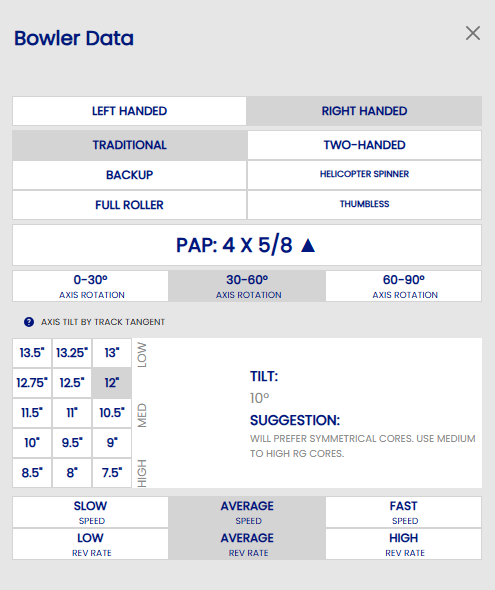
- Handedness
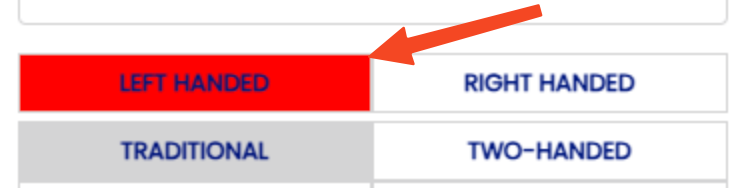
- When selecting a left handed player, you will notice that the button is red. This is a visual aid for you not to miss that the bowler is left handed.
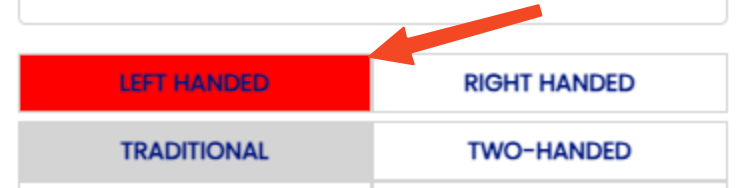
- When selecting a left handed player, you will notice that the button is red. This is a visual aid for you not to miss that the bowler is left handed.
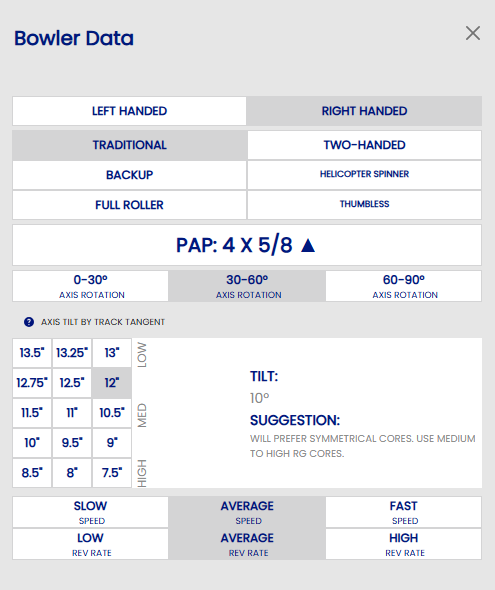
- PAP (Positive Axis Point)
- The PAP is a vital part of the ball drilling process, and also the Spectre process. Without a PAP you will not be able to select a layout style in the Arsenal Section and you not be able to see the Layout Suggestions in Arsenal Plus.
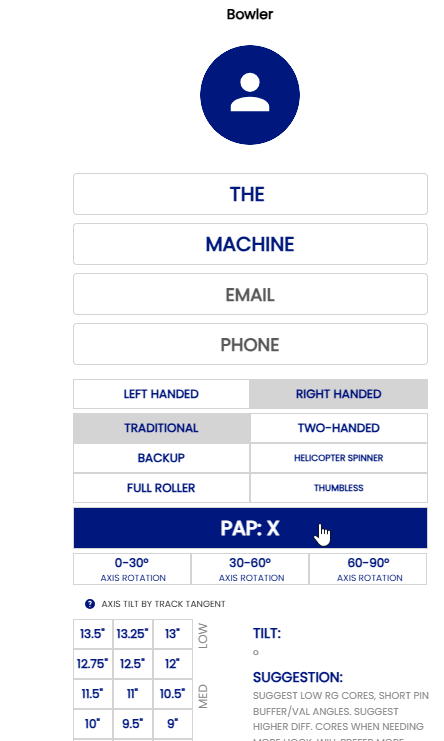
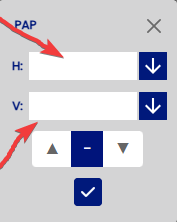
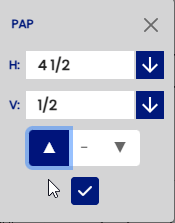
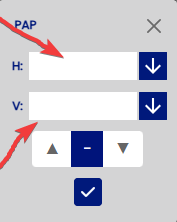
- Use arrow to select the distance "H" AND "V" and arrow UP or DOWN depending then press the CHECK.
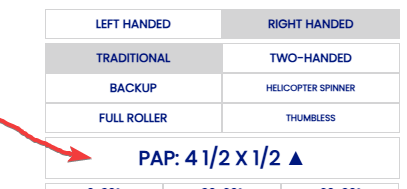
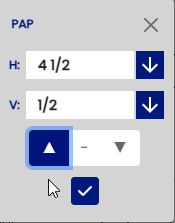
- Example 4.5 x 0.5 UP
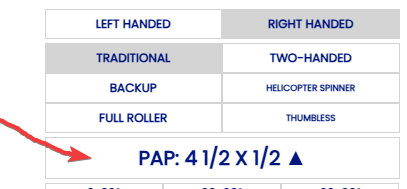
- The PAP is a vital part of the ball drilling process, and also the Spectre process. Without a PAP you will not be able to select a layout style in the Arsenal Section and you not be able to see the Layout Suggestions in Arsenal Plus.
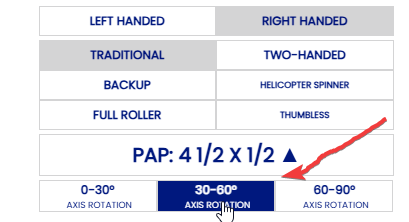
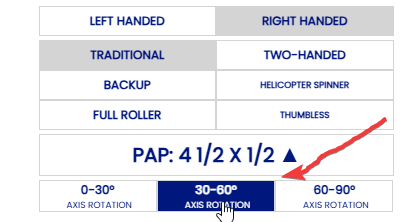
- AXIS ROTATION
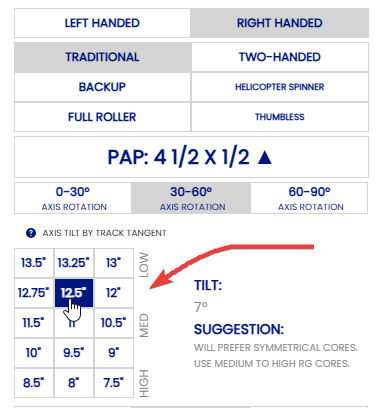
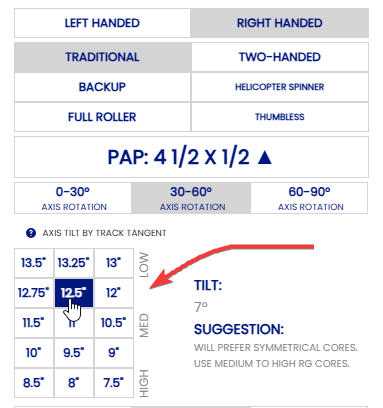
- AXIS TILT
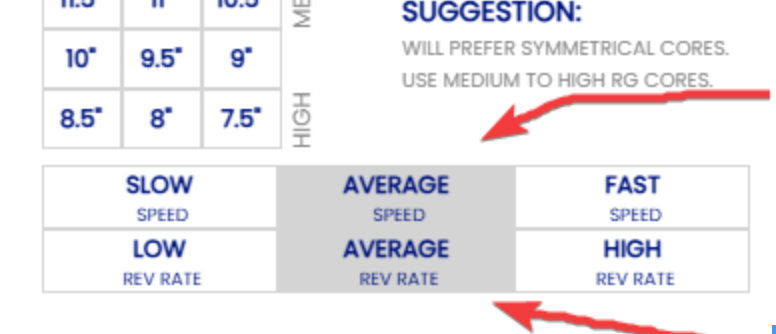
- REV RATE & SPEED DOMINANCE
✅ Creating Your Profile in Spectre 3.180 – Quick Guide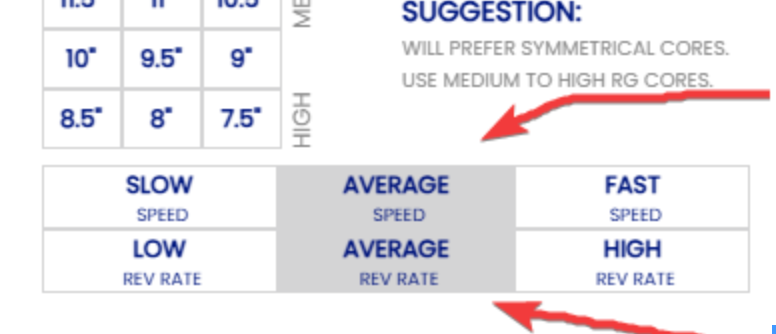
- Click on "Add Bowler" the Enter your First and Last name then press "Save"
-
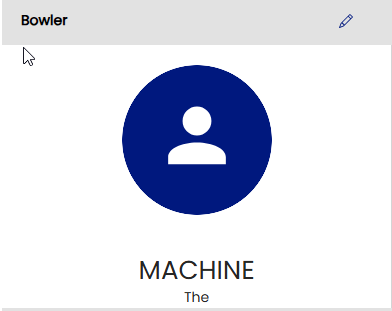
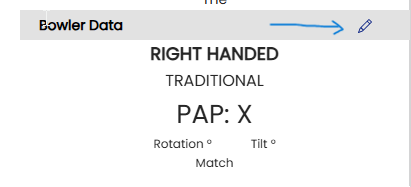
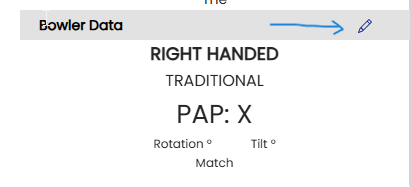
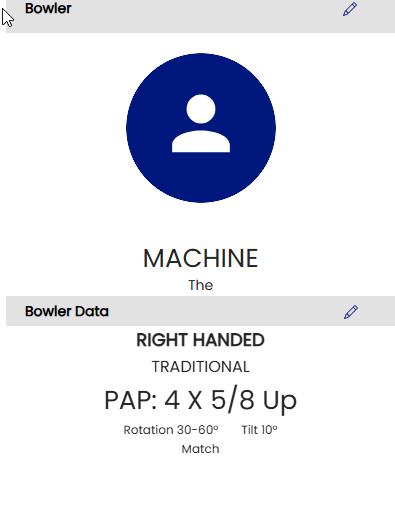
- Information such as "PAP," "tilt," and "rotation" is located in the "Bowler Data" section. Click on "Bowler Data" to access it.
-
-
-
- Handedness