
2.3.2 Initial pitch inside the total oval — EDGE vs. CENTER method
2.3.2 oval
When drilling an oval hole, Spectre Cloud needs a reference point from which to calculate the initial pitch of that hole. Because an oval opening has width — unlike a round hole, which has a single center point — there are two valid ways to define that reference. This setting lets you choose which method Spectre Cloud uses by default when building spec sheets that include oval holes.
Not sure which to pick? Ask yourself: when you cut an oval, is the intended pitch of the hole at the edge (top) of the total oval cut, or in the center of the total oval cut? Your answer is your setting.
📐 The Two Methods Explained
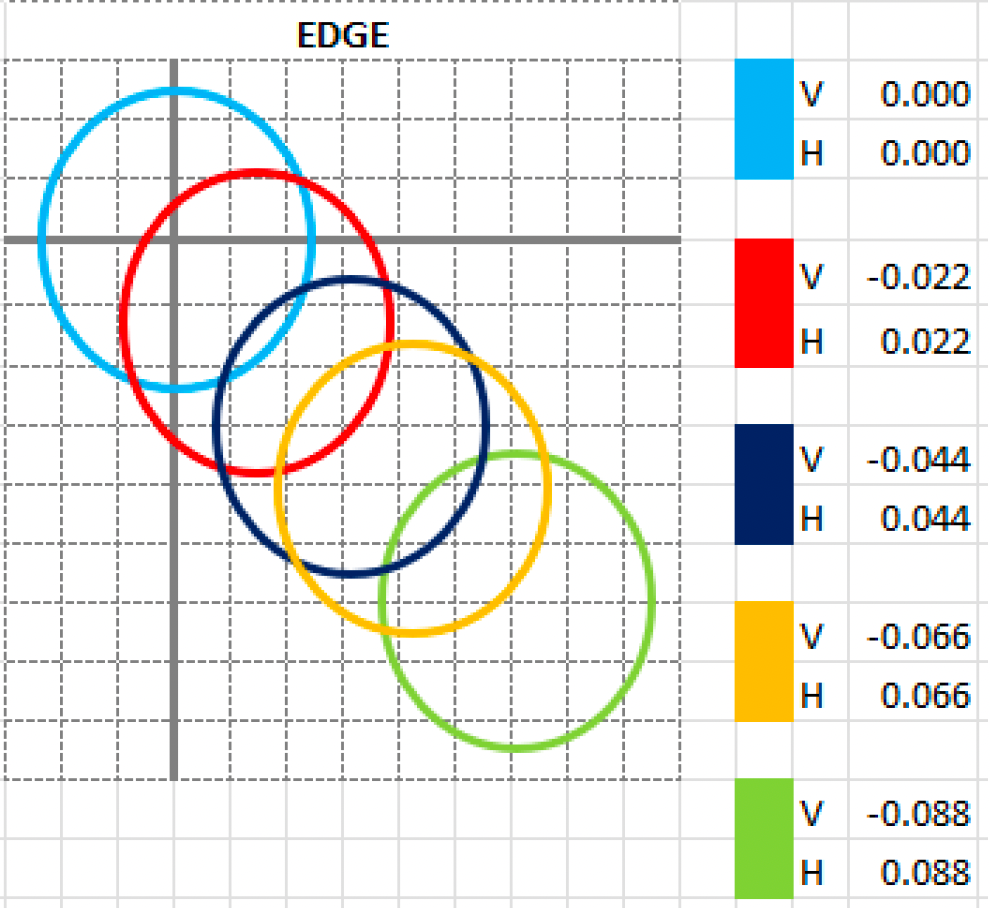
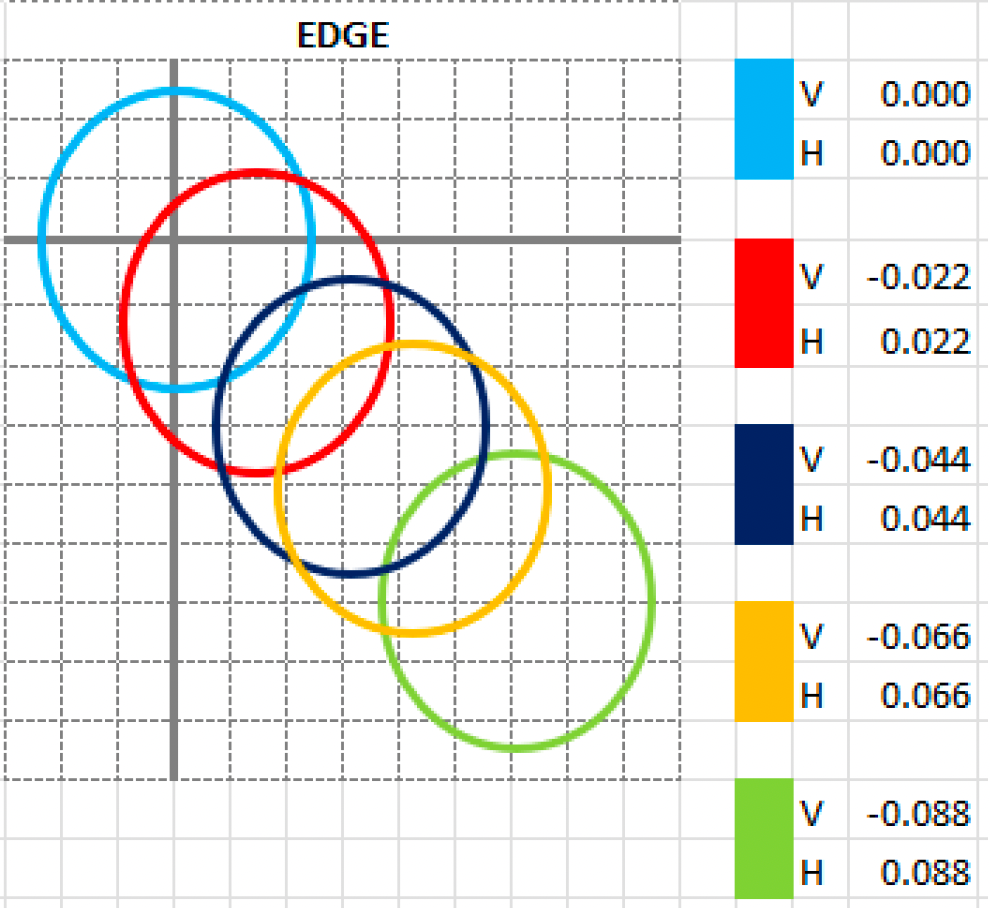
Edge
The Edge method measures initial pitch from the near edge of the oval opening — the edge closest to the bowler's palm. Your starting point on the press is always the top of the oval hole, with digital readouts initialized to 0/0 at that position. This is the traditional approach that mirrors how most drillers learned to cut ovals using charts or ratios.
- ✅ Consistent with how round hole pitch has historically been measured
- ✅ Familiar to operators trained on conventional pitch measurement techniques
- ✅ Use this setting if you zero out your digital readouts each time you start an oval cut
- ❌ Can introduce slight inconsistency as oval width increases, since the near edge shifts further from the hole's geometric center
Center
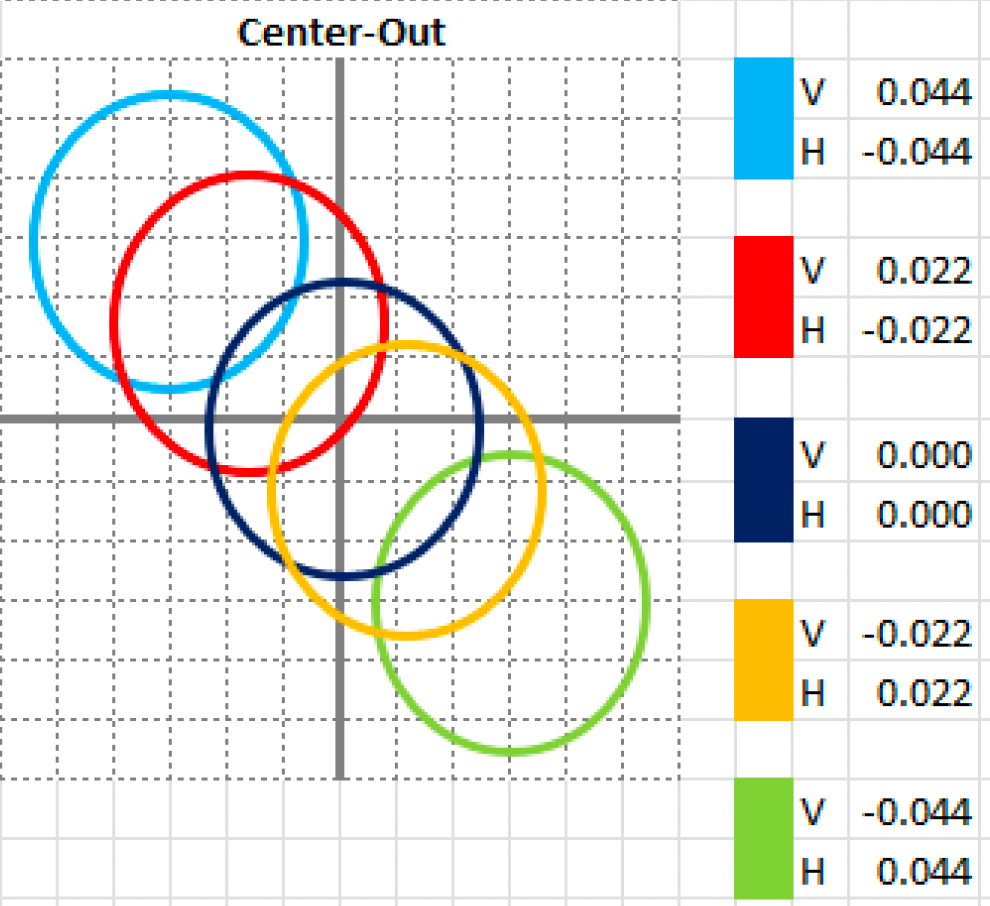
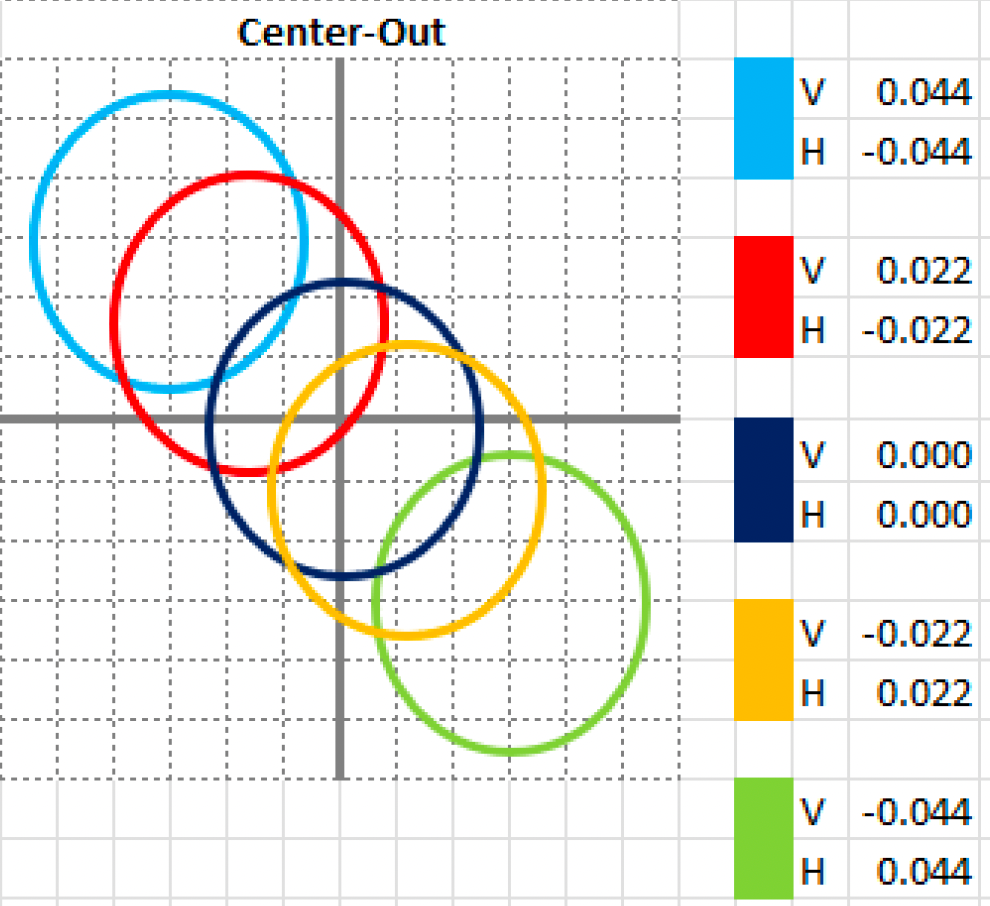
The Center method measures initial pitch from the geometric center of the oval opening. Your starting point on the press is always the center of the oval hole, with digital readouts initialized to 0/0 at that position. This is a mathematically consistent reference point regardless of oval width, and makes it straightforward to properly center a slug or interchangeable.
- ✅ Consistent reference regardless of oval width
- ✅ The oval will always be perfectly geometrically centered — no need to touch the press to re-center
- ✅ The easiest method to teach a novice ball driller how to cut ovals
- ✅ Use this setting if you keep the desired pitch on the readout rather than zeroing out
- ❌ Less intuitive for operators accustomed to traditional edge-based measurement
Note: Center is Mark Buffa's preferred method for measuring and drilling oval holes. If you are following the Spectre drilling methodology or learning from the Spectre YouTube channel, Center is the recommended choice.
📊 The Four Scenarios
The Edge/Center setting combines with the Add Thumb Pitch to Oval Cut Calculation setting (see 2.3.5) to produce four possible scenarios. All four result in the exact same oval hole — the difference is only in how the cuts are displayed on screen and how you set up your press.
| Scenario | Settings | Starting Point | Best For |
|---|---|---|---|
| 1 — Edge, No Pitch | Edge + No | Top of oval = 0/0 |
Operators who zero out readouts before every oval cut. Traditional chart/ratio method. |
| 2 — Center, No Pitch | Center + No | Center of oval = 0/0 |
Operators who zero out readouts and want a geometrically centered oval. Great for learning to center slugs. |
| 3 — Edge, Pitch Included | Edge + Yes | Top of oval with pitch baked into first cut | Operators who keep the desired pitch on the readout and do not zero out between cuts. |
| 4 — Center, Pitch Included | Center + Yes | Center of oval with pitch baked in | The easiest method for novice drillers — no press adjustment needed, oval is perfectly centered every time. |
📐 Method Comparison at a Glance
| Factor | Edge | Center |
|---|---|---|
| Reference point | Near edge (top) of oval opening | Geometric center of oval opening |
| Starting readout position | 0/0 at top of oval | 0/0 at center of oval |
| Consistency across oval sizes | Varies with oval width | Consistent regardless of width |
| Familiarity | Traditional / widely taught | Modern / geometry-based |
| Best suited for | Operators who zero out readouts per cut | Operators who keep pitch on readout; novice drillers |
| Slug/interchangeable centering | Manual adjustment required | Automatically geometrically centered |
⚙️ Changing This Setting
- Open Spectre Cloud at
cloud.spectrebowling.comand log in. - Select Settings from the menu.
- Navigate to the Thumb Hole Preferences section.
- Locate the Initial pitch inside the total oval field and select either
EdgeorCenter. - Changes are saved automatically.
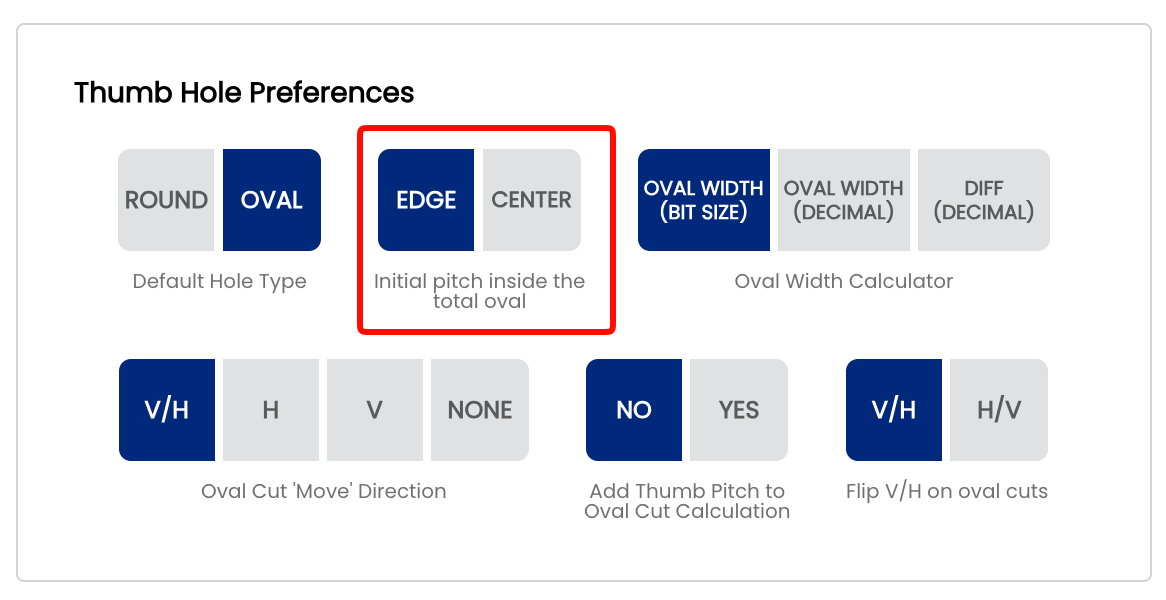
Note: Like all system defaults, this setting controls only the pre-selection on new spec sheets. It can always be changed on a per-sheet basis without affecting your shop default.
🎬 See It in Action
Watch Mark Buffa walk through the full oval thumb cutting process step by step using Spectre Pro Shop Software: How to Cut an Oval Thumb! | Full Pro Shop Tutorial!
For a deeper dive into the oval drilling process including the tapering method, watch Mark Buffa and Jacob Imoo from Jr Pro Shop walk through measuring for bit size, determining oval width and degree, and using the Spectre Oval Calculator step by step: Oval Calculator — Tapering Process
Related Sections
Tip: If you are new to oval drilling, Center + Yes (Center method with pitch included) is the most forgiving combination to learn on — the oval will always be geometrically centered and there is no need to adjust the press between cuts. Mark Buffa recommends this as the easiest way to teach novice drillers how to cut ovals consistently.