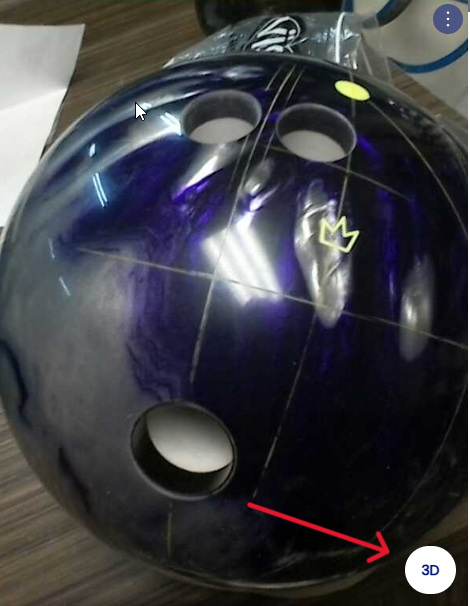
Nouvelle page
In the "Arsenal" section, the "Hole Depth" option is designed to indicate the desired depth of the finger and thumb holes — for example:
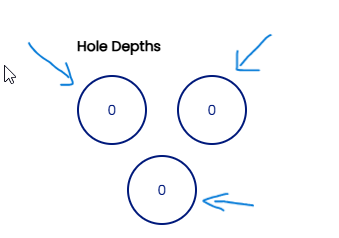
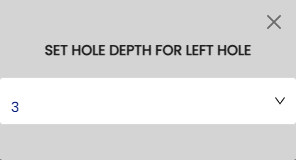
Click on the cercle of the hole to indicate the depth ex:
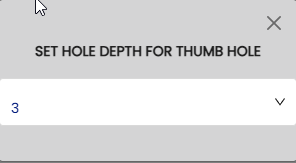
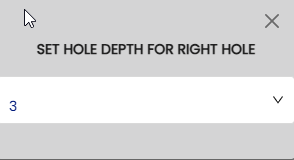
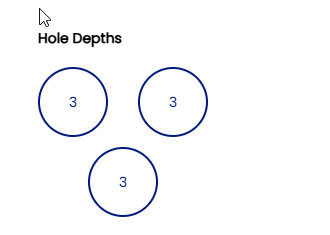
Once you have entered your desired hole depths and specified your chosen layout, you can visualize it in 3D by clicking on "3D".