Skip to main content
How to input a round thumb information.
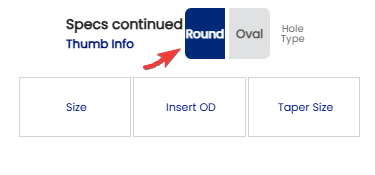
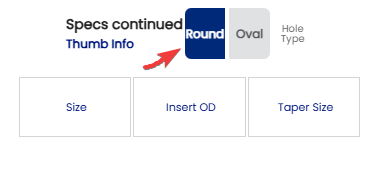
- To enter the
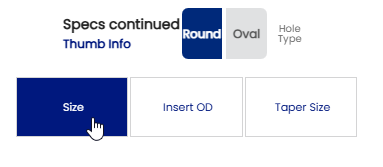
Roundinformation for a round thumb information,hole, click " Round" Button on thumb info section located on Spec Sheet .Sheet.
EX:Example:
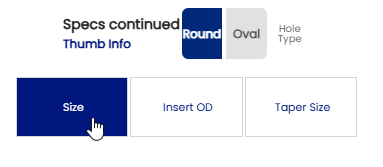
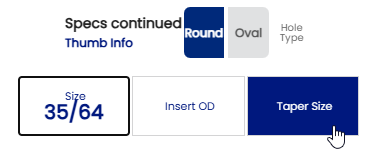
- When the size of the thumb is determined , click on "Size"
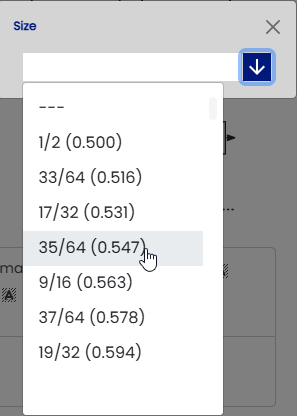
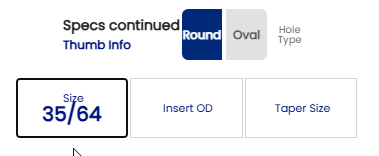
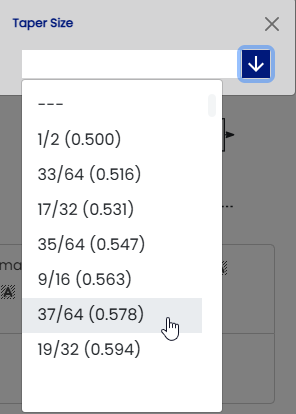
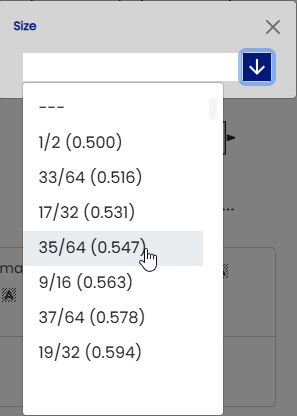
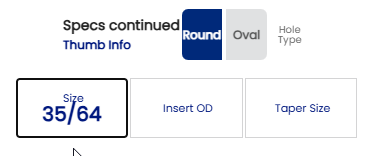
buttonbutton. When the window opens, click on the down arrow and wrotechoose the size selected.of the bit that corresponds to the measured size.
EX:Example:
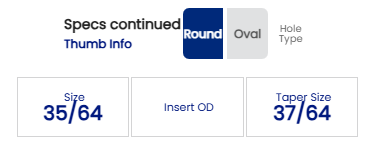
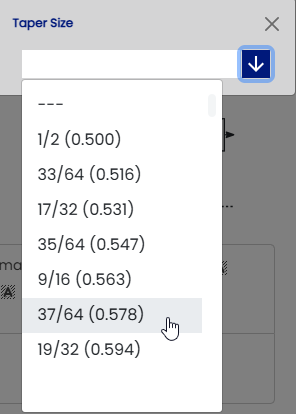
The Taper is the next step to complete tofor the round thumb. When the Taper is determined ,determined, click on "Taper Size" and wrotewhen the sizebox selectedopens .up, Theclick process ison the samedown asarrow and choose the "Size"taper size.
EX:Example:
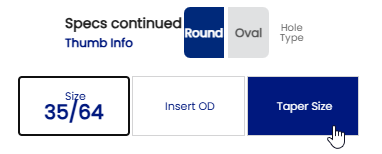
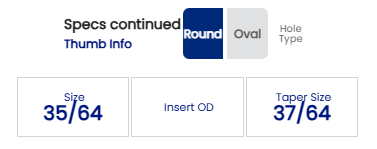
- Your round thumb is set to drill .