Skip to main content
How to input a finger oval measurement ( no inserts)
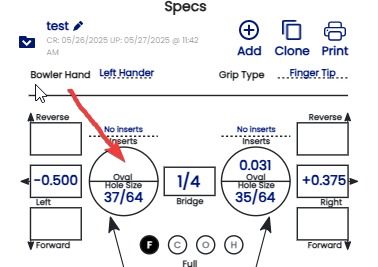
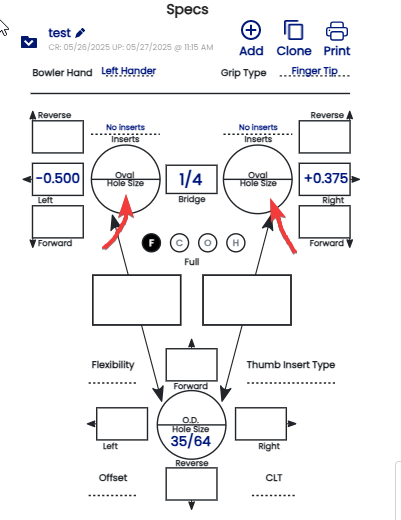
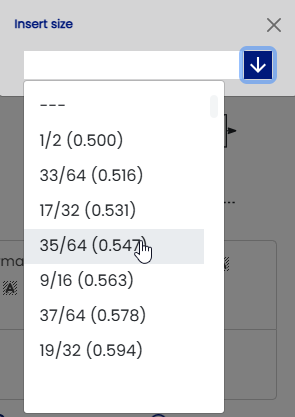
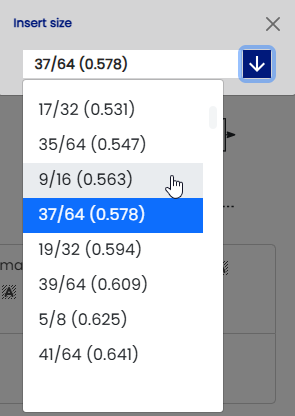
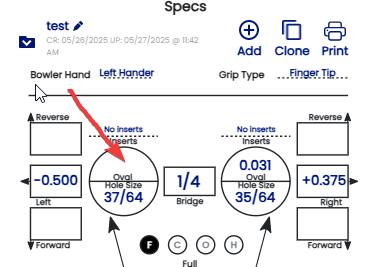
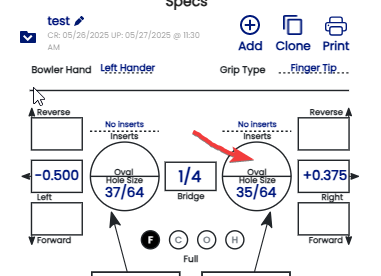
FindClick inside the rightfinger hole circle in the area that says "Hole Size".- Using the selection box, choose the correct drill bit size for
botheach fingersfinger at the measurementhole.
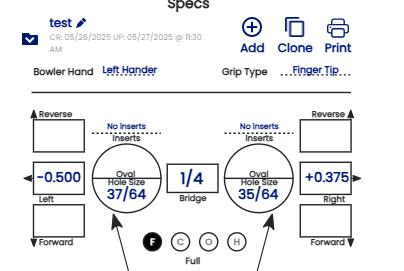
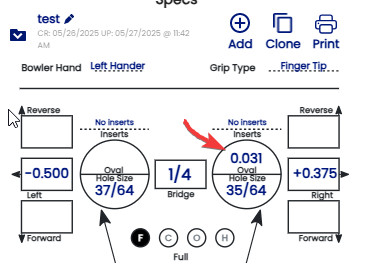
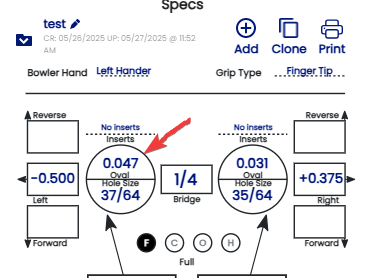
WhenAfter it'sit foundhas ,been registerselected, onit will be displayed " Hole Size" located on the Spec sheet sheet.EX:Example:
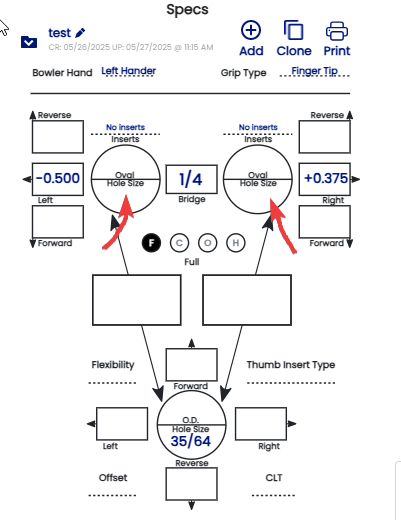
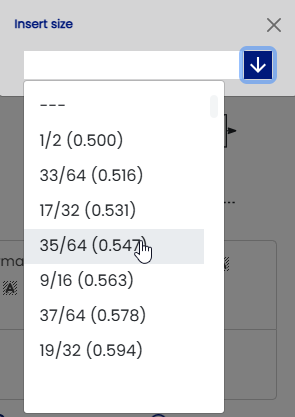
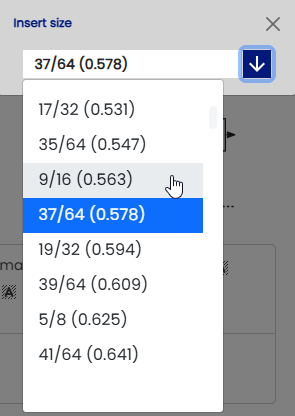
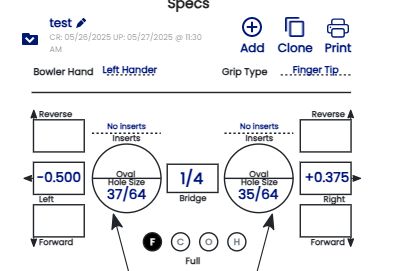
- Next step is to find the oval width . When the size is
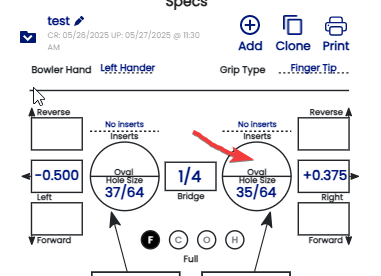
selected , thenselected, calculate the difference in millimeterdecimal measurement (thousandths of an inch) between your finger drill bit and the oval widthwidth.
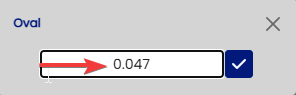
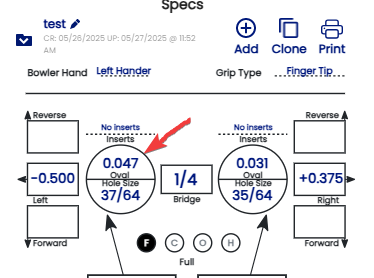
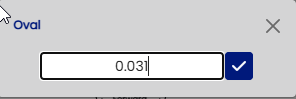
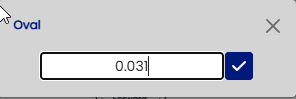
ExempleExample: : ringRing finger yousize found sizeis 39/64 ( 0.609) - 35/64 ( 0.578) = 0.031031" WroteEnter the difference in the "Oval" section located on the spec sheet then press check button to confirm .EX:Example:
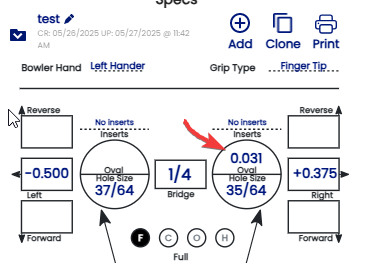
For the Middle finger the process is exactly the same as the ring finger by determined the oval width and making the difference from the drill bit .
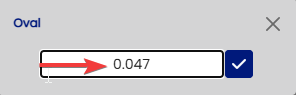
Exemple : oval width 5/8 ( 0.625) then 5/8 (0.625) - 37/64 ( 0.578) =0.047