Creating a blank spec sheet for a bowler
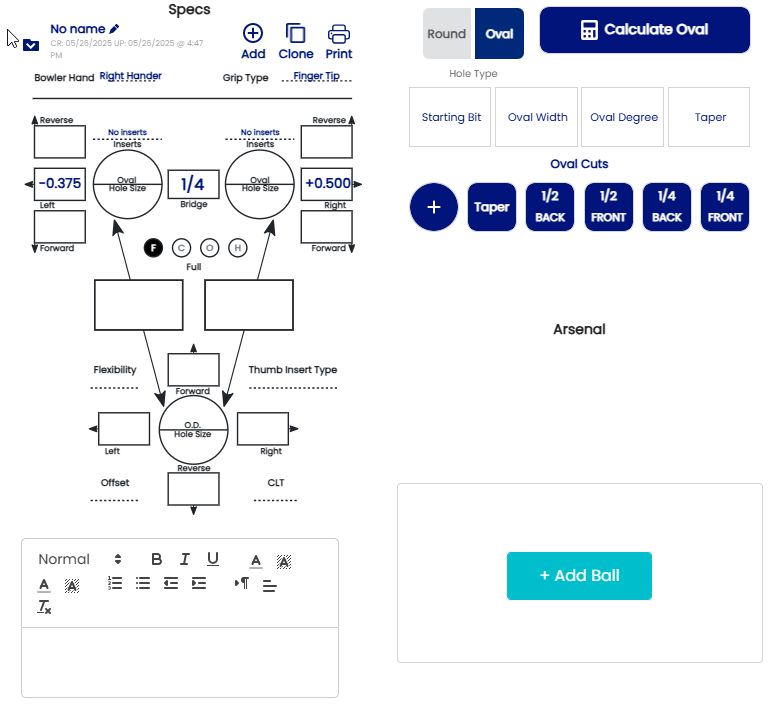
ToIn order to create thea Spec SheetSheet, first the bowler profile must be created.
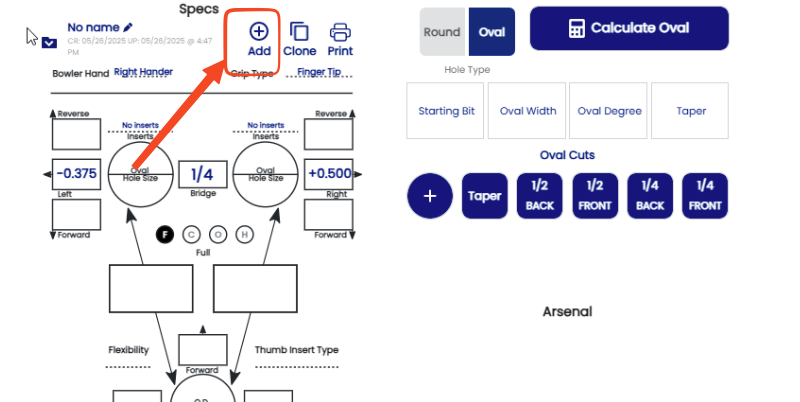
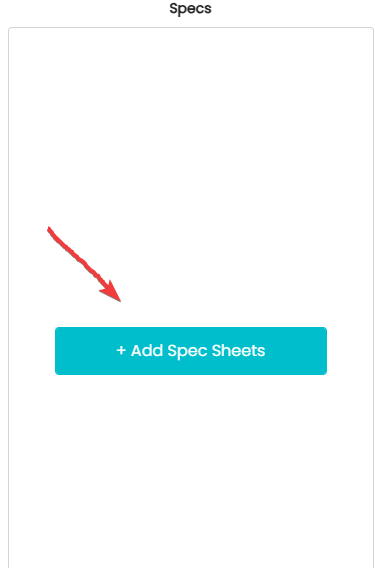
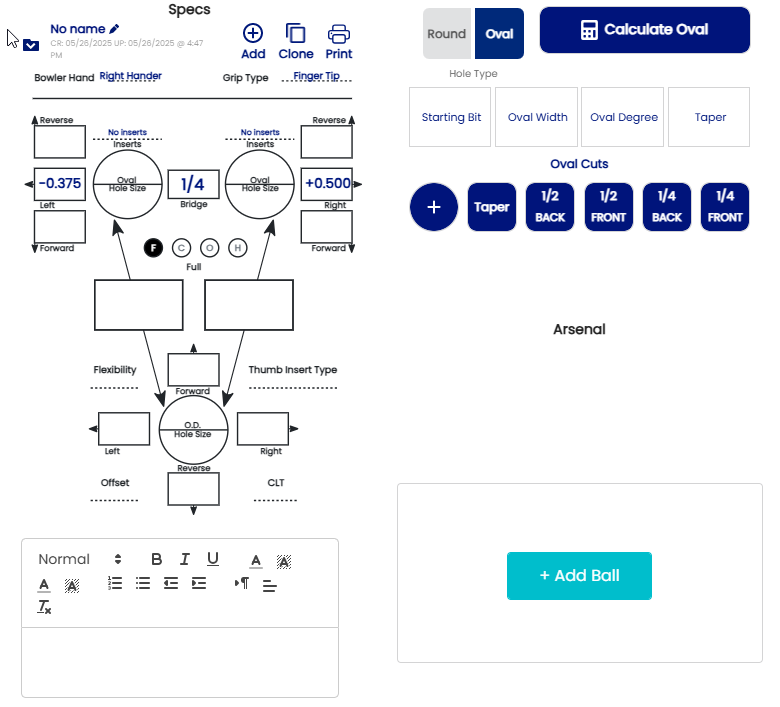
- If this is a brand new client, with no history
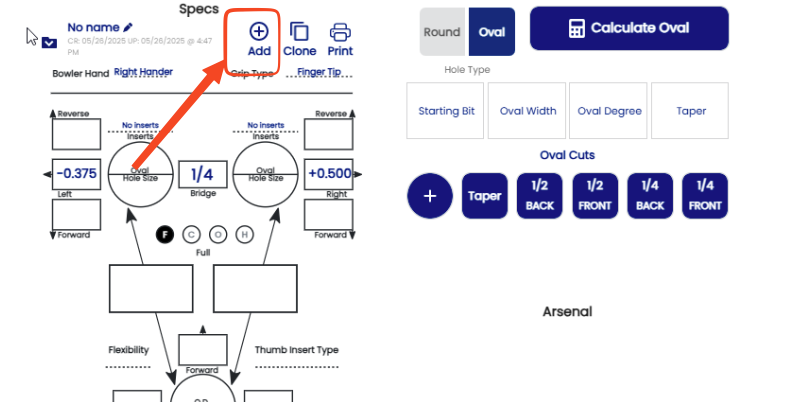
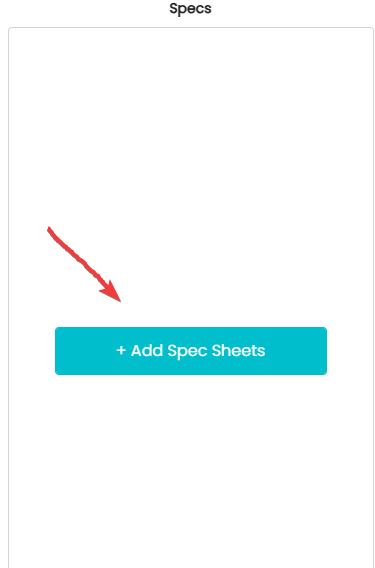
- Click on (Add Spec Sheets )
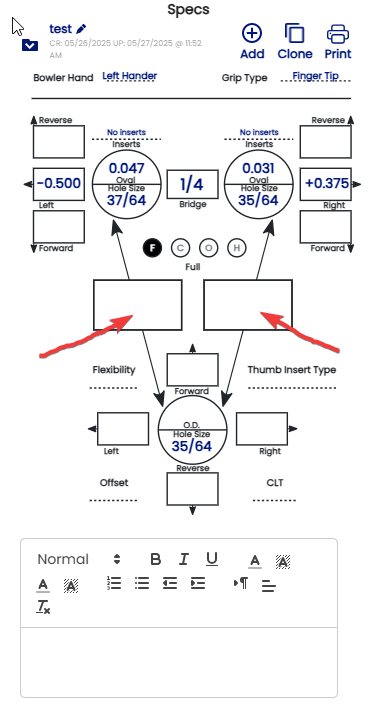
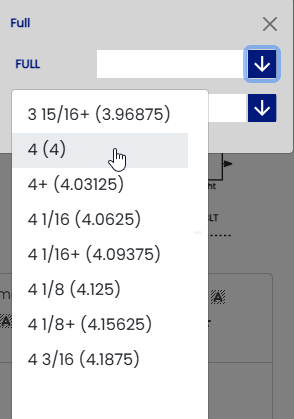
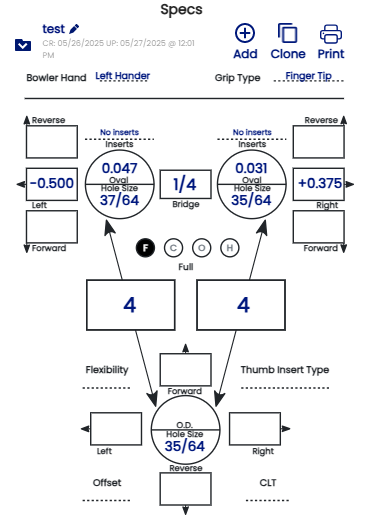
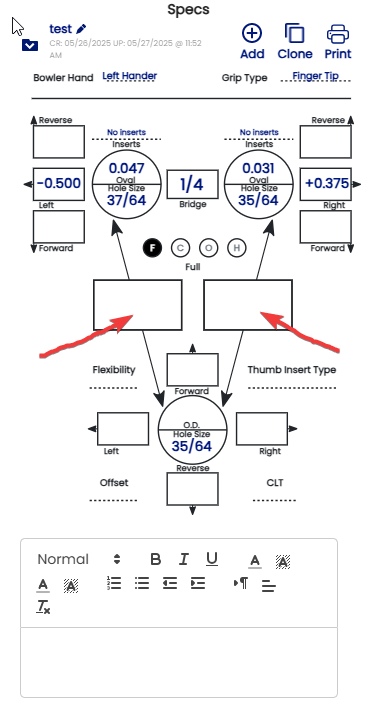
When the full span is determined, make sure that the circle with the "F" is highlighted and enter both spans. Example:
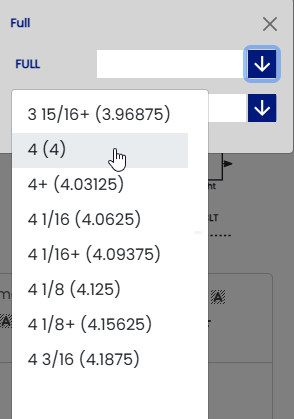
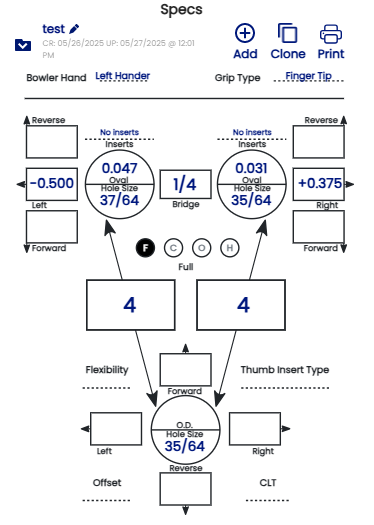
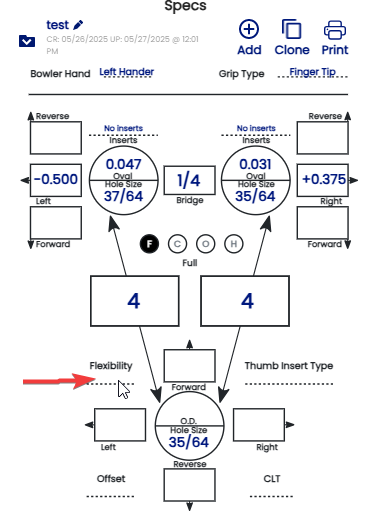
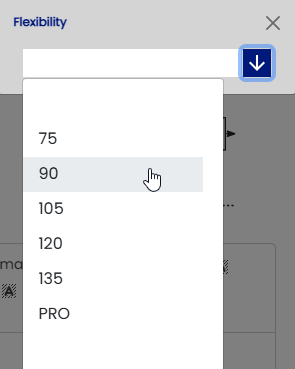
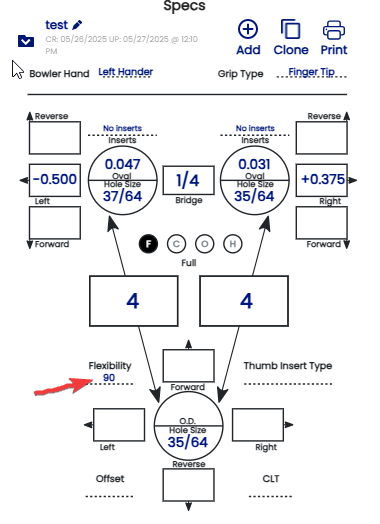
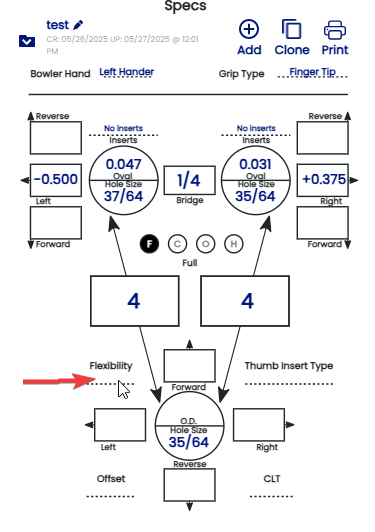
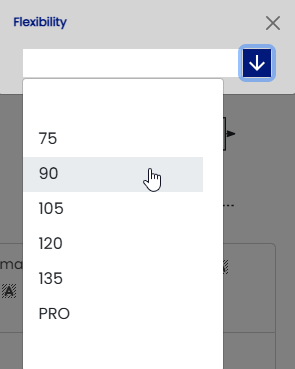
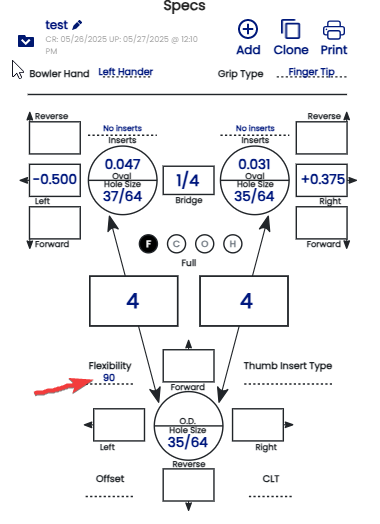
The flexibility must be indicated in order to determined what pitch of your thumb is suggested. Example :
- If
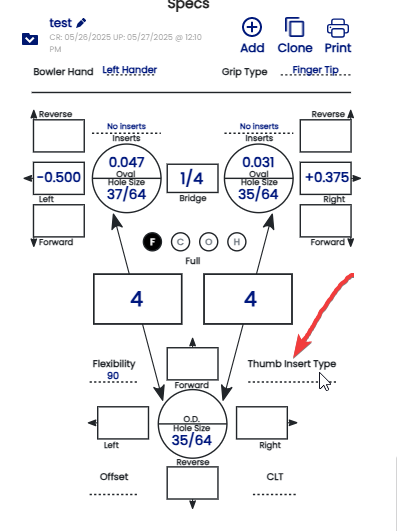
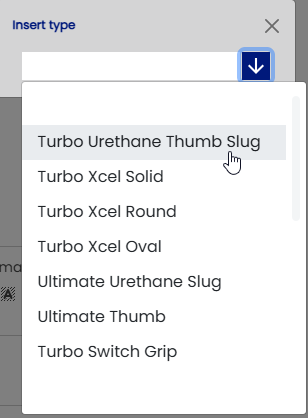
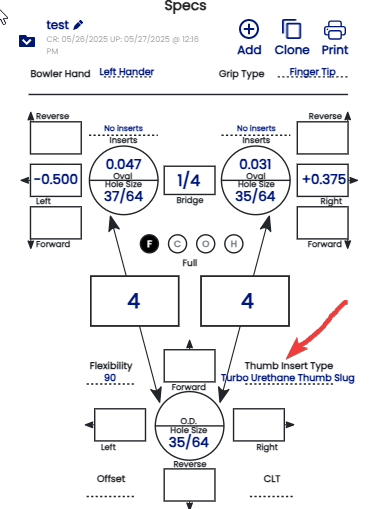
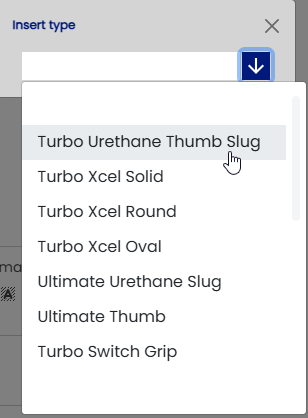
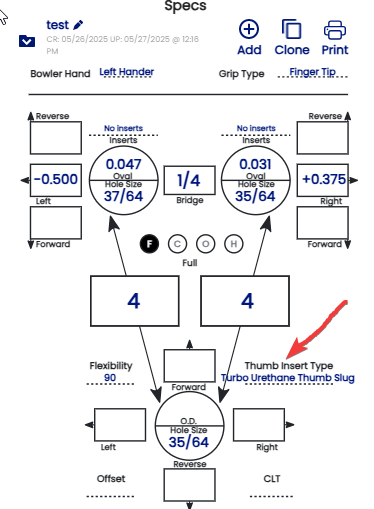
thethis is an existing bowler useswith a slugspec orsheet analready interchangeableon thumb,file, itand mustyou bewant indicatedto increate a new blank one. Click the "Thumb+Add Insertsbutton.
Type".
the
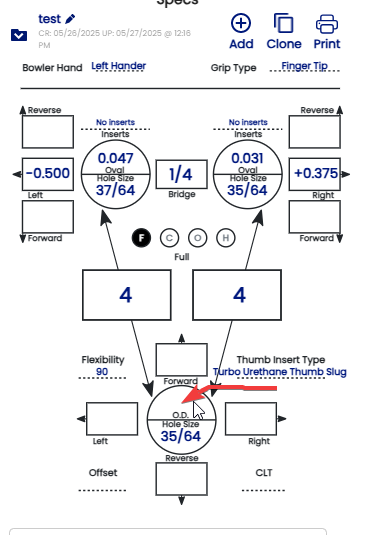
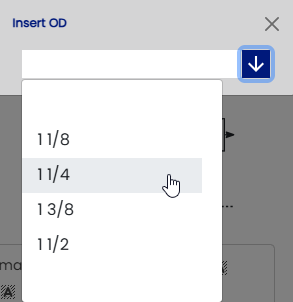
size of the slug by clicking on "O.D." section. Example:
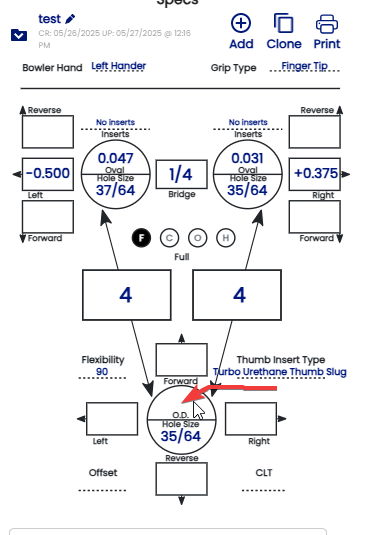
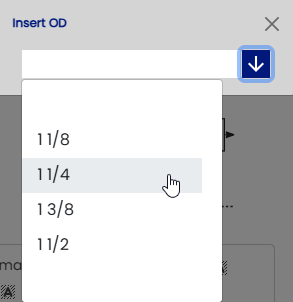
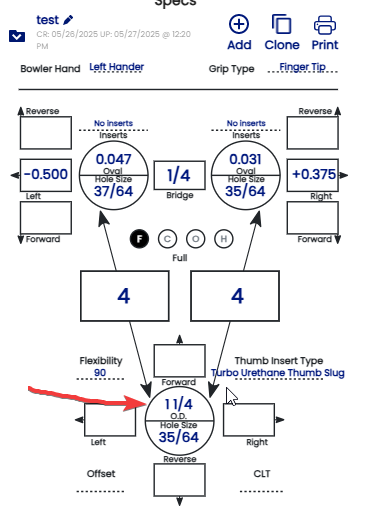
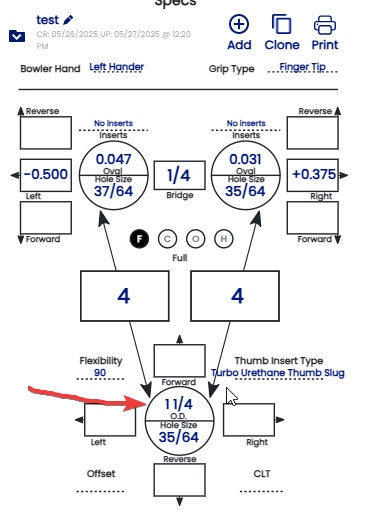
The size of the slug is now set:
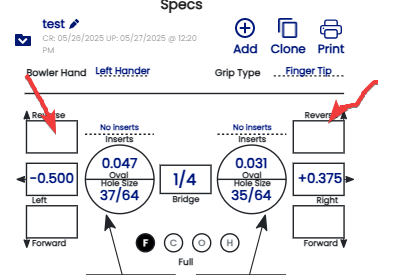
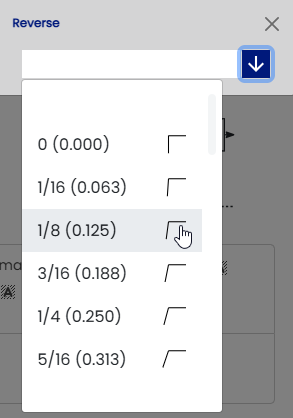
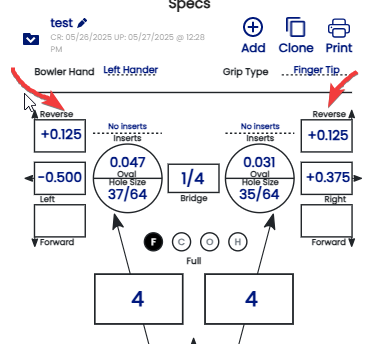
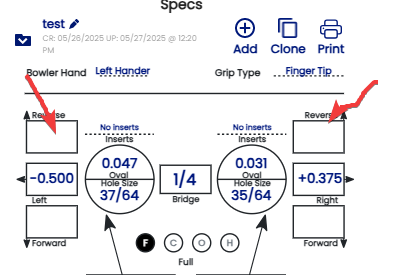
Identify the vertical pitch of each finger and enter it in either the "Reverse" or "Forward" box. Example:
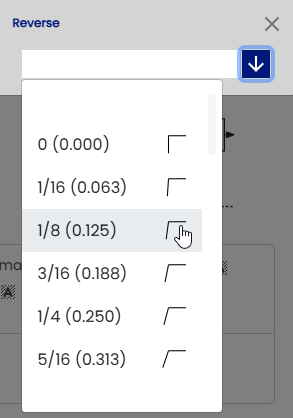
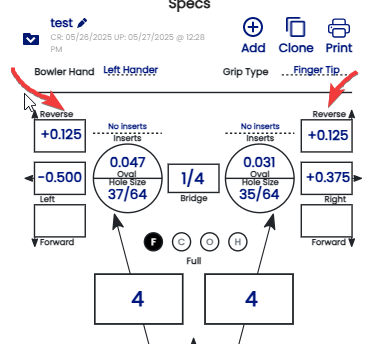
In a conventional grip, you will generally give the bowler FORWARD pitch in both the fingers and thumb so that they can easily hang onto the ball without making the holes too tight.
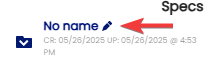
You can name your sheet and follow the history by click this section
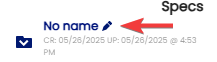
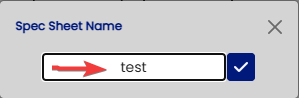
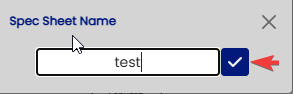
Name or history on the sheet must be entered here:
EX: 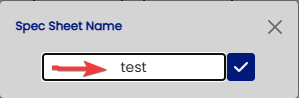
Then click the check mark button:
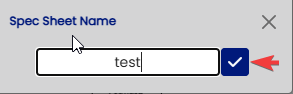
13b. Your spec sheet is now finished!

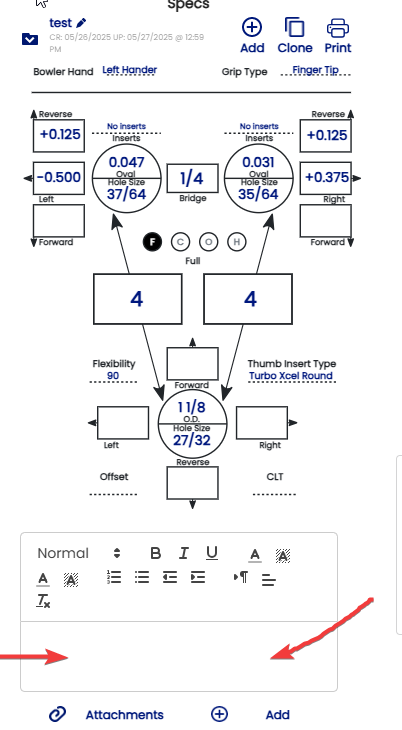
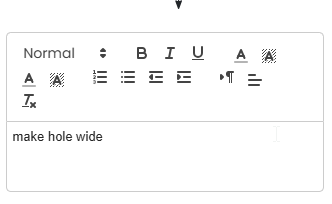
All comments or important notes should be recorded in the notes section:
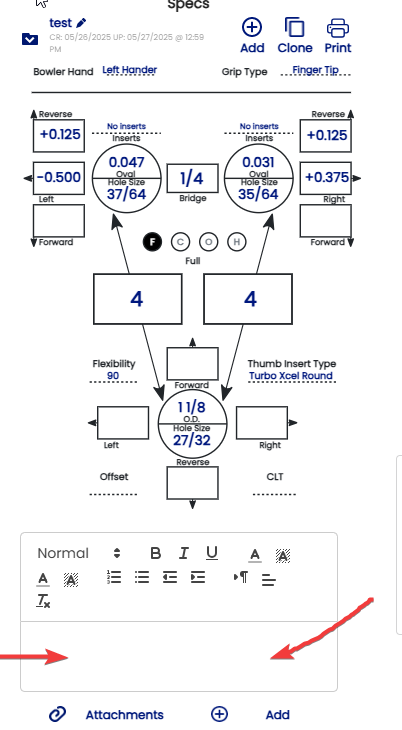
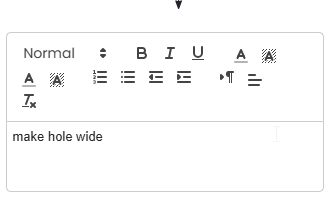
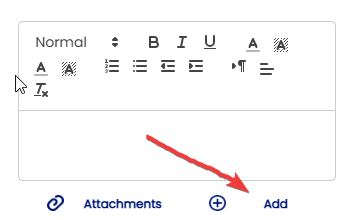
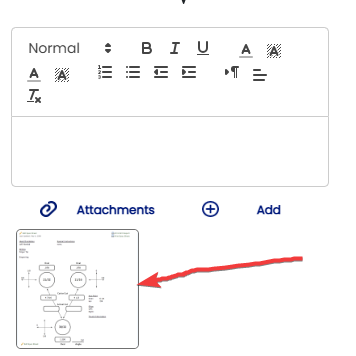
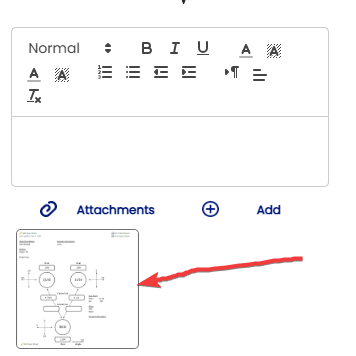
You can add a picture as a reference in the section "Attachments" below the note section by clicking "ADD"
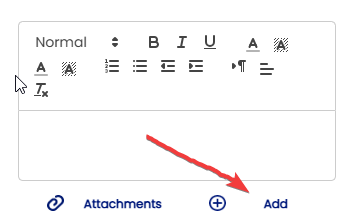
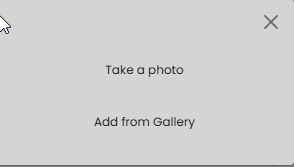
You can take a photo via your Ipad or phone or add any picture from the gallery then the photo will be uploaded in the files .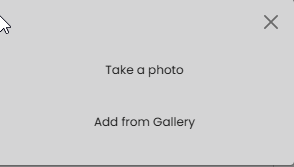
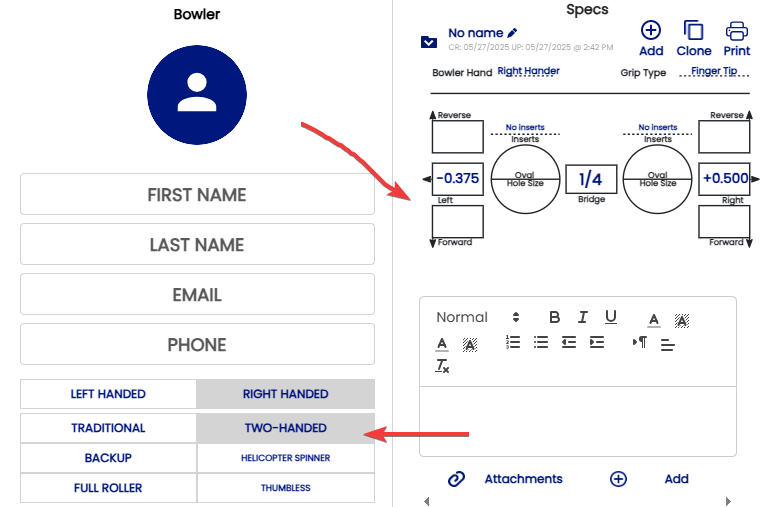
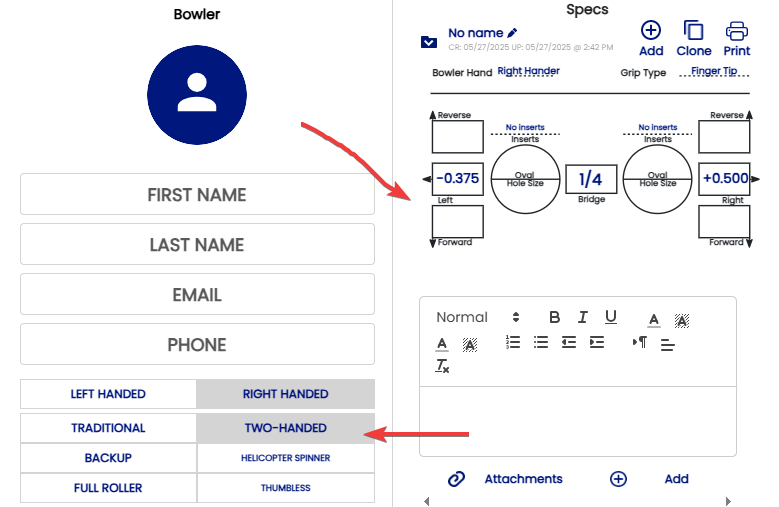
If the bowler is Two-handed (andor does not use a thumb hole), click on "TWO-HANDED" in the bowler information section, andThumbless, it will automatically change the spec sheet to one without the thumb specs:
-