Create the Spec Sheet
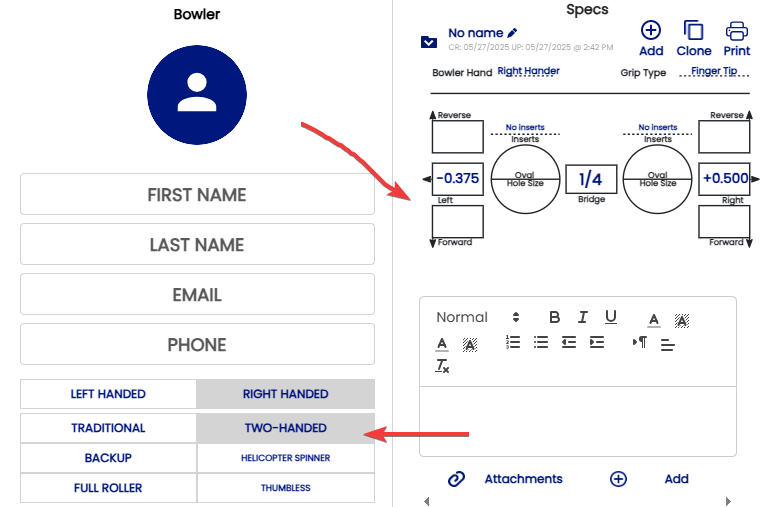
To create the Spec Sheet
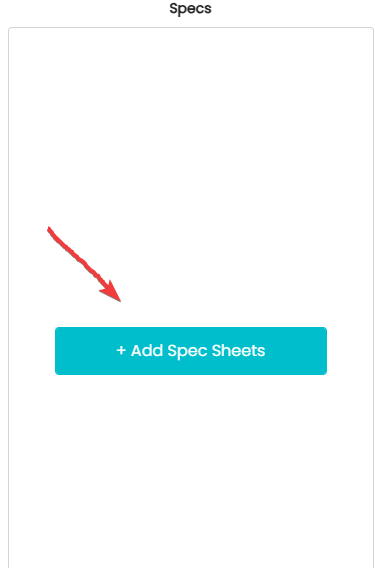
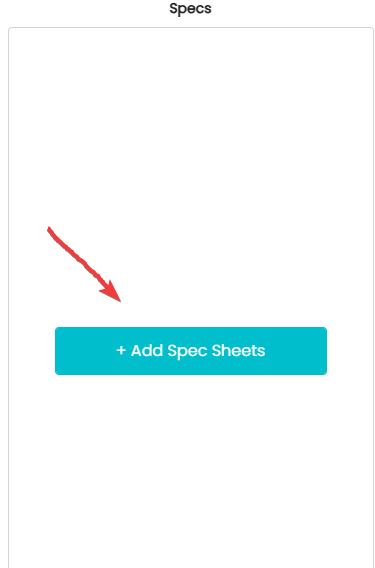
- Click on (Add Spec Sheets )
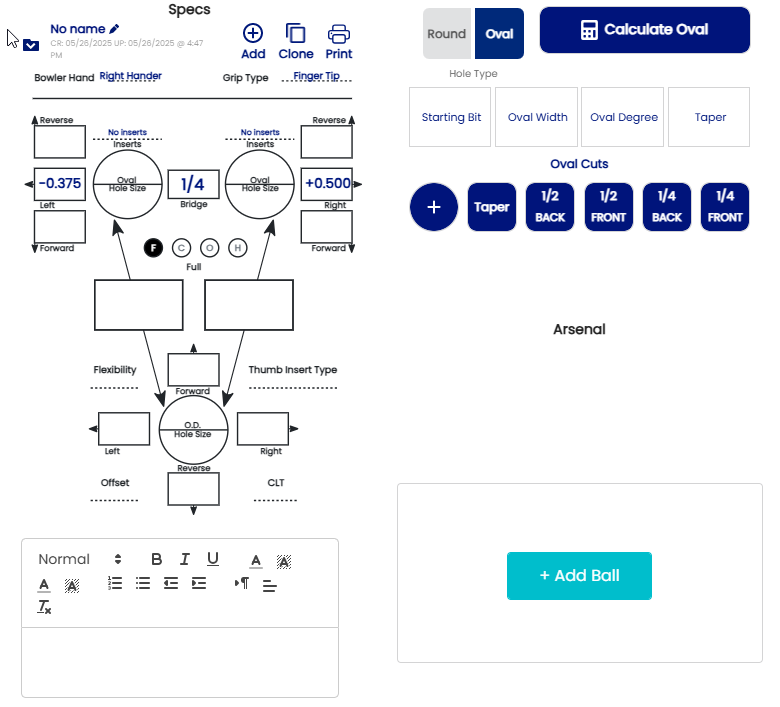
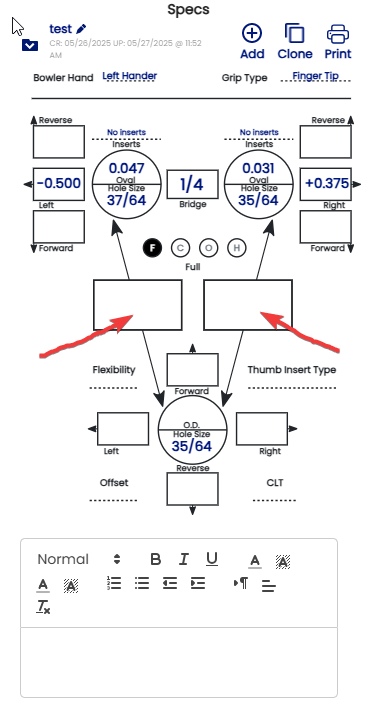
- When
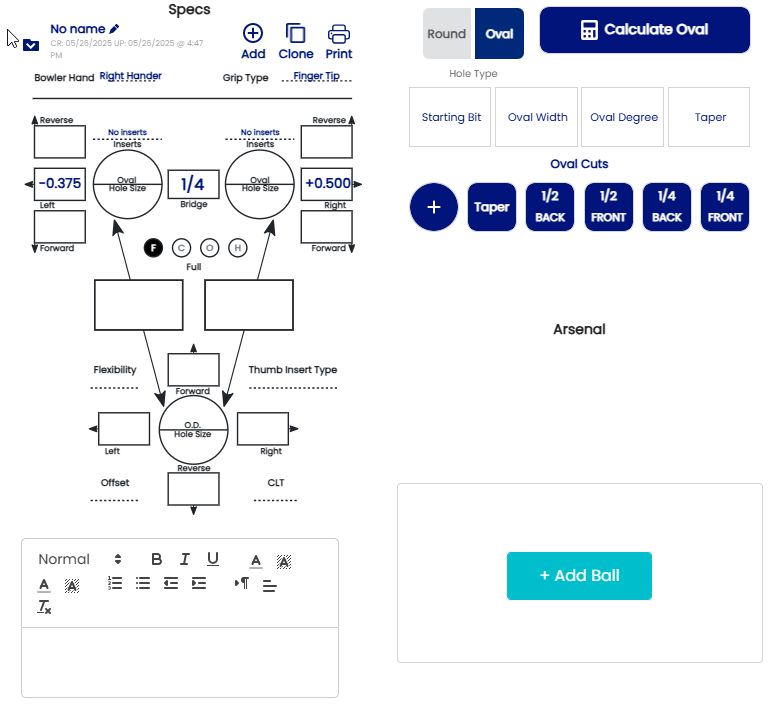
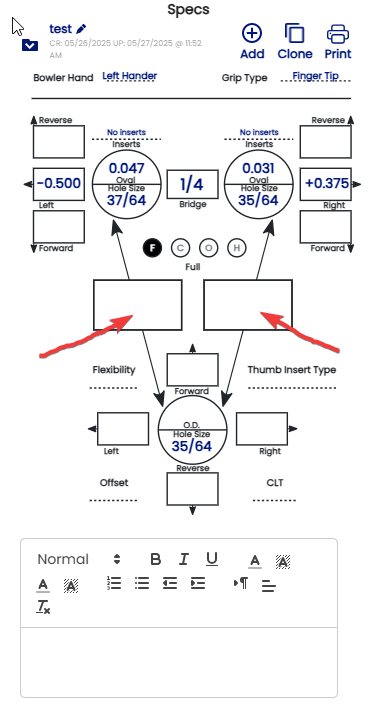
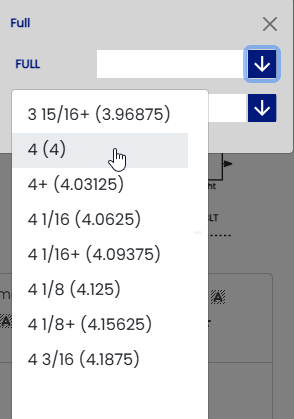
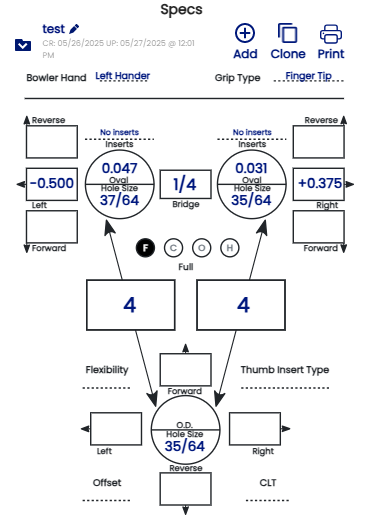
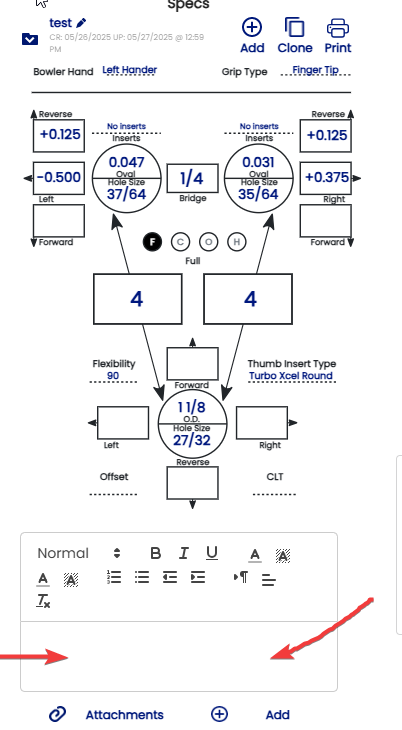
yourthe full span isdetermineddetermined,,makeregistersureonthat the circle with the "F" is highlighted and enter bothsectionspans.Exemple :Example: -
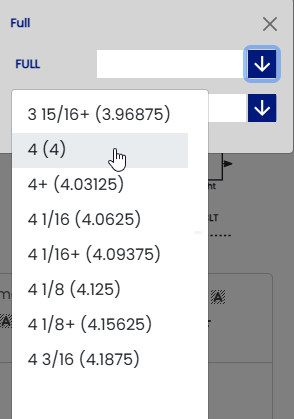
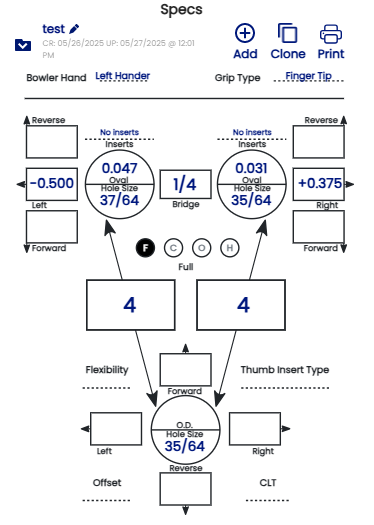
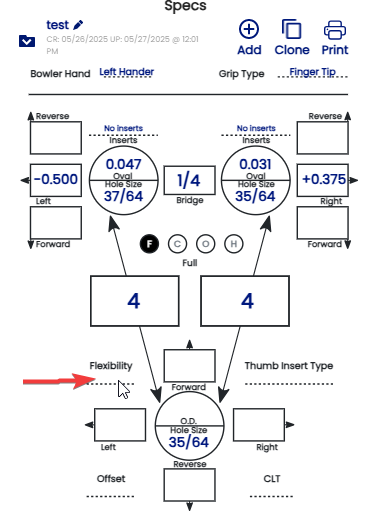
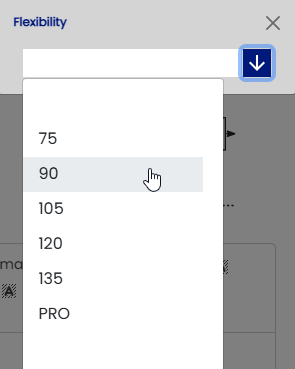
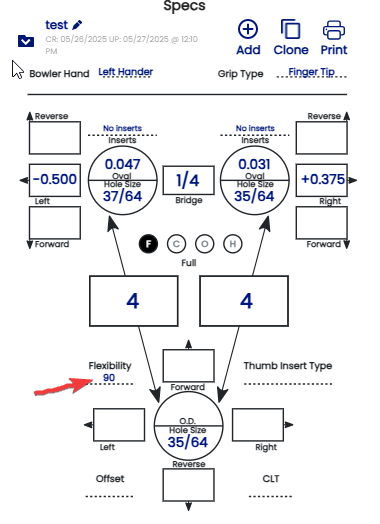
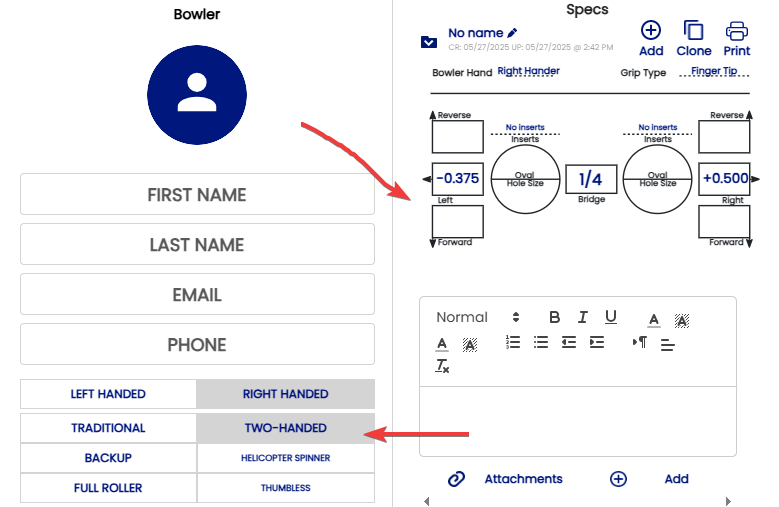
- The flexibility must be indicated in order to determined what pitch of your thumb is
suggestedsuggested..ExempleExample :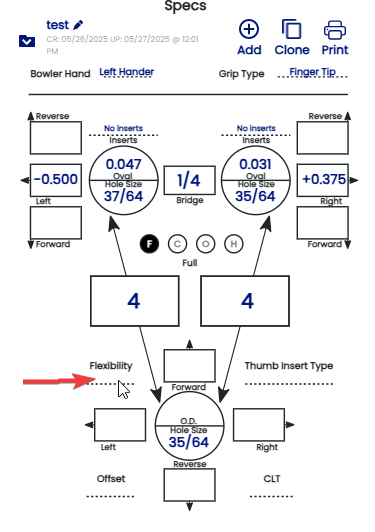
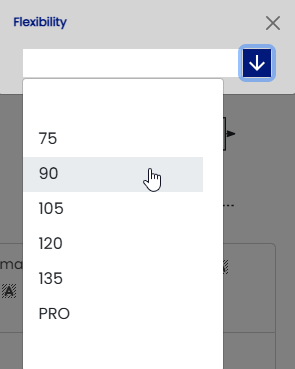
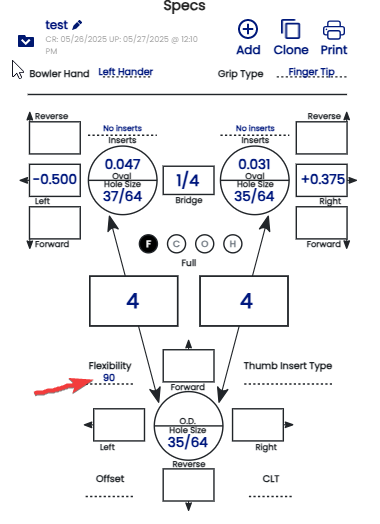
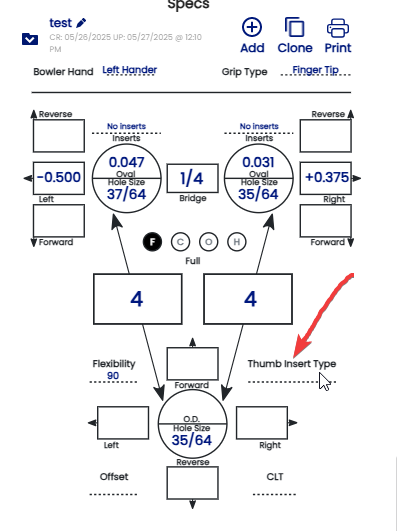
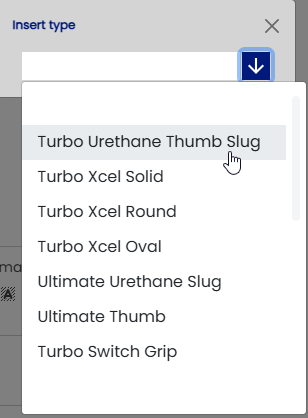
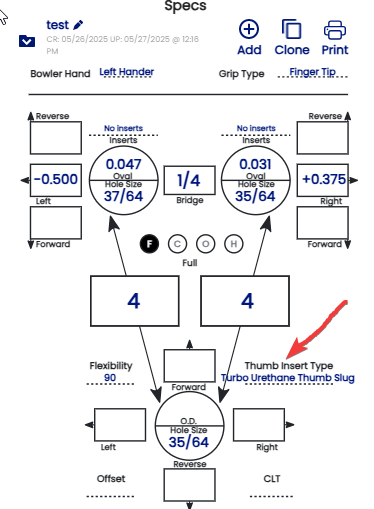
- If the
bowlersbowleruseuses a slug orswitchangripinterchangeable,thumb, it must be indicated in the "Thumb Inserts Type".Exemple:Example: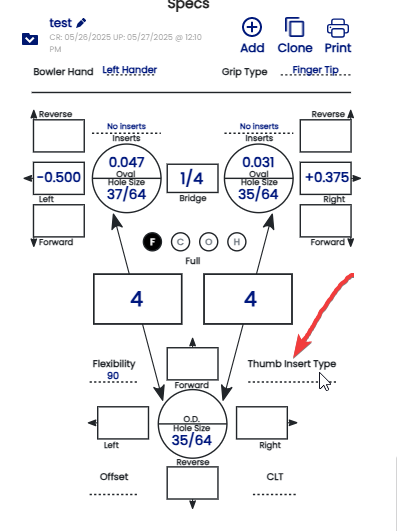
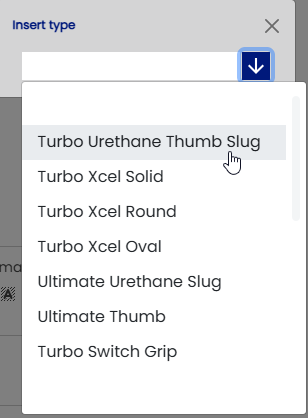
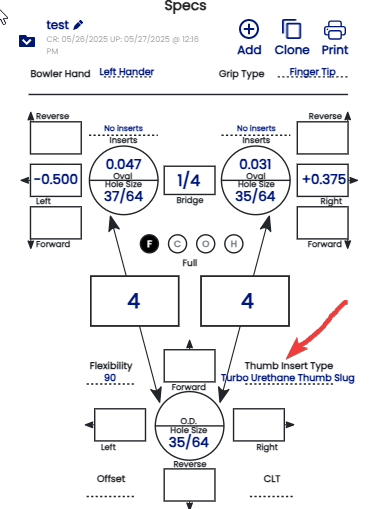
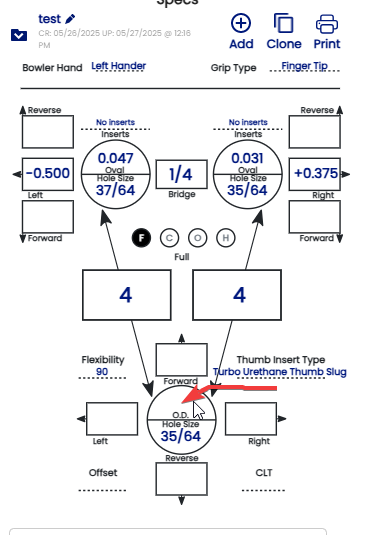
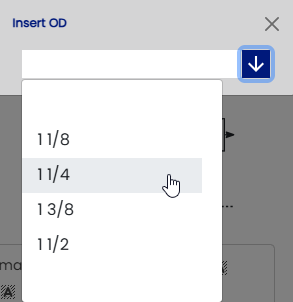
- Register the size of the slug by clicking on "O.
D"D."sectionsection..Exemple :Example: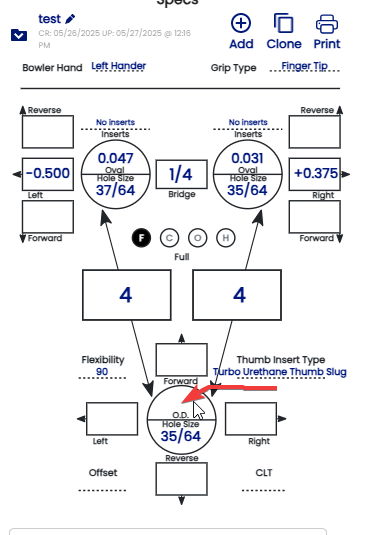
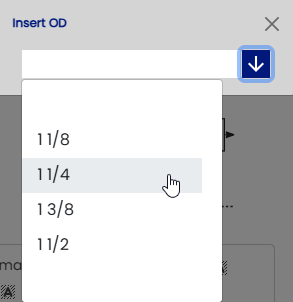
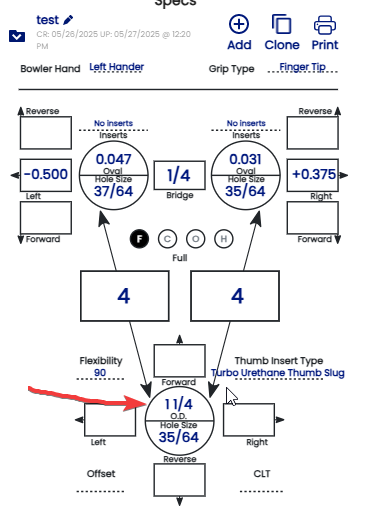
theTheSizesize of the slug isallnowset :set: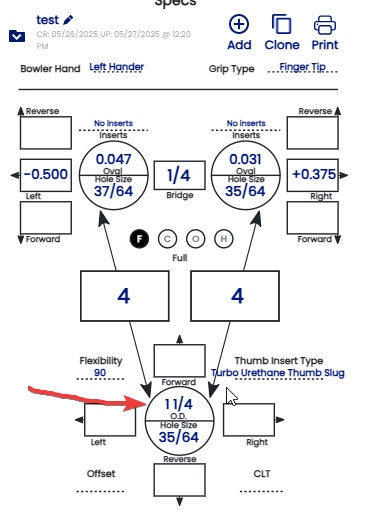
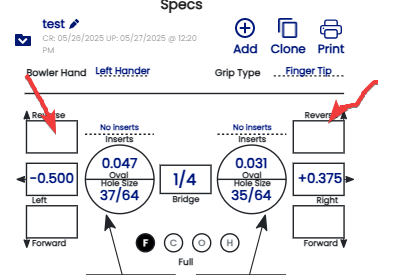
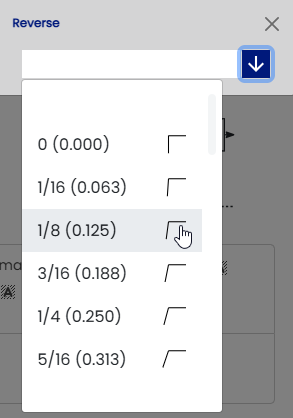
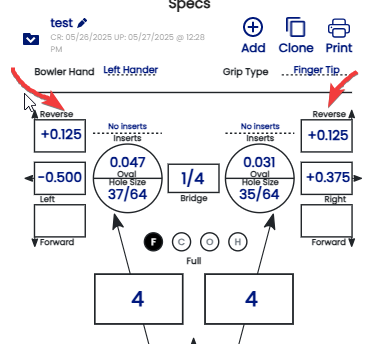
- Identify the vertical pitch of
botheach finger( finger tip drilling)andwroteenteronit in either the "Reverse"sectionorexemple:"Forward" box. Example: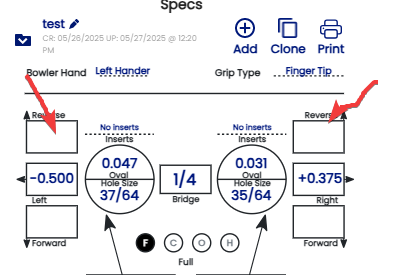
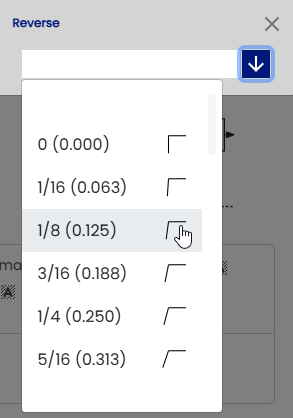
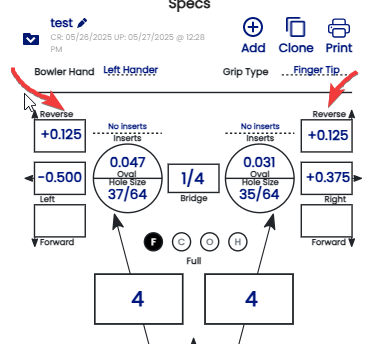
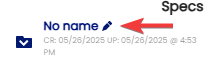
IfIn a conventional grip, you will generally give thedrillingbowleris conventionnal , allFORWARD pitchthumbin both the fingers andfingerthumbaresoforwardthatintheyrelationcanofeasily hang onto theflexibilityballofwithout making thehand.holesExempletooif the pitch of the thumb are 1/4 the fingers are the same !!!!tight.- You can name your sheet and follow the history by click this section
-
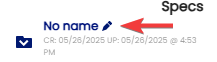
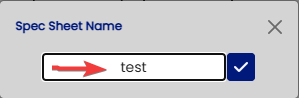
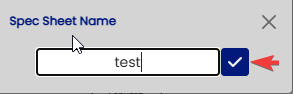
- Name or history on the sheet must be
writeenteredherehere: - Then click the check
buttonmark button: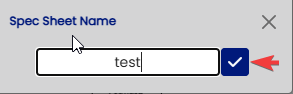
6.13b. Your spec sheet is nowset !finished!

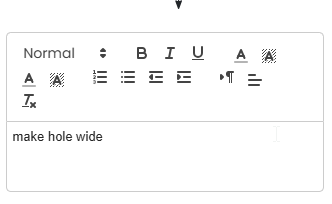
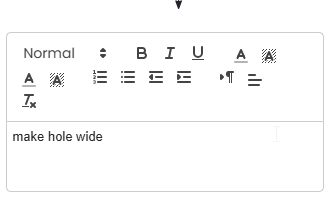
- All comments or important notes
mustshould beindicatedrecordedonin thenotenotessection :section: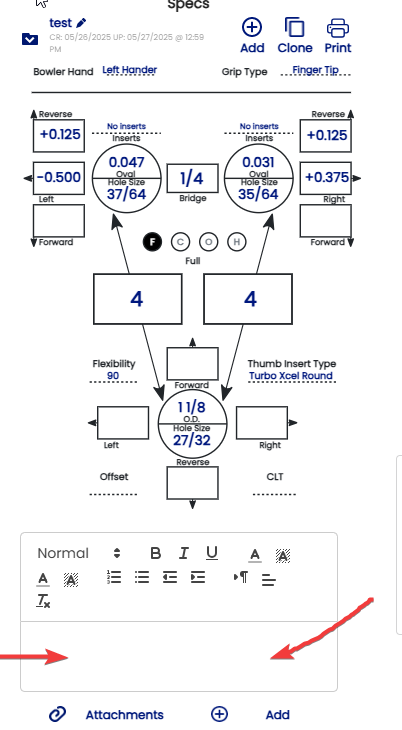
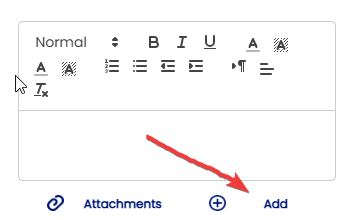
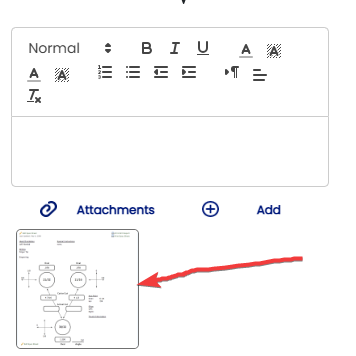
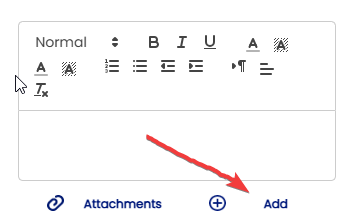
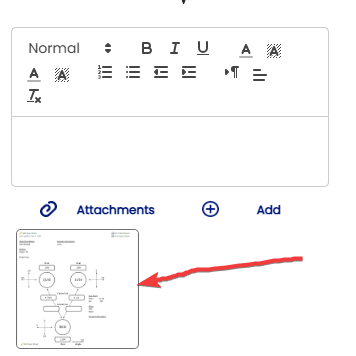
- You can add a picture as a reference in the section "Attachments" below the note section by clicking "ADD"
-
-
-