
4.2.7 Cloning an existing spec sheet
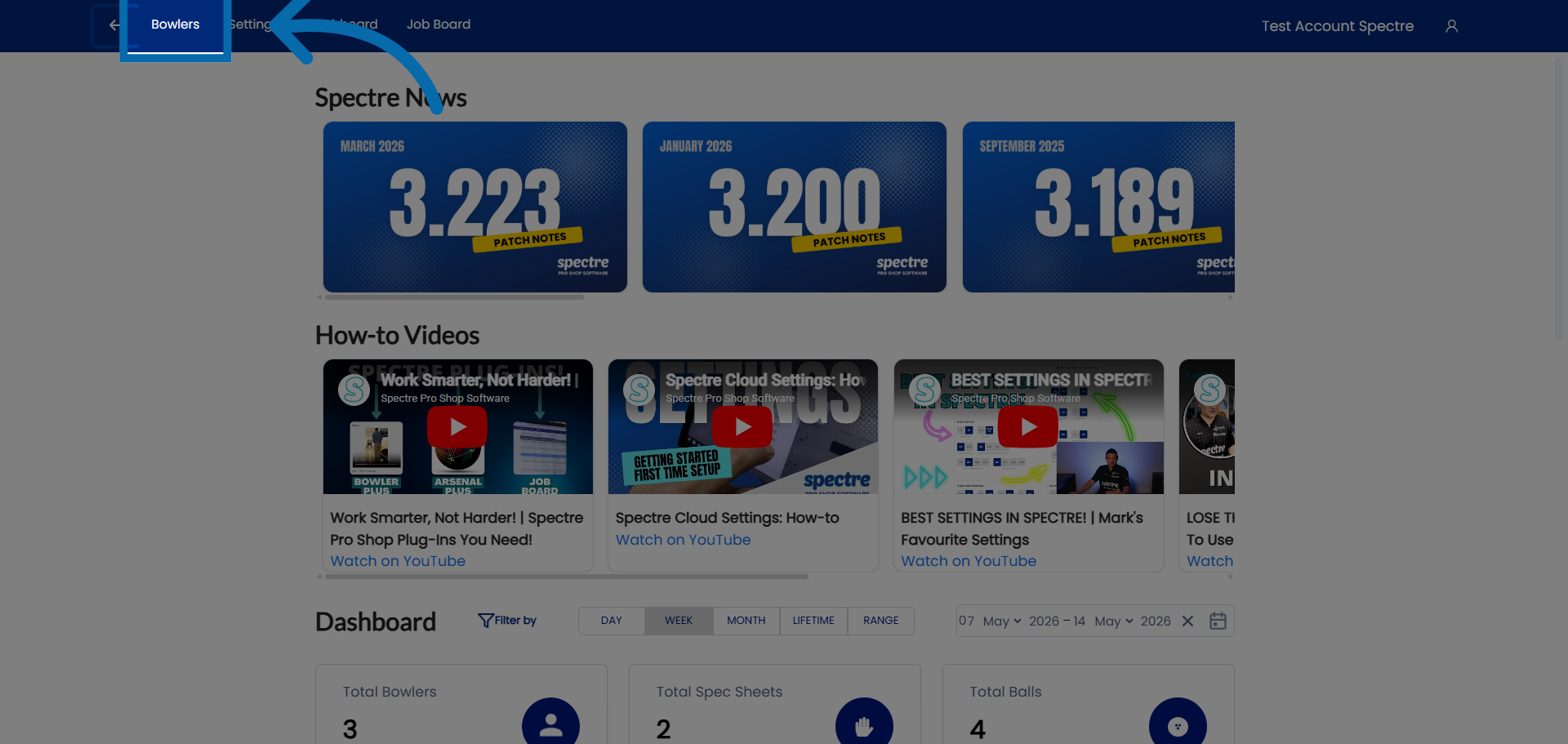
1. Access Bowlers Section
Click "Bowlers" to open the list of registered bowlers in the Spectre Proshop Management system.
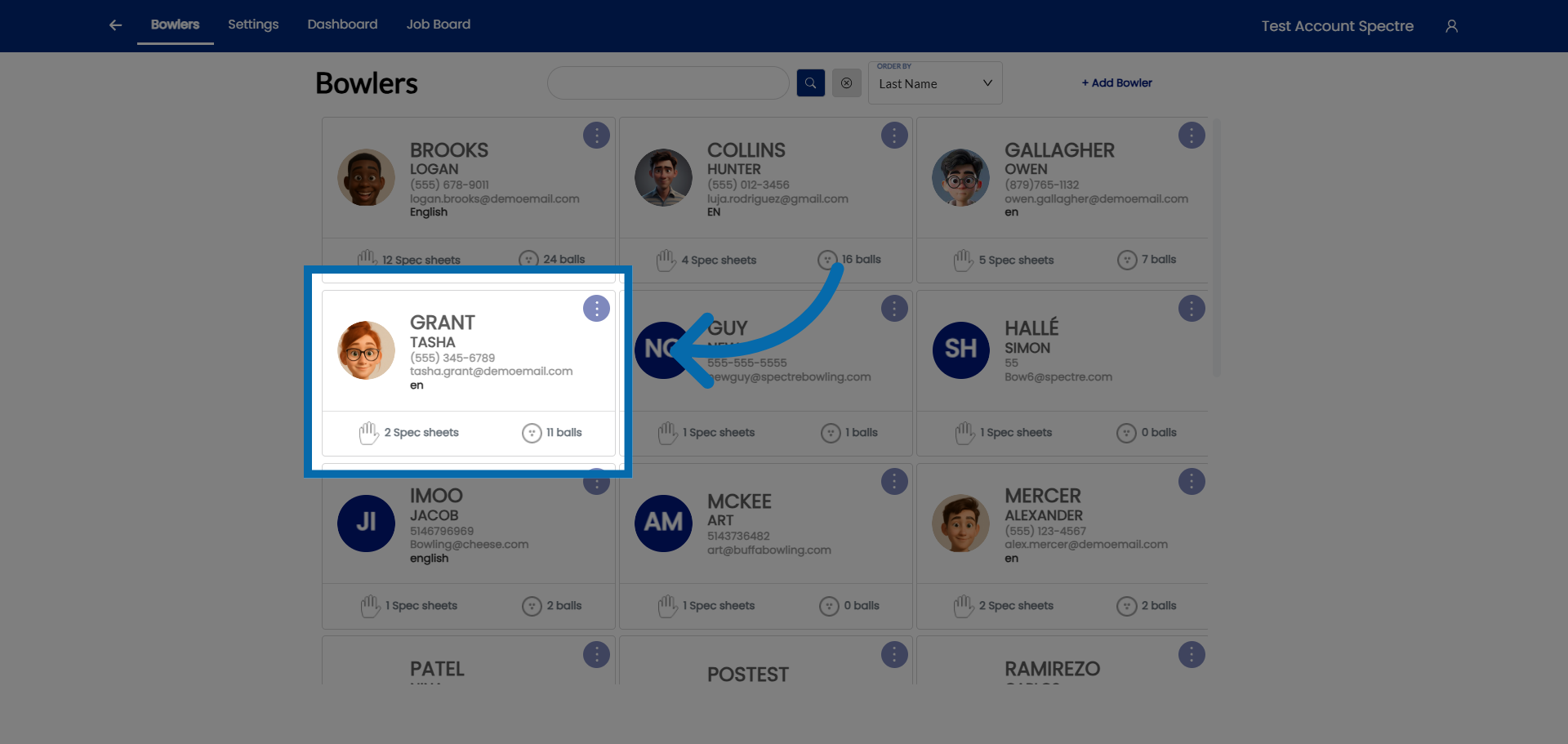
2. Open Bowler Profile
Select a bowler you would like to clone their spec shee
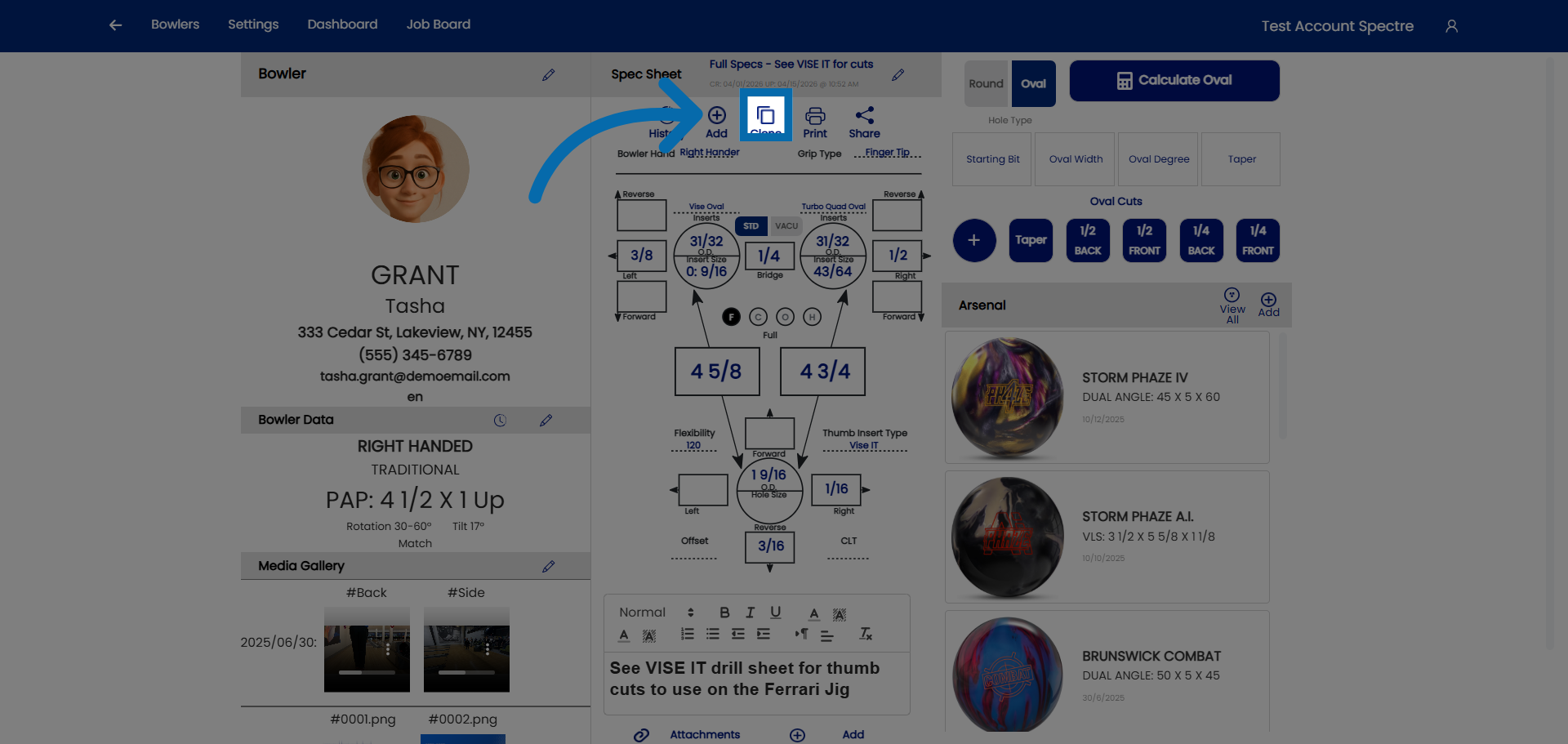
3. Hit the CLONE button
Click here to create a clone of the default spec shee.
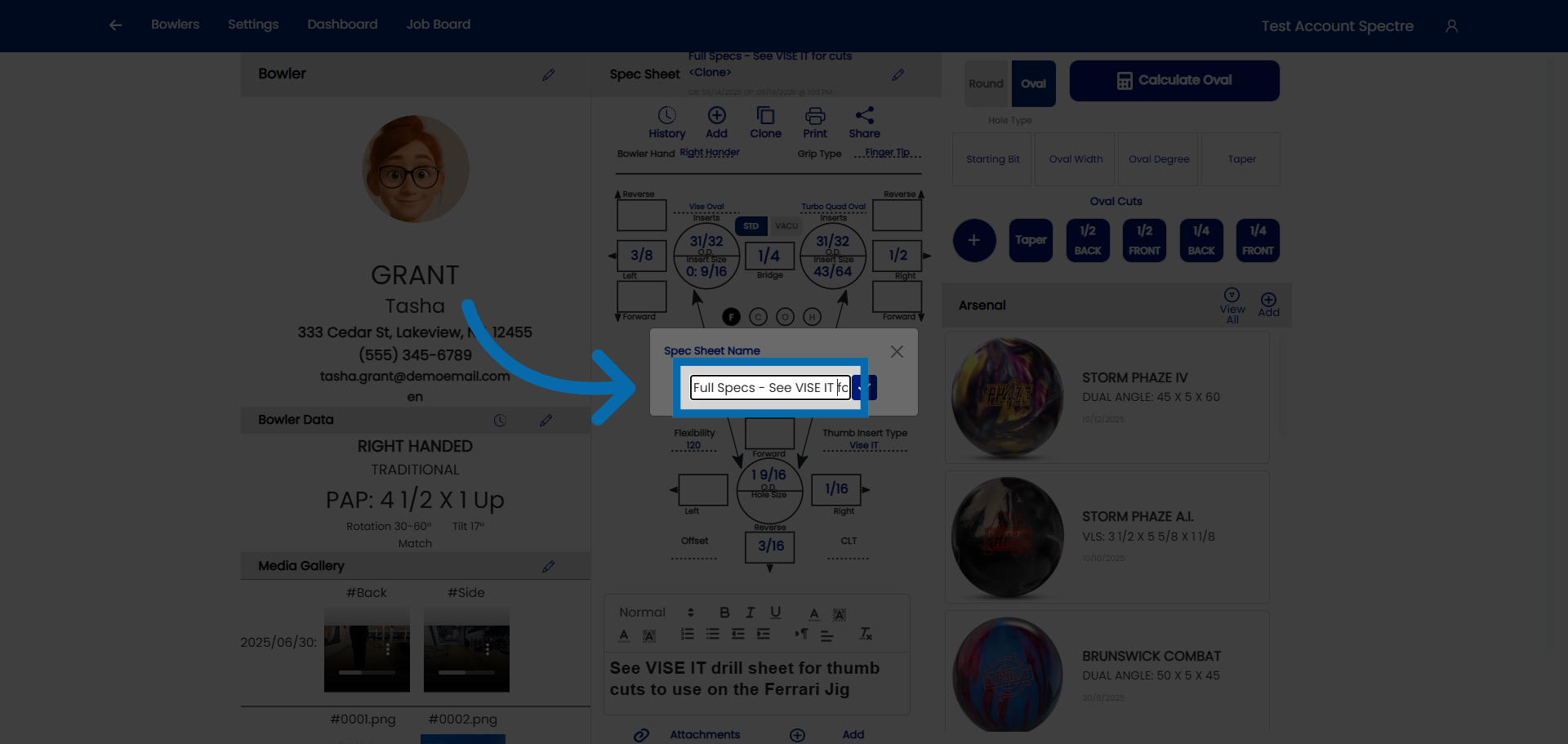
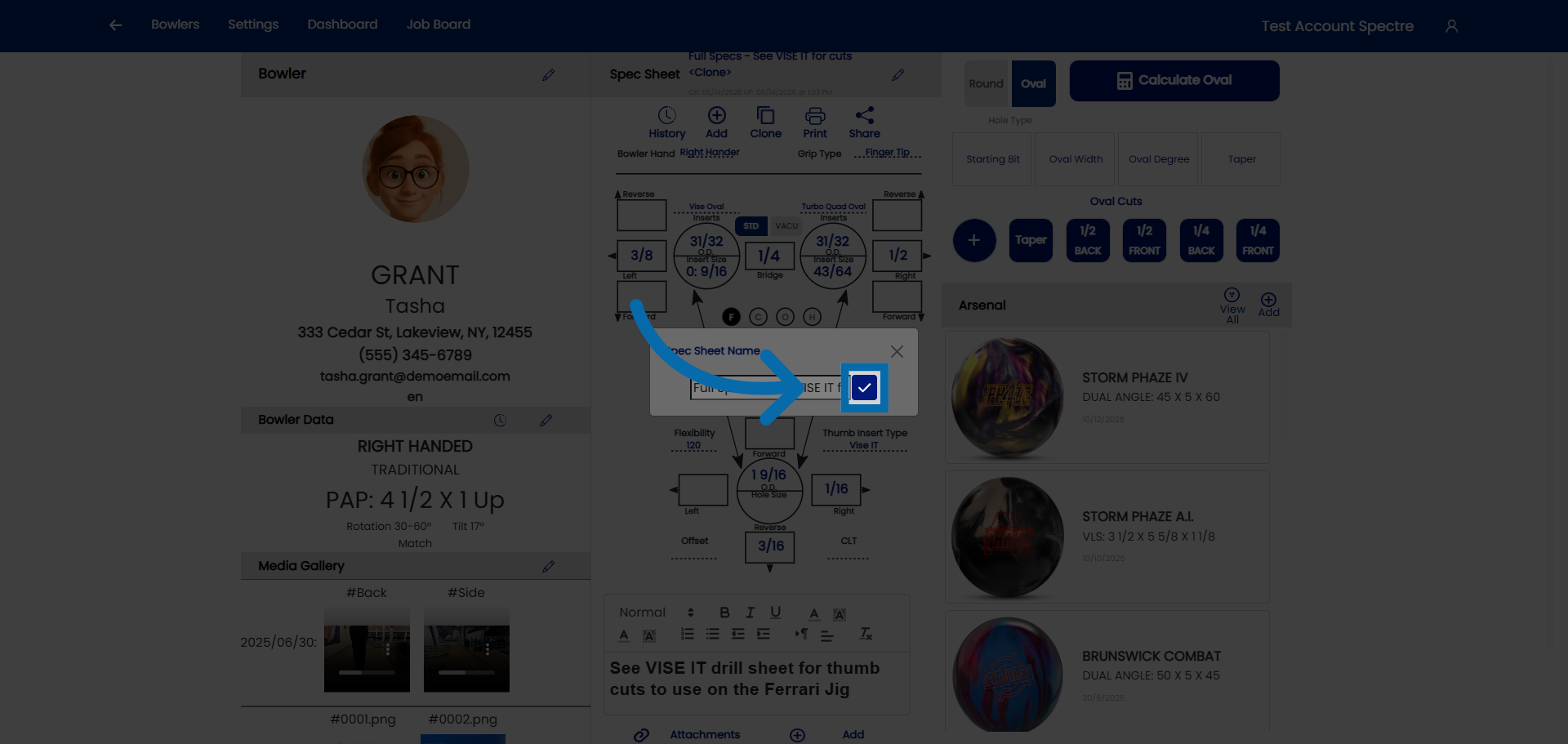
4. Give the cloned sheet a specific name
Click "Spec Sheet Name" to name the clone of the spec sheet.
5. Confirm name
Once you have renamed the spec sheet, click here to confirm.
6. Modify the necessary fields
You can now proceed to making modification to the bowlers specs.
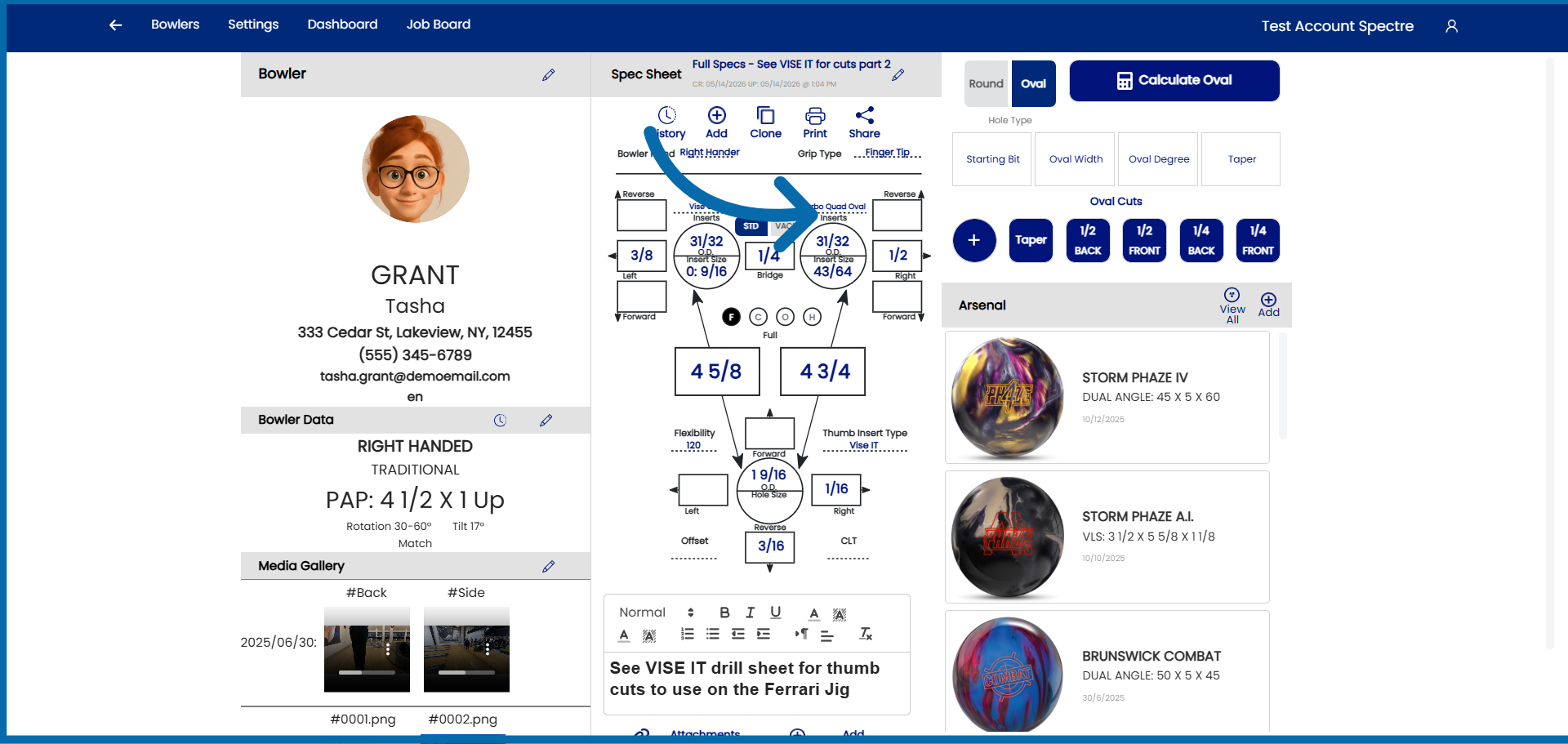
You have successfully created a clone spec sheet for an already existing bowler