
2.3.6 Flip V/H on oval cuts — configuring your drill press orientation
2.3.6 oval
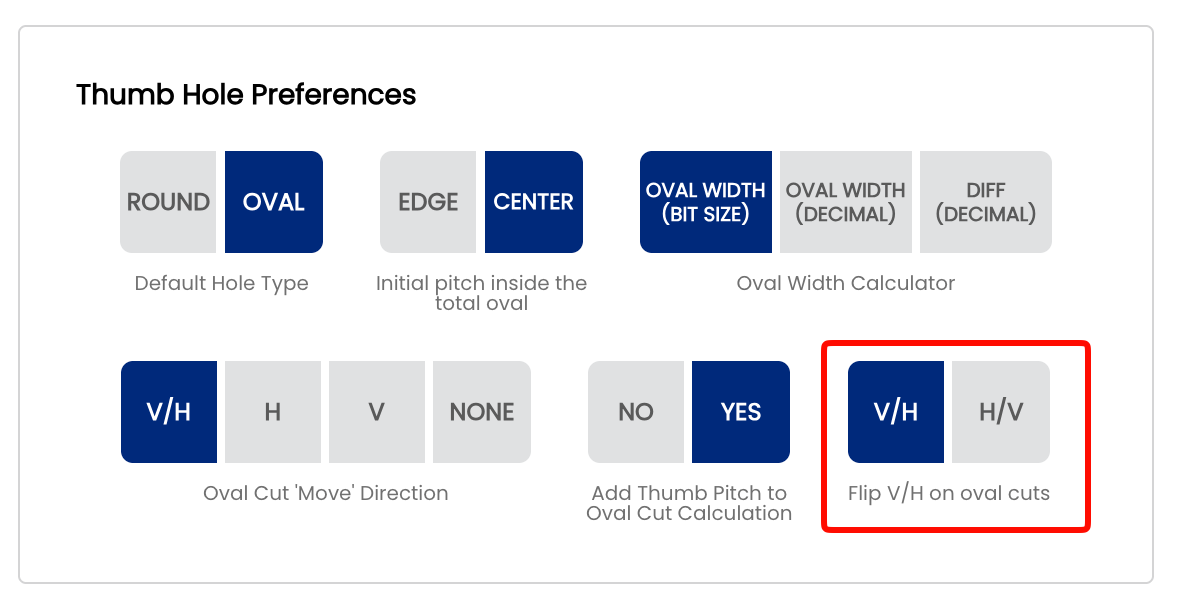
The Flip V/H on oval cuts setting controls the display order of the vertical and horizontal values in the oval cut cards shown by the Spectre Cloud oval calculator. DependingThis onsetting howshould match the order your drill press labelsdigital readout (DRO) displays its axes and— howso that what you preferread toon readscreen matches exactly what you see on the values at the press, you can choose to show V on top of H or H on top of V.press. This is a display-only preference — the underlying oval calculations, cut values, and spec sheet data are completely unaffected.
🖥️ What Changes
Each oval cut is displayed as a numbered card showing the V and H movement values for that step. This setting controls which value appears on top within each card:
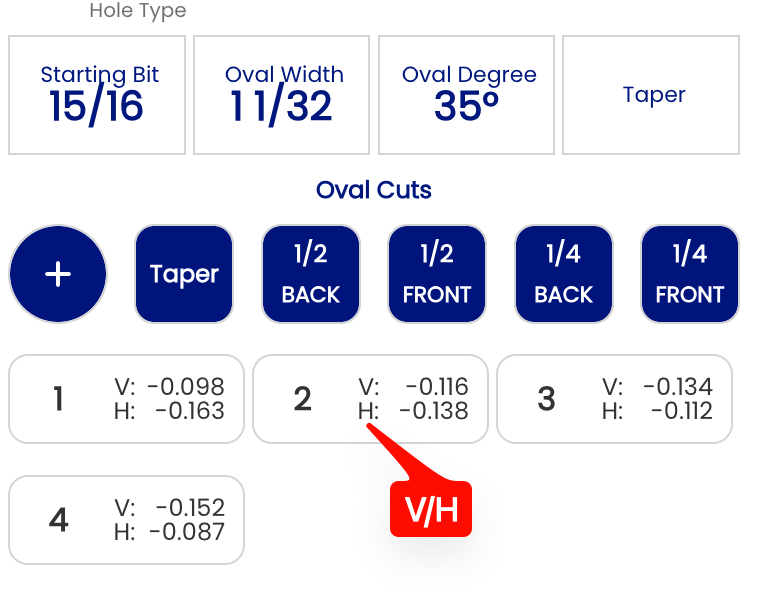
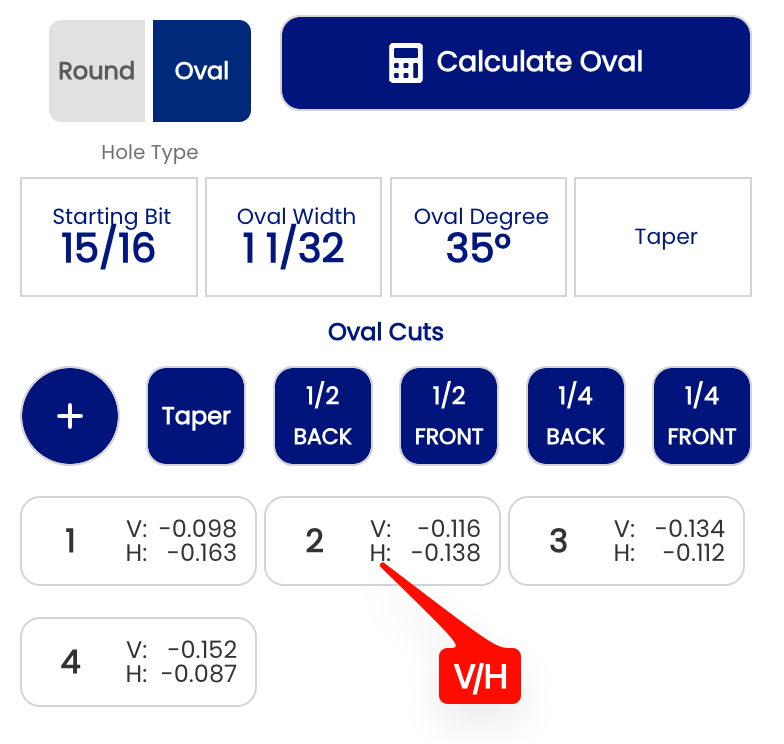
- ✅ V/H — V
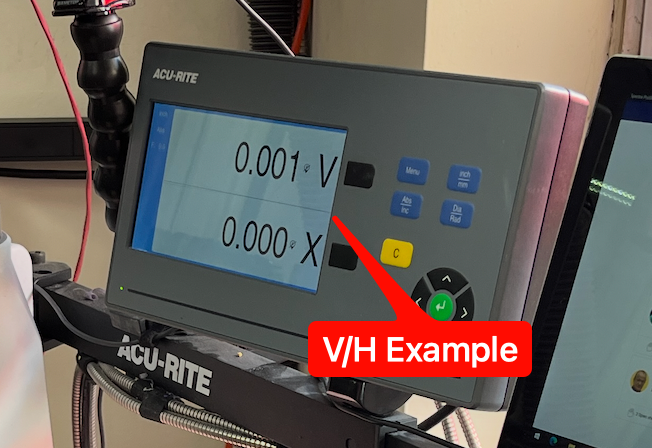
isondisplayedtoponof H. Use this if your DRO displays thefirstverticalline,axisH on the second. This is the default and matches the layout shown in the oval cut examples on page 2.3.2 (e.g.V: -0.116 / H: -0.138).first.
- ✅ H/V — H
is displayedonthetopfirstofline, V on the second.V. Use this if yourdrillDROpressdisplaysdigitalXreadoutonlabelstop of Y — thehorizontalstandardaxisconfigurationfirst,forornewifDROsyoufromsimplyJayhawkpreferandto read H before V at the press.Innovative.
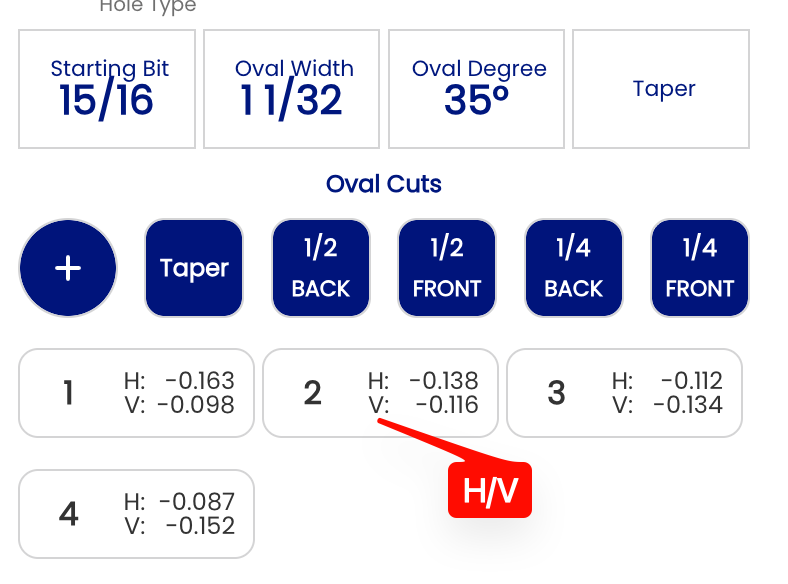
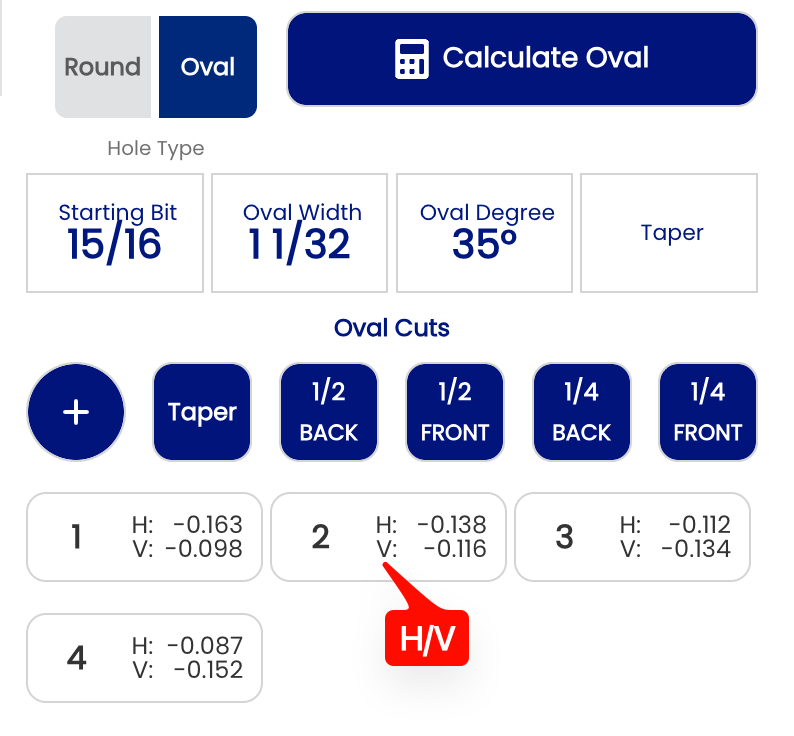
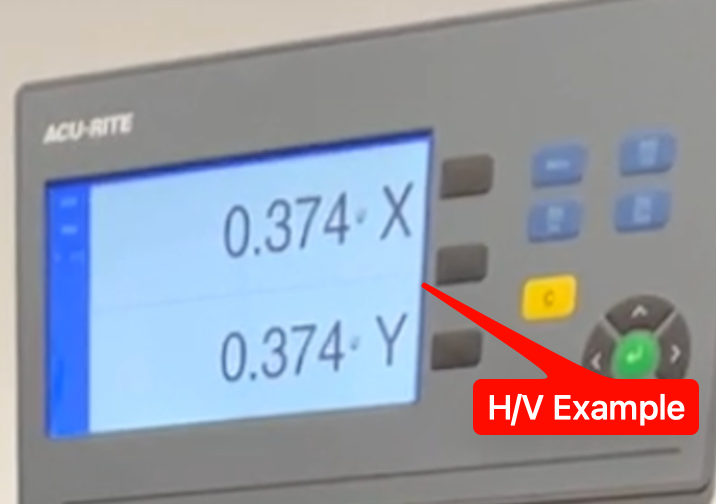
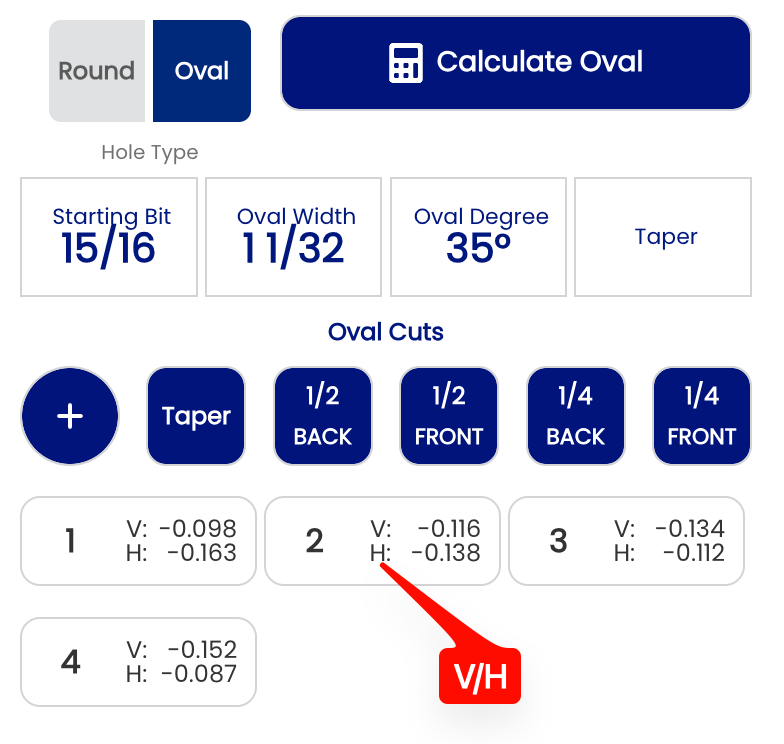
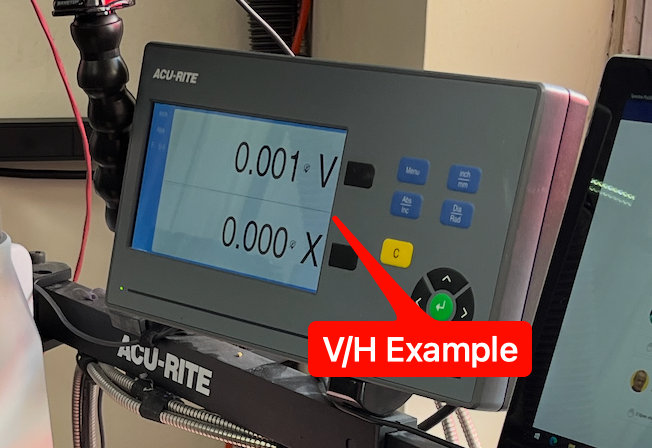
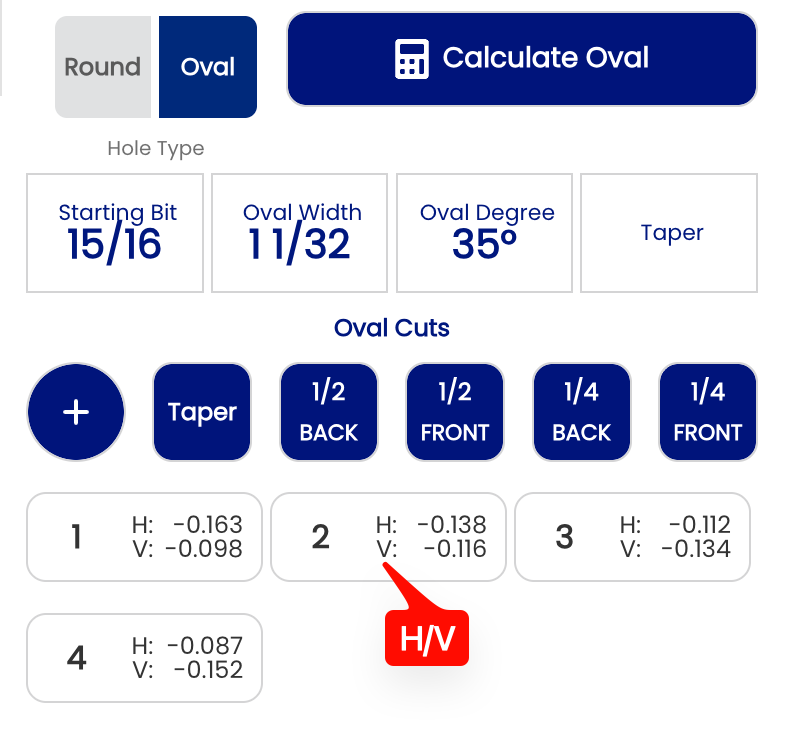
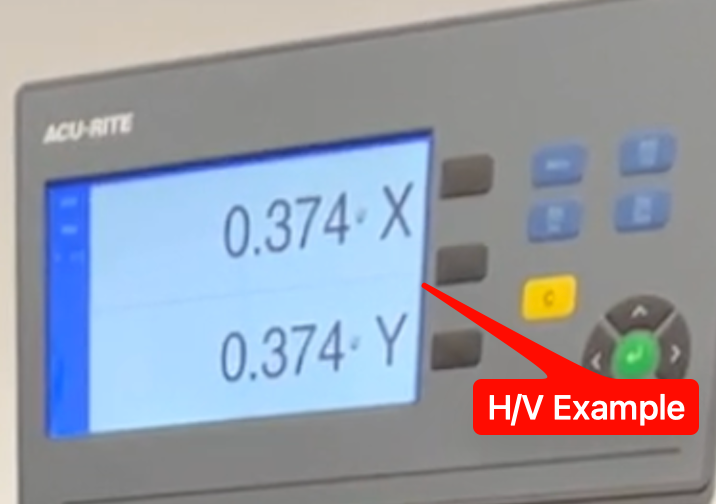
Note: This setting only changes the order in which V and H are displayed in the cut cards. The values themselves — and the oval hole they produce — are identical regardless of which option is selected.
⚙️ Changing This Setting
- Open Spectre Cloud at
cloud.spectrebowling.comand log in. - Select Settings from the menu.
- Navigate to the Thumb Hole Preferences section.
- Locate the Flip V/H on oval cuts field and select either V/H or H/V.
- Changes are saved automatically.
Related Sections
Tip: Match this setting to the axis order on your drill press digital readout displays its axes.DRO. If your readout showsdisplays HX aboveon V,top setof Y — as is the case with new DROs from Jayhawk and Innovate — select H/V to keep the display consistent between Spectre toand H/Vyour —press. eliminatingEliminating the mental transposition between the screen and the press reduces errors during the cutting sequence.