Creating a Spec Sheet
This chapter will discuss how to create a blank sheet, clone a sheet and printing. This section will also cover the spec sheet history.
- Grip types - Conventional or Finger Tip
- Creating a blank spec sheet for a bowler
- How to clone the sheet
Grip types - Conventional or Finger Tip
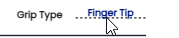
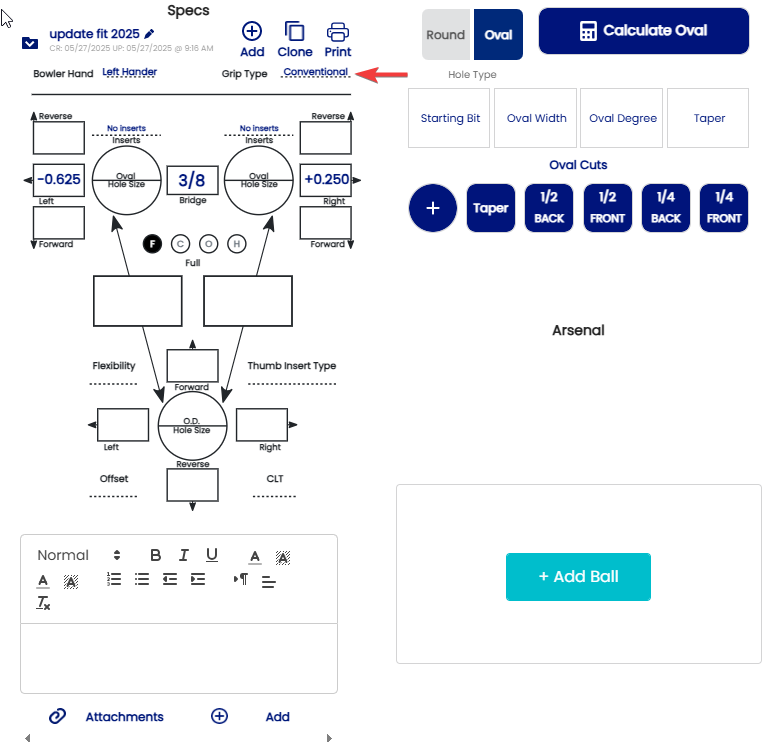
1. Choose the grip type. If the displayed grip type is not what you want, click on the displayed grip type.
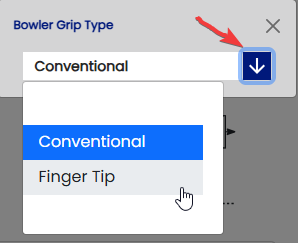
2. The selection box will appear. Click on the down arrow and the other choice(s) will appear.
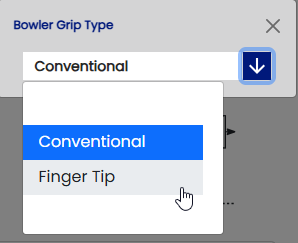
When when you click your selection, the selection box will close automatically.
Creating a blank spec sheet for a bowler
In order to create a Spec Sheet, first the bowler profile must be created.
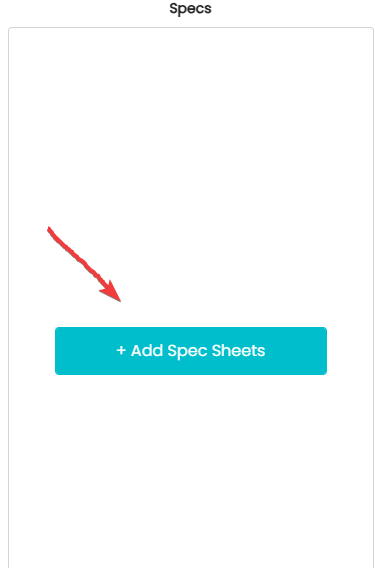
- If this is a brand new client, with no history
- Click on (Add Spec Sheets )

- Click on (Add Spec Sheets )
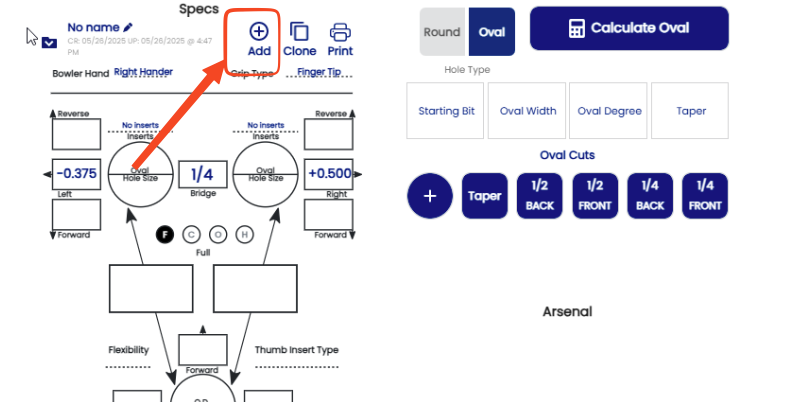
- If this is an existing bowler with a spec sheet already on file, and you want to create a new blank one. Click the +Add button.
-
Thumbless and Two-Handed
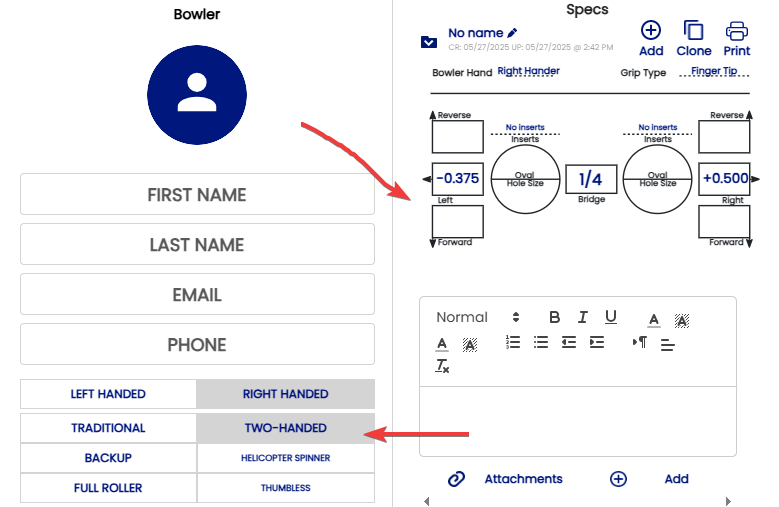
If the bowler is Two-handed or Thumbless, it will automatically change the spec sheet to one without the thumb specs:
How to clone the sheet
Cloning the sheet is the best option for updating a bowler's measurements while saving the old measurements in the bowler's history.
1. To clone the sheet , click on clone button

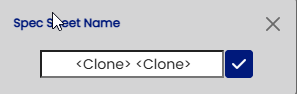
Then you can name the update the name of the sheet
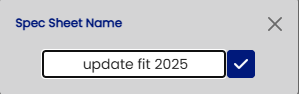
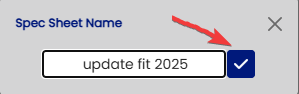
Then click the check mark button
You profile will now have 2 sheets recorded .
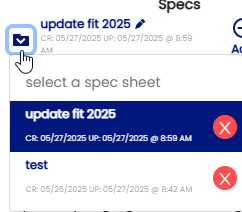
You can clone as many sheets as you wish by just clicking on the clone button.