# 4.2.7 Cloning an existing spec sheet

###  <iframe allowfullscreen="allowfullscreen" height="314" src="https://www.youtube.com/embed/Ie56yuwS0Jc" width="560"></iframe>


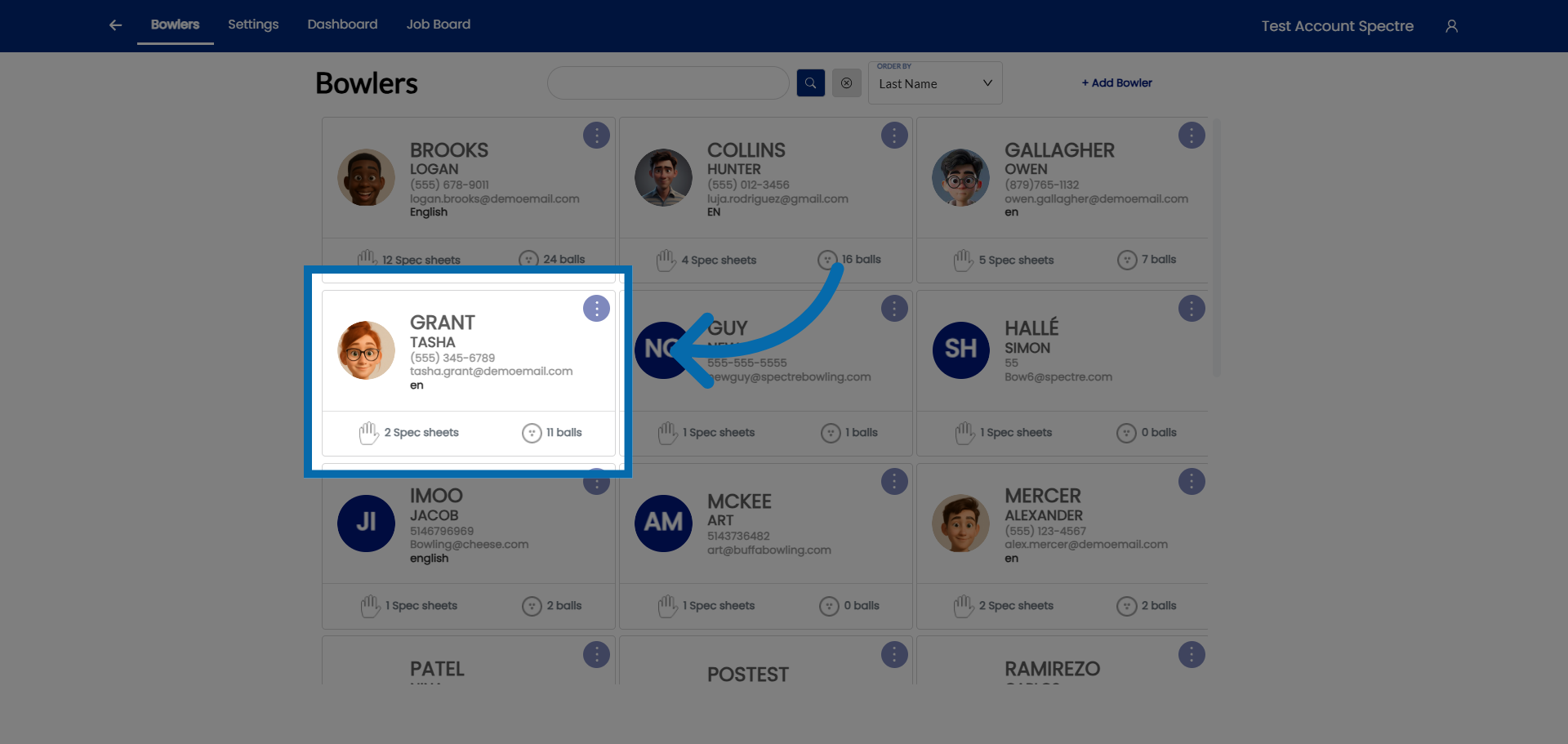
### 1. Open Bowler Profile

<div id="bkmrk-select-a-bowler-you-">Select a bowler you would like to clone their spec sheet</div>![Open Bowler Profile](https://static.guidde.com/v0/qg%2FYeZnBWH9tKbno3NrPKy3va5tdl52%2F62Z4ZjM8H3xYTZQ7GbTYC4%2Fqy8HW3cKLKxXfav7BWgMTq_doc.png?alt=media&token=255c2d8c-8950-4306-bf0a-542cec112d7d)

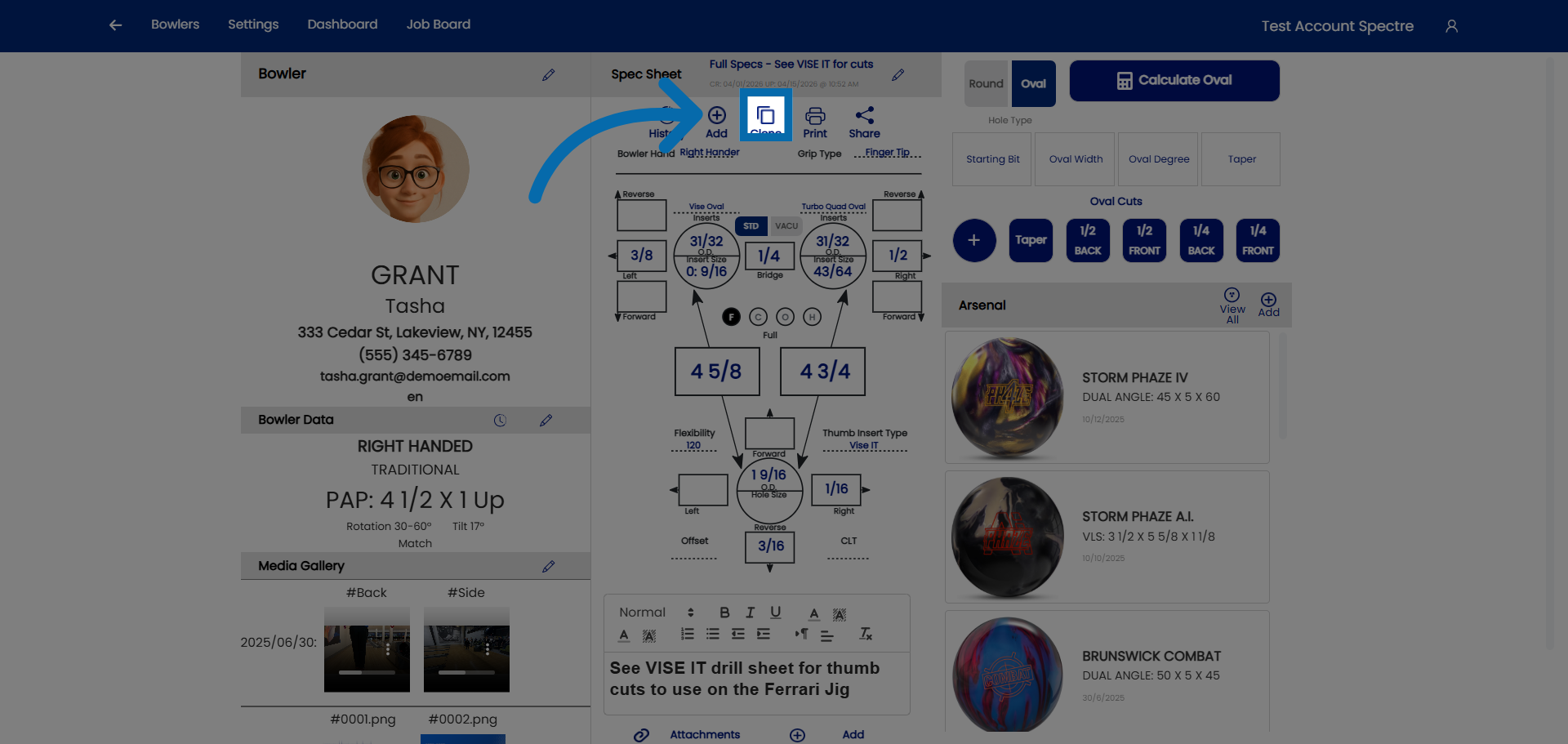
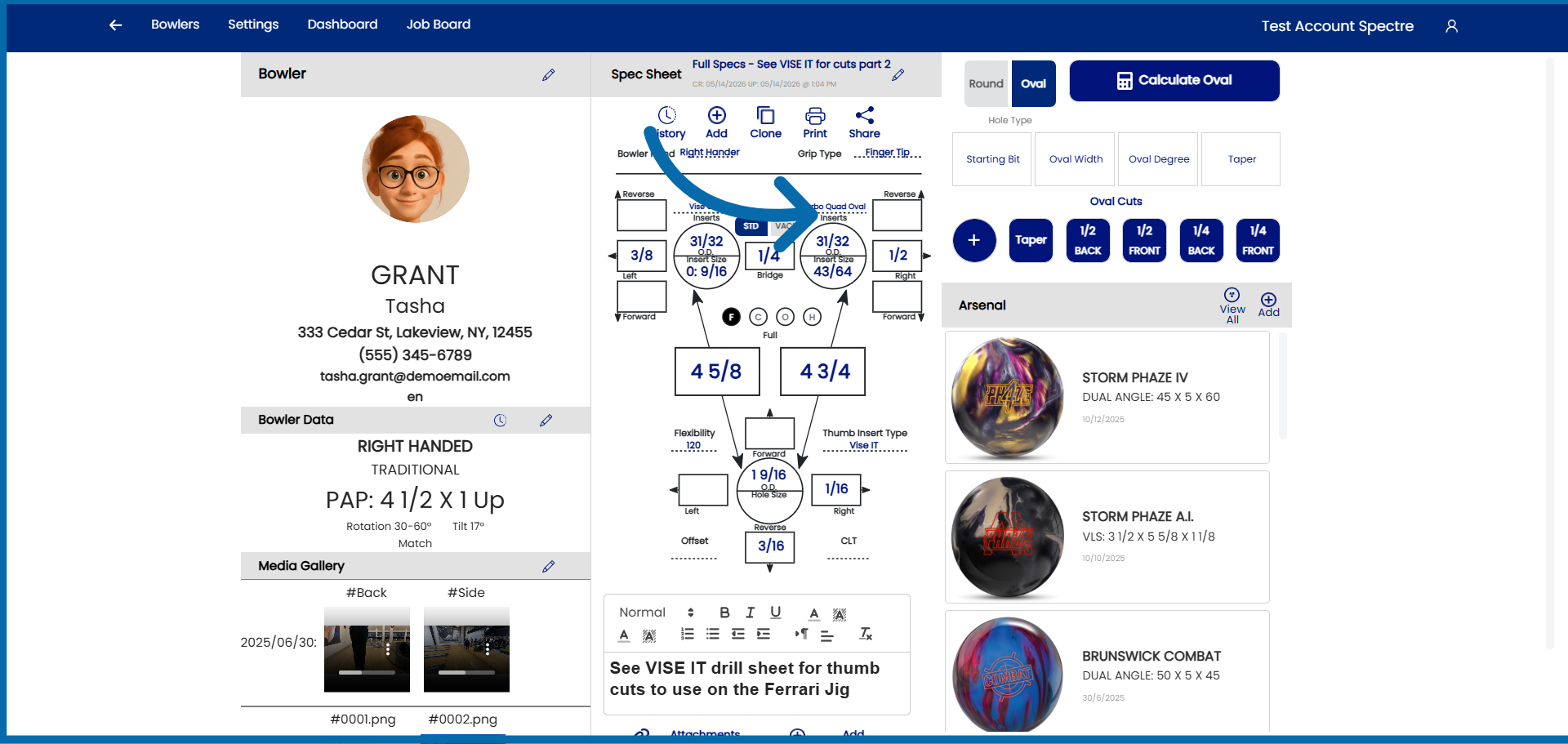
### 2. Hit the CLONE button

<div id="bkmrk-click-here-to-create">Click here to create a clone of the default spec sheet.</div>![Open Specification Options](https://static.guidde.com/v0/qg%2FYeZnBWH9tKbno3NrPKy3va5tdl52%2F62Z4ZjM8H3xYTZQ7GbTYC4%2Fn7NwqnVezh76TNFsSnNcva_doc.png?alt=media&token=86cbdb62-799c-441b-89e1-1c48d7ea2414)

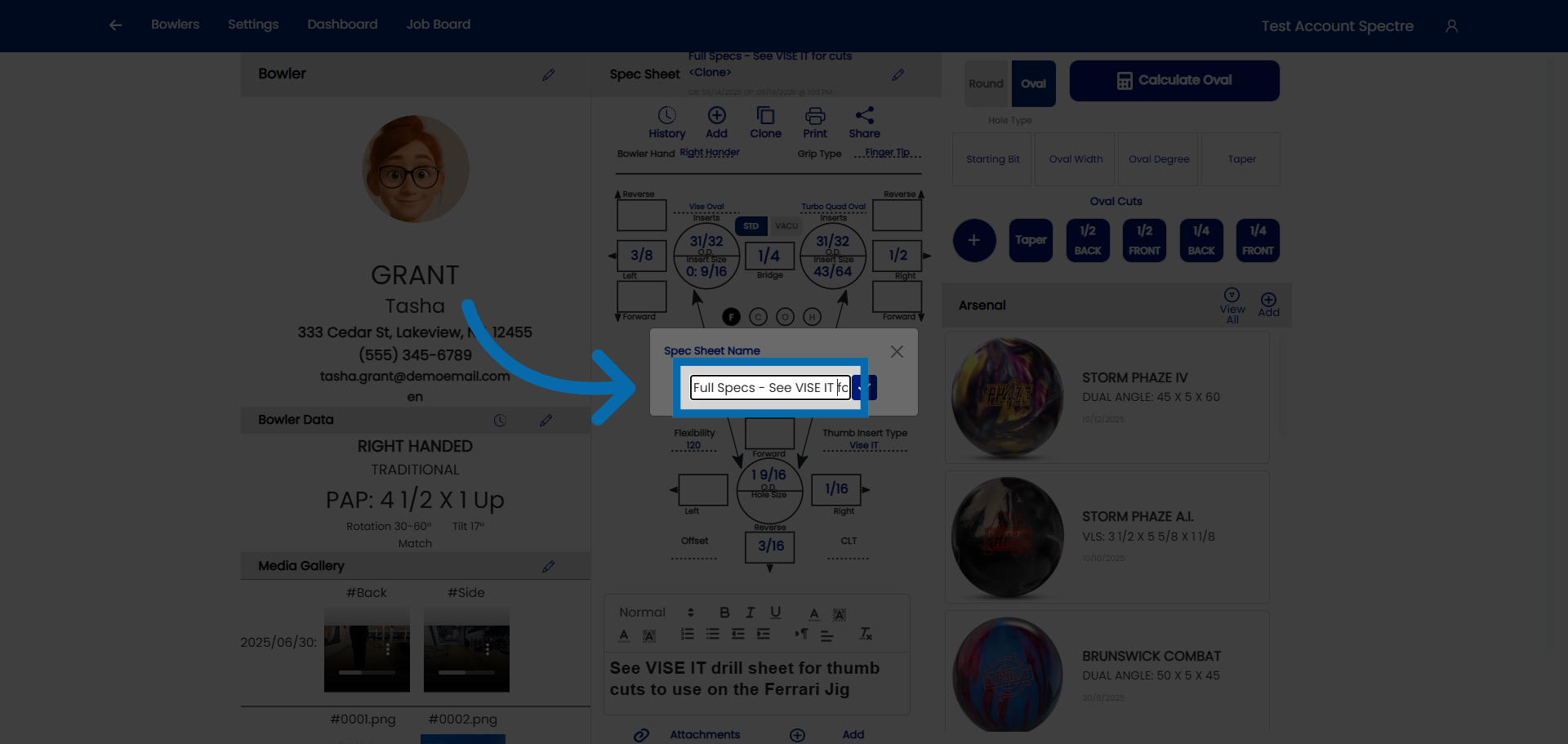
### 3. Give the cloned sheet a specific name

<div id="bkmrk-click-%22spec-sheet-na">Click "Spec Sheet Name" to name the clone of the spec sheet.</div>![Select Spec Sheet Name](https://static.guidde.com/v0/qg%2FYeZnBWH9tKbno3NrPKy3va5tdl52%2F62Z4ZjM8H3xYTZQ7GbTYC4%2F4QMW3kTvsVwxtgpEp2QVBC_doc.png?alt=media&token=e02753fe-5e3b-40dc-abc0-66166e9758e6)

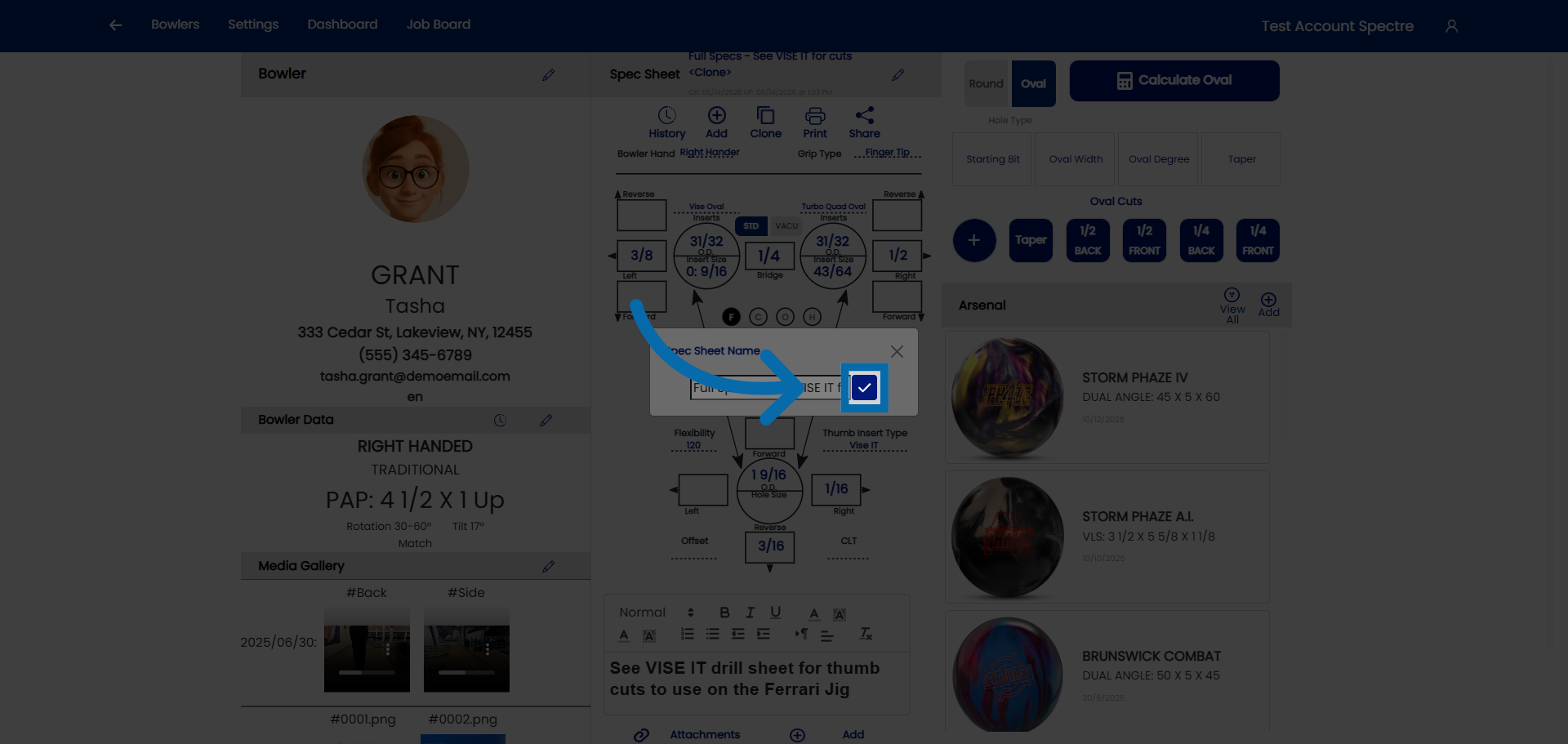
### 4. Confirm name

<div id="bkmrk-once-you-have-rename">Once you have renamed the spec sheet, click here to confirm.</div>![Access Additional Options](https://static.guidde.com/v0/qg%2FYeZnBWH9tKbno3NrPKy3va5tdl52%2F62Z4ZjM8H3xYTZQ7GbTYC4%2FkK9cxrfVEt2be8u2zjhYXm_doc.png?alt=media&token=ab65ef8f-6112-4713-8cd4-f1efcb273cc5)

### 4. Modify the necessary fields

<div id="bkmrk-you-can-now-proceed-">You can now proceed to make modifications to the bowler's specs.</div>![Open Further Specification Settings](https://static.guidde.com/v0/qg%2FYeZnBWH9tKbno3NrPKy3va5tdl52%2F62Z4ZjM8H3xYTZQ7GbTYC4%2FcNMT4c1U9n8RiiHui1ZDr7_doc.png?alt=media&token=361436b0-e846-441c-aa75-f99ad5a25f18)

<div id="bkmrk-you-have-successfull">You have successfully created a clone spec sheet for an already existing bowler</div>